Desktop computers are still very useful in Tanzania, especially for offices, schools, shops, training centres, designers, accountants and business users who need stable performance on a proper desk setup.
If you are searching for desktop computer price Tanzania, desktop full set Dar es Salaam, All-in-One PC Tanzania, office computer Tanzania or business desktop Tanzania, this guide will help you choose the right PC without overpaying for the wrong machine.
Quick answer: who should buy a desktop computer?
Buy a desktop if you want a stable work setup, bigger screen, easier upgrades, better cooling, and reliable daily performance. A laptop is better for movement, but a desktop is often better for fixed office, school, shop, reception or home-office work.
Desktop, All-in-One or workstation: what is the difference?
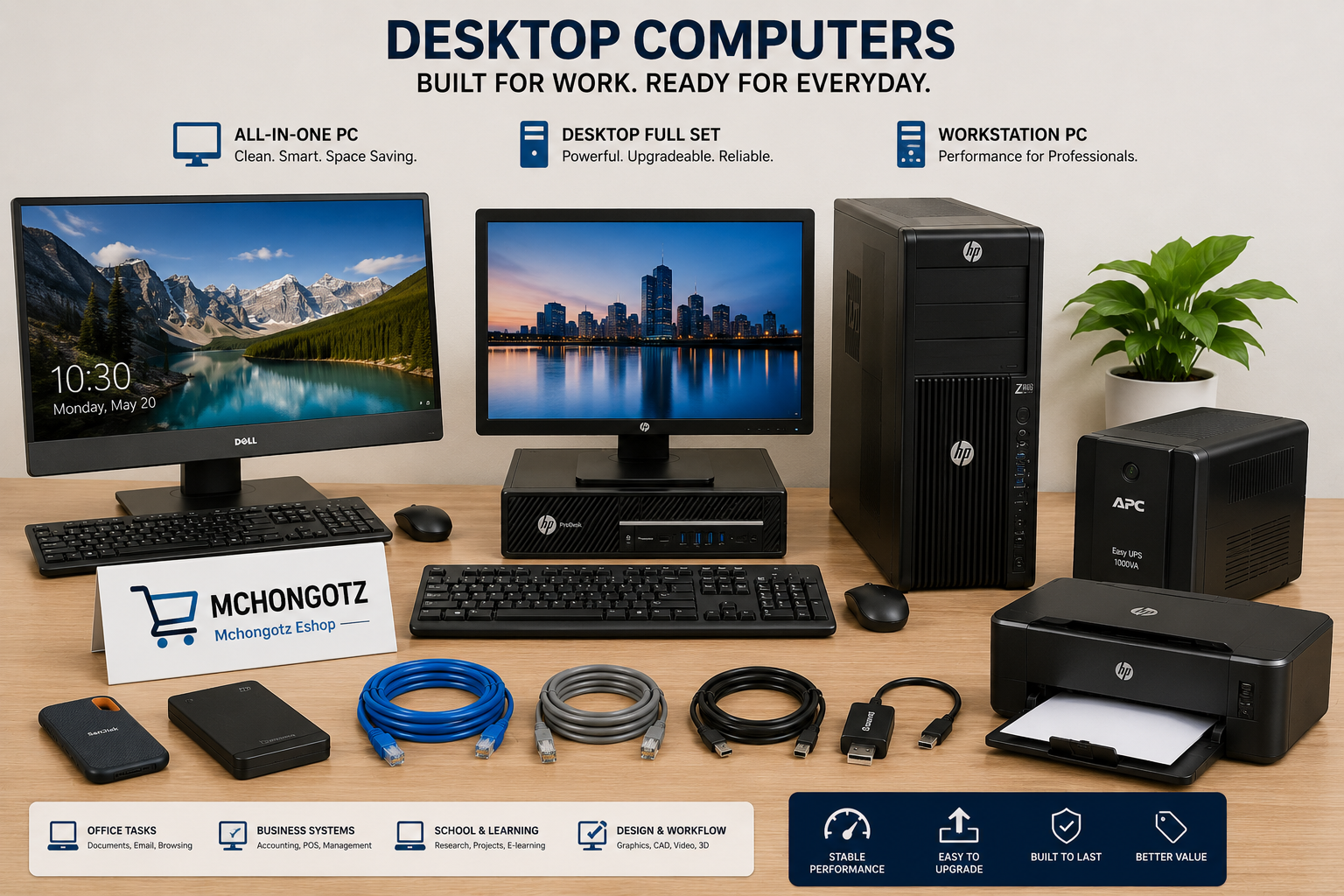
| Computer type | Best for | Main advantage |
|---|---|---|
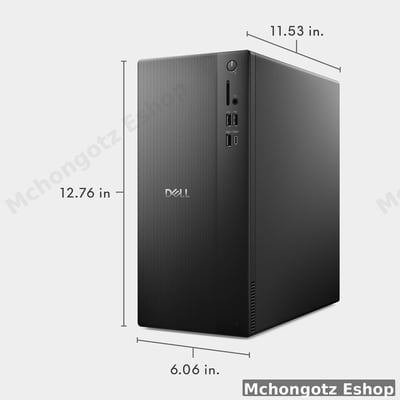
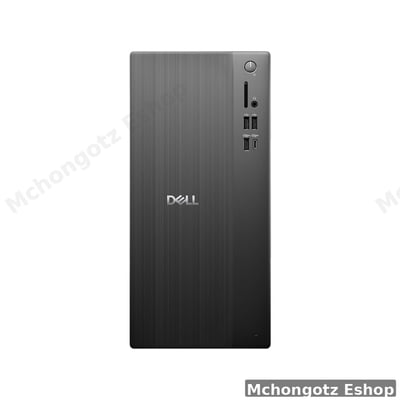
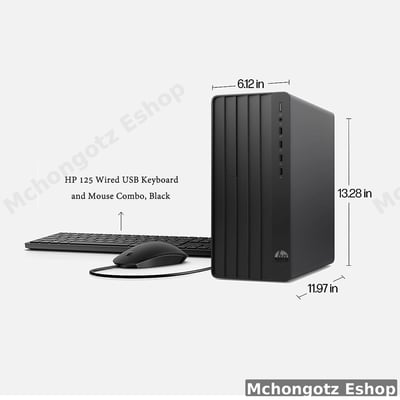
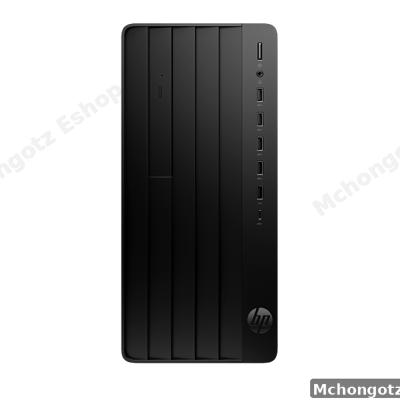
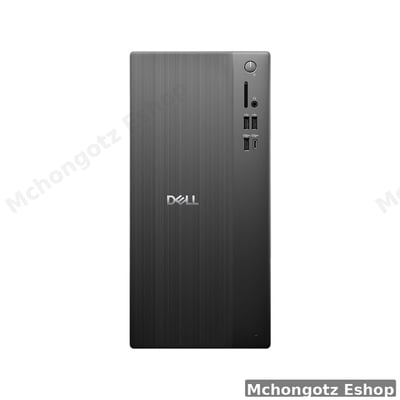
| Desktop full set | Office, school, home, shop | Easy to repair, upgrade and replace parts |
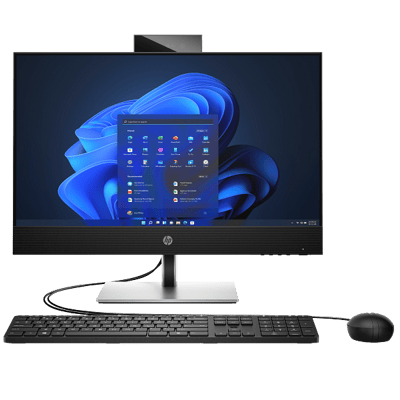
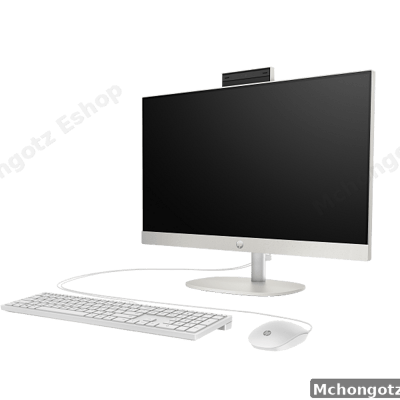
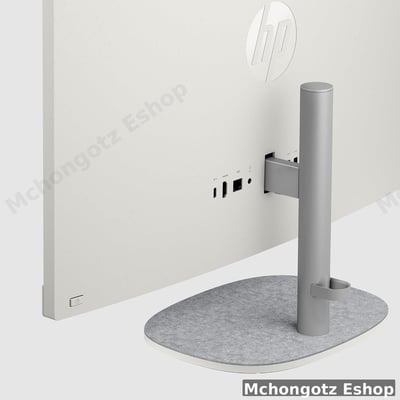
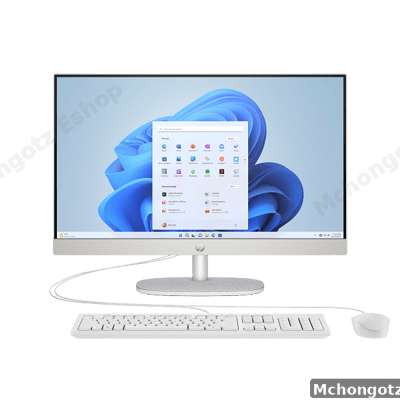
| All-in-One PC | Reception, office desk, clean workspace | CPU is built into the screen, fewer cables, cleaner desk |
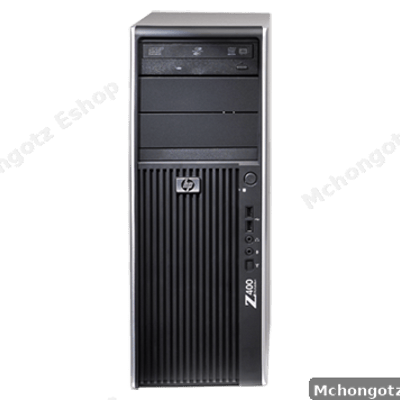
| Workstation desktop | Design, engineering, technical work, heavy multitasking | Stronger build and better performance for demanding tasks |
Desktop computer price guide in Tanzania
Desktop computer prices in Tanzania depend on processor, RAM, storage, screen size, condition, brand and whether it comes as a full set. Use this as a practical buying guide, not a fixed price promise.
| Budget range | What to expect | Best for |
|---|---|---|
| Budget desktop full set | Basic processor, 4GB–8GB RAM, HDD or small SSD | Typing, browsing, school work, simple office tasks |
| Mid-range desktop | Core i5, 8GB RAM, SSD, monitor, keyboard and mouse | Office work, business systems, accounting and multitasking |
| All-in-One PC | Core i5, SSD, built-in display, cleaner setup | Reception, front desk, offices, customer-facing work |
| Workstation desktop | Xeon/Core i7 class, more RAM, stronger hardware | Designers, engineers, technical users and heavy workloads |
Best desktop computer for office use
For office work, do not chase the cheapest desktop blindly. Look for at least Core i5, 8GB RAM and SSD if your budget allows. This setup is good for emails, reports, Excel, accounting systems, browser work and general business tasks.
If the computer will stay at one desk every day, a desktop full set or All-in-One PC can be smarter than buying a laptop.
Best desktop computer for schools
Schools need computers that are reliable, simple to manage and easy to repair. Desktop full sets are often practical for computer labs because monitors, keyboards, mouse and CPUs can be replaced separately.
For school labs, also think about networking, UPS, keyboard and mouse replacement, printer connection and maintenance plan.
Best desktop for business and shops
Shops, restaurants and offices may need desktops for POS systems, invoicing, stock management, printing and customer service. In this case, the desktop should be reliable, not just cheap.
A business desktop setup may include the PC, monitor, keyboard, mouse, UPS, receipt printer, LAN cable, router and external backup storage.
All-in-One PC: when does it make sense?
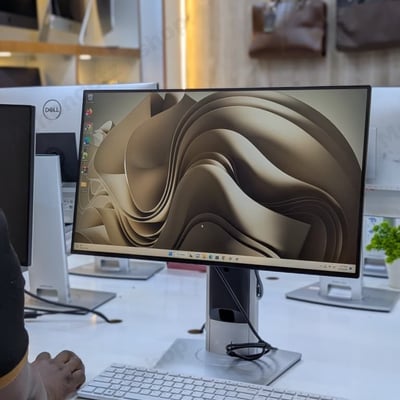
An All-in-One PC is good when you want a clean desk with fewer cables. It is ideal for reception desks, offices, front counters, customer service points and professional-looking workspaces.
Examples of useful All-in-One options include models like Dell OptiPlex All-in-One style PCs and HP touchscreen All-in-One desktops depending on stock and specs.
Workstation desktop: who needs it?
A workstation is not for everyone. It is for people who need stronger performance for design, engineering, multitasking, technical work, graphics apps or heavier office workloads.
If your work is simple typing and browsing, do not overbuy a workstation. If your work is heavy, do not underbuy a weak office desktop.
Desktop accessories you should not forget
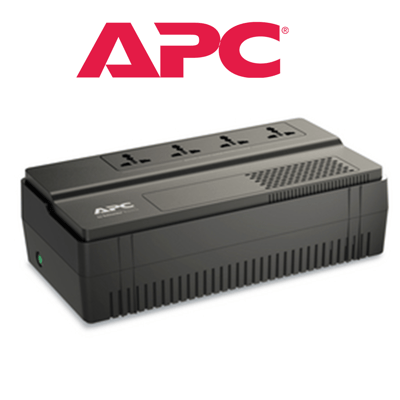
- UPS: protects your work when power cuts.
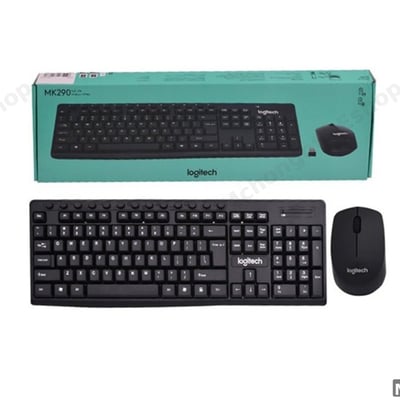
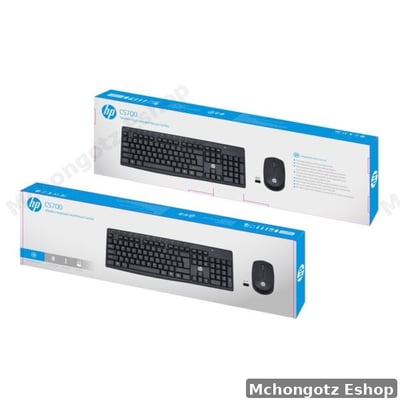
- Keyboard and mouse: important for daily comfort.
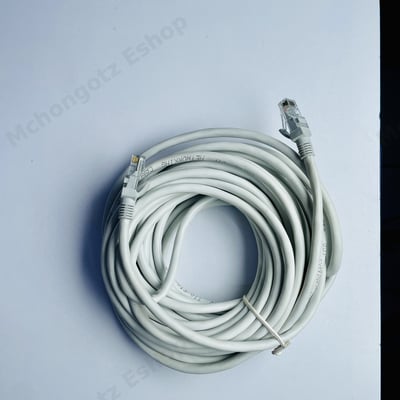
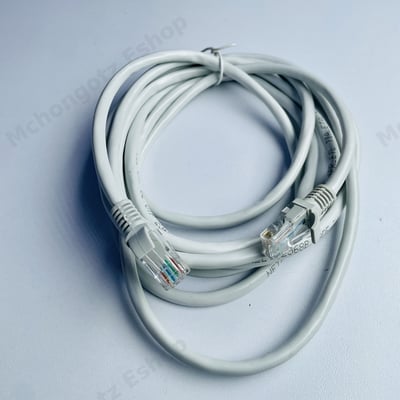
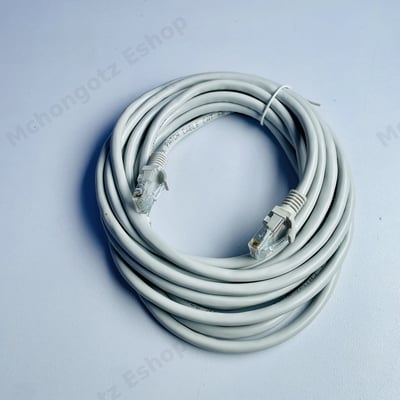
- LAN cable: gives stable internet for office and business systems.
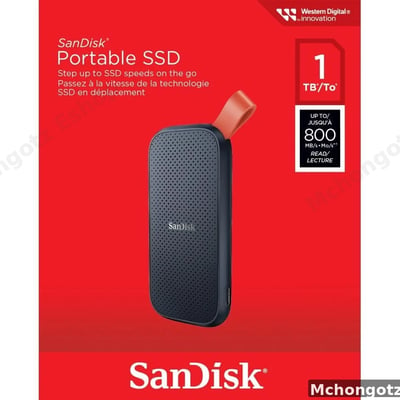
- External SSD or hard drive: useful for backup.
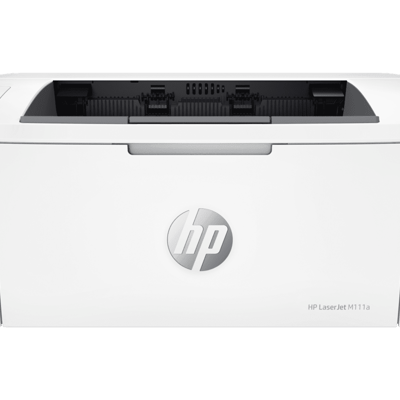
- Printer cable: useful for office printing.
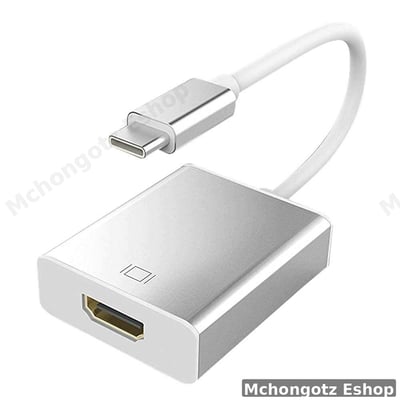
- Monitor cable: HDMI, VGA or DisplayPort depending on the setup.
You can browse related categories through desktop computers, All-in-One PCs, computer accessories, Power & UPS and all products.
Common mistakes when buying a desktop computer
1. Buying only the CPU and forgetting the full setup
A desktop needs a monitor, keyboard, mouse, power cable and sometimes WiFi adapter or LAN cable. Count the full cost.
2. Ignoring SSD
SSD makes a big difference. A desktop with SSD will usually feel faster than one with HDD only.
3. Buying a weak PC for heavy work
Design, engineering, video editing and multitasking need stronger specs. A weak PC will waste your time.
4. Forgetting power backup
Desktop computers switch off immediately when power cuts. A UPS is not luxury if your work matters.
FAQ: desktop computers in Tanzania
Is desktop better than laptop?
A desktop is better for fixed office, school, shop and home setups. A laptop is better if you move around often.
What specs are good for an office desktop?
Core i5, 8GB RAM and SSD is a good starting point for many office users.
Is All-in-One PC good for business?
Yes, especially for reception, front desk and clean office setups where fewer cables and professional appearance matter.
Do I need UPS for desktop computer?
Yes, if you want protection from sudden power cuts and time to save your work safely.
Where can I buy desktop computers in Dar es Salaam?
You can buy desktop computers and All-in-One PCs at Mchongotz Eshop, Makumbusho Stand, Dar es Salaam, or online through https://mchongotz.co.tz/.
Final advice
Do not buy a desktop by looking at price alone. Buy according to workload, upgrade options, space, screen needs and power backup. The right desktop should make your work easier every day.
Need help choosing a desktop computer for office, school, business or home? Visit Mchongotz Eshop at Makumbusho Stand, Dar es Salaam, or browse online at https://mchongotz.co.tz/.