Buyer Guide · Computer Choice
Best Laptops for University Students in Tanzania 2026: Course-by-Course Buying Guide
Best laptops for university students in Tanzania 2026. Compare Celeron, Core i3, Core i5 and SSD laptops by course, budget and real campus use.
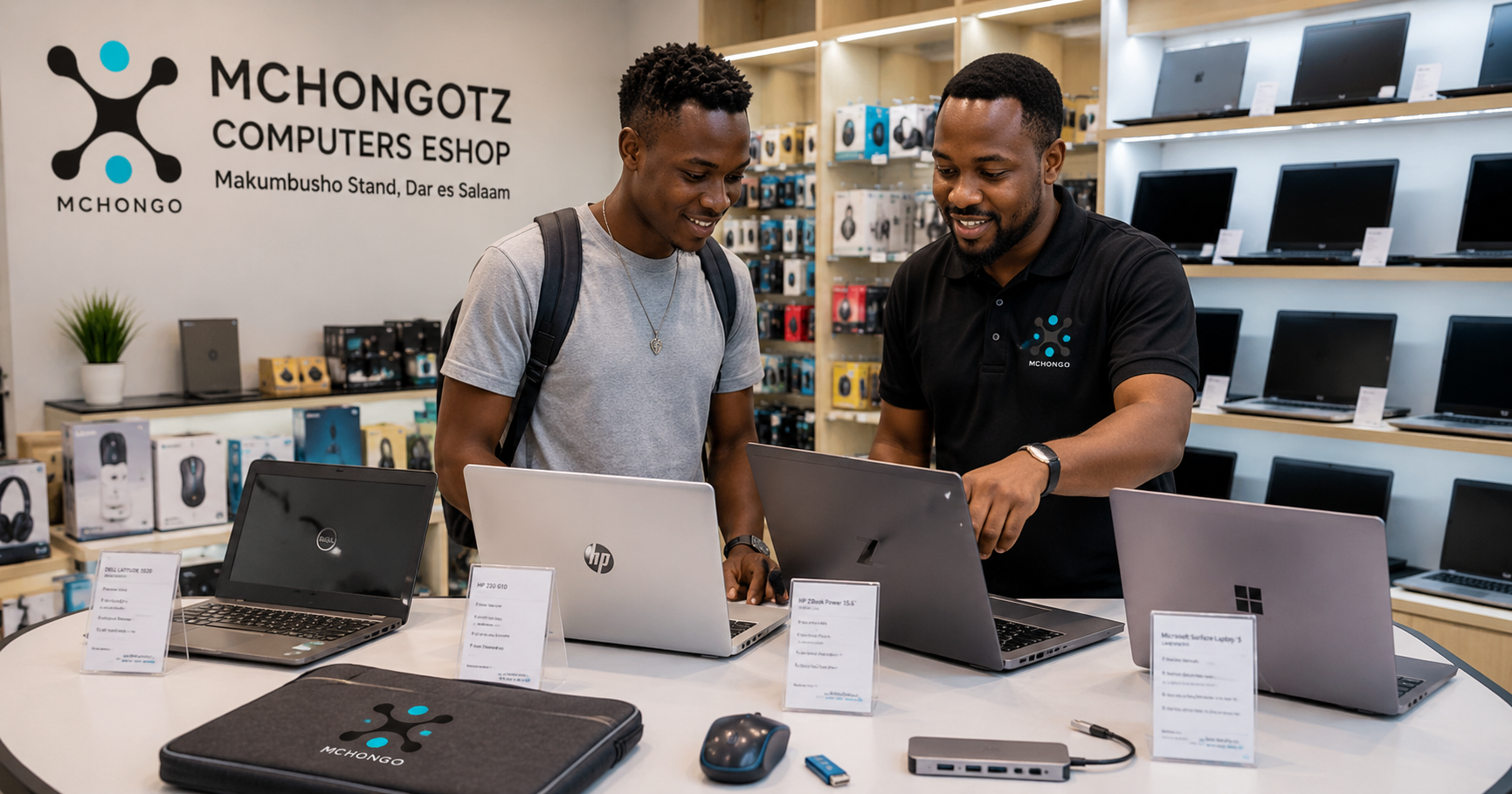
Buying a laptop for university in Tanzania is not about choosing the most expensive machine. It is about choosing a laptop that matches your course, your budget, your daily campus life and the software you will actually use.
If you are searching for student laptop Tanzania, student laptop Dar es Salaam, cheap laptop for students Tanzania, laptop price Tanzania or best laptop for university students, this guide will help you buy smarter before you waste money.
Table of contents
- Quick answer for busy students
- Laptop guide by university course
- Student laptop budget ranges in Tanzania
- Laptop specs explained simply
- Accessories every student should consider
- Common mistakes students make
- Where to buy student laptops in Dar es Salaam
Quick answer: what laptop should a university student buy?
For basic university work such as typing assignments, reading PDFs, browsing, email, online classes and presentations, a student can start with an Intel Celeron laptop from around TZS 300,000 depending on condition and availability.
But that advice is not for every course. If you are studying computer science, IT, software development, engineering, architecture, graphics, data analysis or video editing, do not force yourself into a weak laptop just because it is cheap. You need stronger performance.
The simple rule is this: simple course, simple laptop; technical course, stronger laptop. Buying below your course requirements will punish you every semester.
Best laptop by university course
| Course type | Minimum laptop | Better choice | Best for |
|---|---|---|---|
| Law, education, social sciences, arts | Intel Celeron, 4GB RAM, 64GB/128GB storage | Core i3, 8GB RAM, SSD | Typing, PDFs, research, presentations, online classes |
| Business, accounting, procurement, public administration | Core i3 or Celeron with SSD | Core i5, 8GB RAM, 256GB SSD | Excel, reports, browsing, accounting basics |
| Computer science, IT, software development | Core i5, 8GB RAM, 256GB SSD | Core i5/Ryzen 5, 16GB RAM, 512GB SSD | Coding, databases, browsers, development tools |
| Engineering, architecture, design | Core i5, 8GB RAM, SSD | Core i7/Ryzen 7, 16GB RAM, SSD, graphics if needed | Design tools, modelling, drawings, project work |
| Media, graphics, video editing | Core i5, 16GB RAM, SSD | Core i7/Ryzen 7, dedicated graphics, 512GB SSD or higher | Adobe apps, video files, content creation |
Student laptop budget ranges in Tanzania
Prices change depending on stock, condition, generation, brand and specs. Use this table as a practical guide, not a fixed promise.
| Budget range | What to expect | Who it fits |
|---|---|---|
| From around TZS 300,000 | Intel Celeron, 4GB RAM, basic storage, entry-level student laptop | Non-computing students with basic needs |
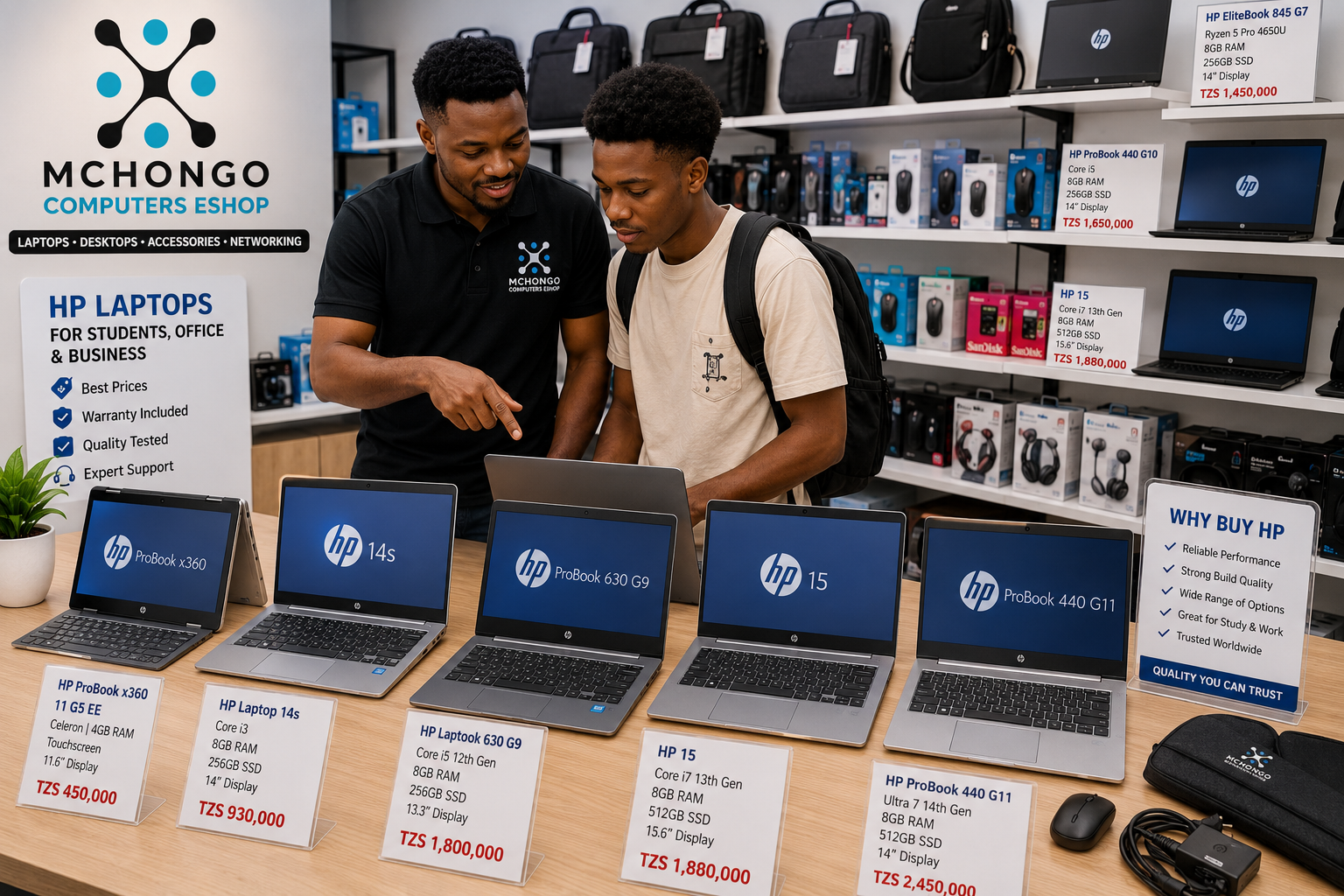
| TZS 400,000 - 600,000 | Better refurbished student laptops, touchscreen or x360 options may appear depending on stock | Students who want portability and better build quality |
| TZS 600,000 - 900,000 | Core i5, 8GB RAM, SSD, business-class refurbished laptops | Office work, university projects, IT beginners |
| TZS 900,000 - 1,500,000+ | Premium Core i5/Core i7, 16GB RAM, SSD, slim or professional laptops | Technical students, programmers, designers and long-term users |
The aha moment is this: a clean refurbished business laptop with Core i5 and SSD can be more useful than a weak brand-new laptop with slow storage. New is good, but correct specs are better.
Laptop specs explained for students
Processor: Celeron, Core i3, Core i5 or Core i7?
Intel Celeron can work for simple study tasks. Core i3 is better for smoother everyday use. Core i5 is the safest choice for most serious students. Core i7 is better for heavy work such as design, engineering, editing and multitasking.
RAM: is 4GB enough?
4GB RAM can work for basic tasks, but 8GB RAM is the better student choice. If you run many browser tabs, Microsoft Office, Zoom and other apps at the same time, 8GB gives a smoother experience. For programming, design and editing, 16GB is better.
Storage: SSD or HDD?
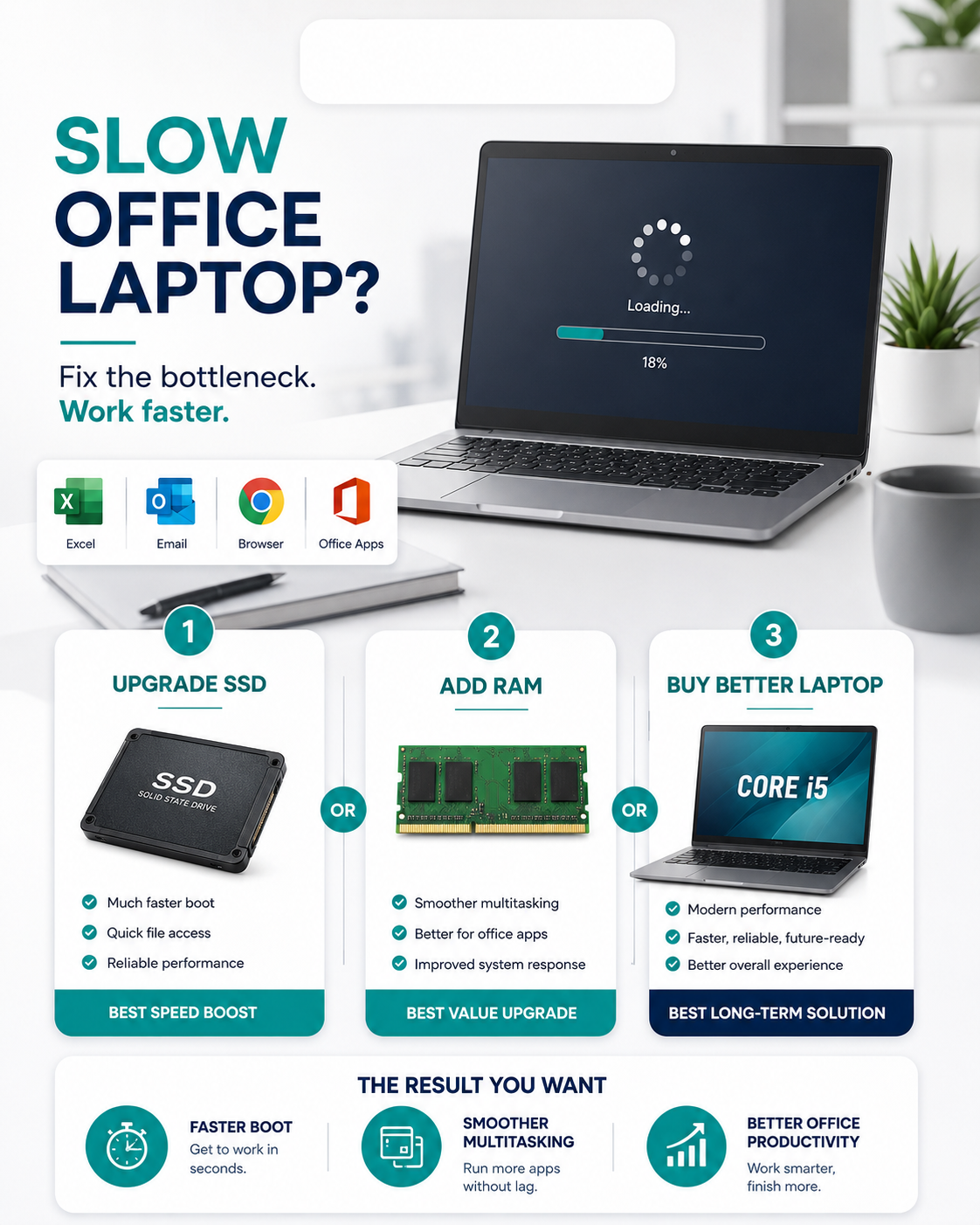
Choose SSD if possible. SSD makes the laptop boot faster, open apps faster and feel smoother. HDD is cheaper for large storage, but it is slower. For students, 128GB SSD can work for basic use, while 256GB SSD or 512GB SSD is better.
Screen size: 11.6, 13.3, 14 or 15.6 inch?
For campus movement, 11.6 to 14 inch laptops are easier to carry. For design, Excel, programming or long reading sessions, 14 inch or 15.6 inch may feel more comfortable.
Recommended student laptop types
1. Budget student laptops
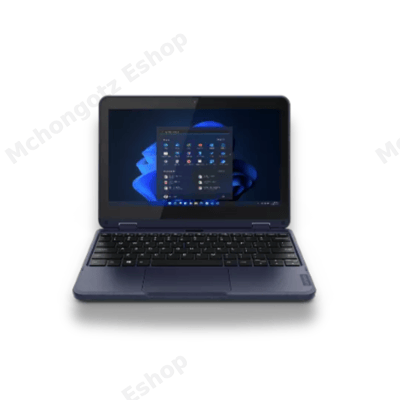
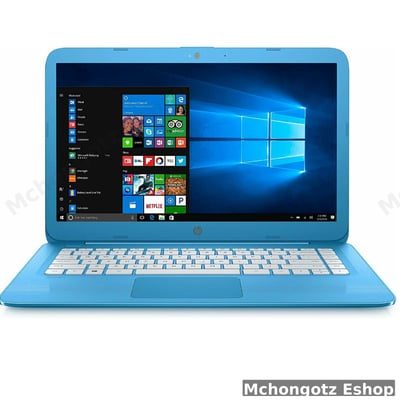
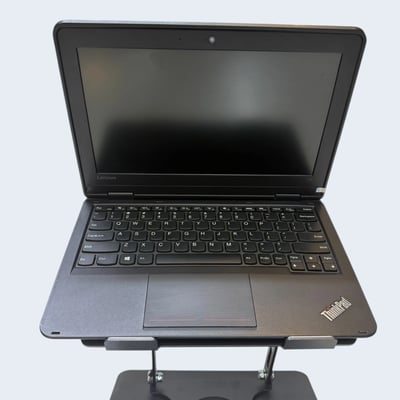
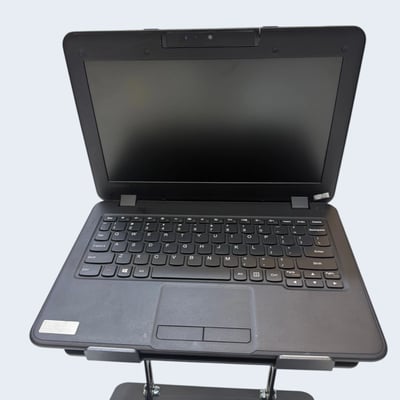
Budget laptops are good for students who mainly type assignments, browse, attend online classes and read notes. Models like HP Stream, Lenovo 100e, Lenovo 300e and similar entry-level laptops can serve basic needs if the condition is good.
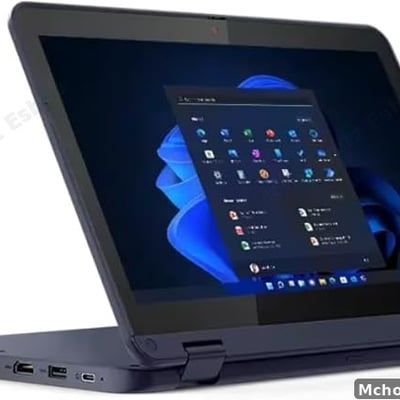
2. Convertible x360 laptops
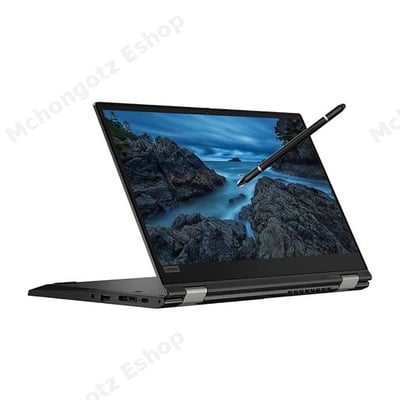
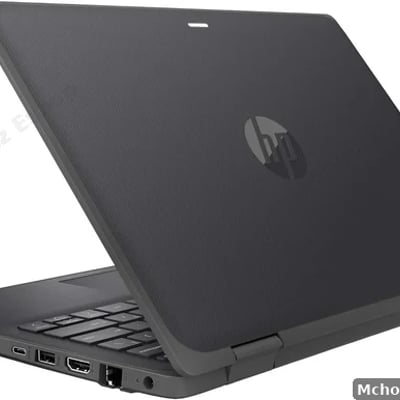
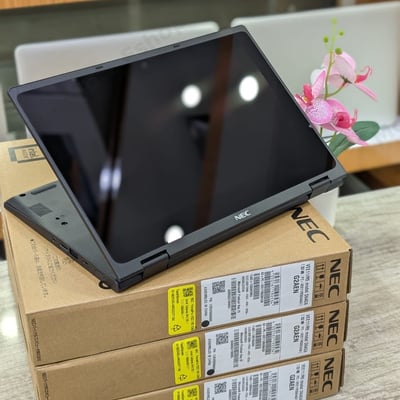
Touchscreen and x360 laptops are useful for students who like flexibility. You can use them for reading, notes, presentations and light creative work. They are especially attractive for education, business, social sciences and students who want portability.
3. Business-class laptops
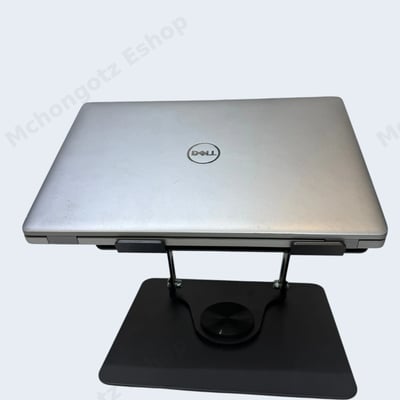
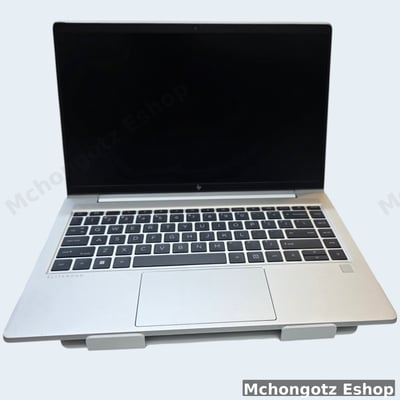
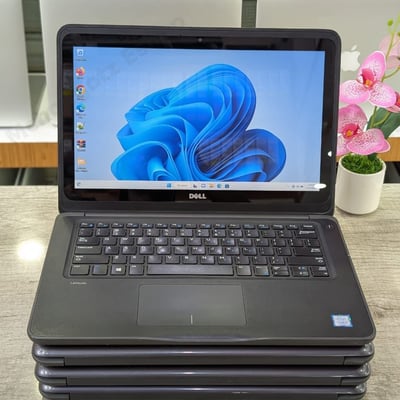
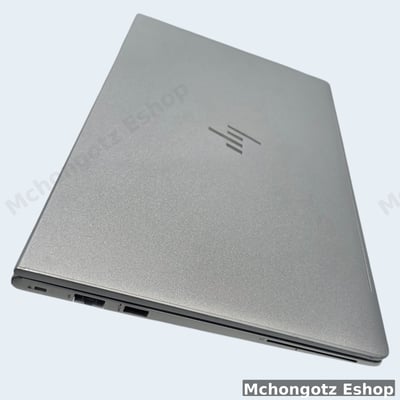
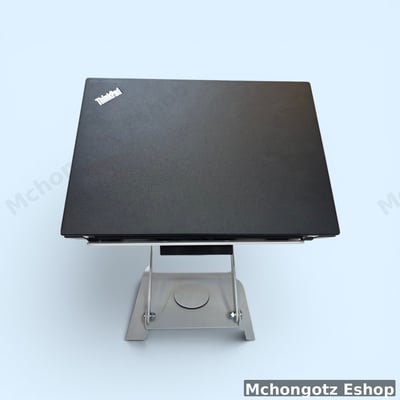
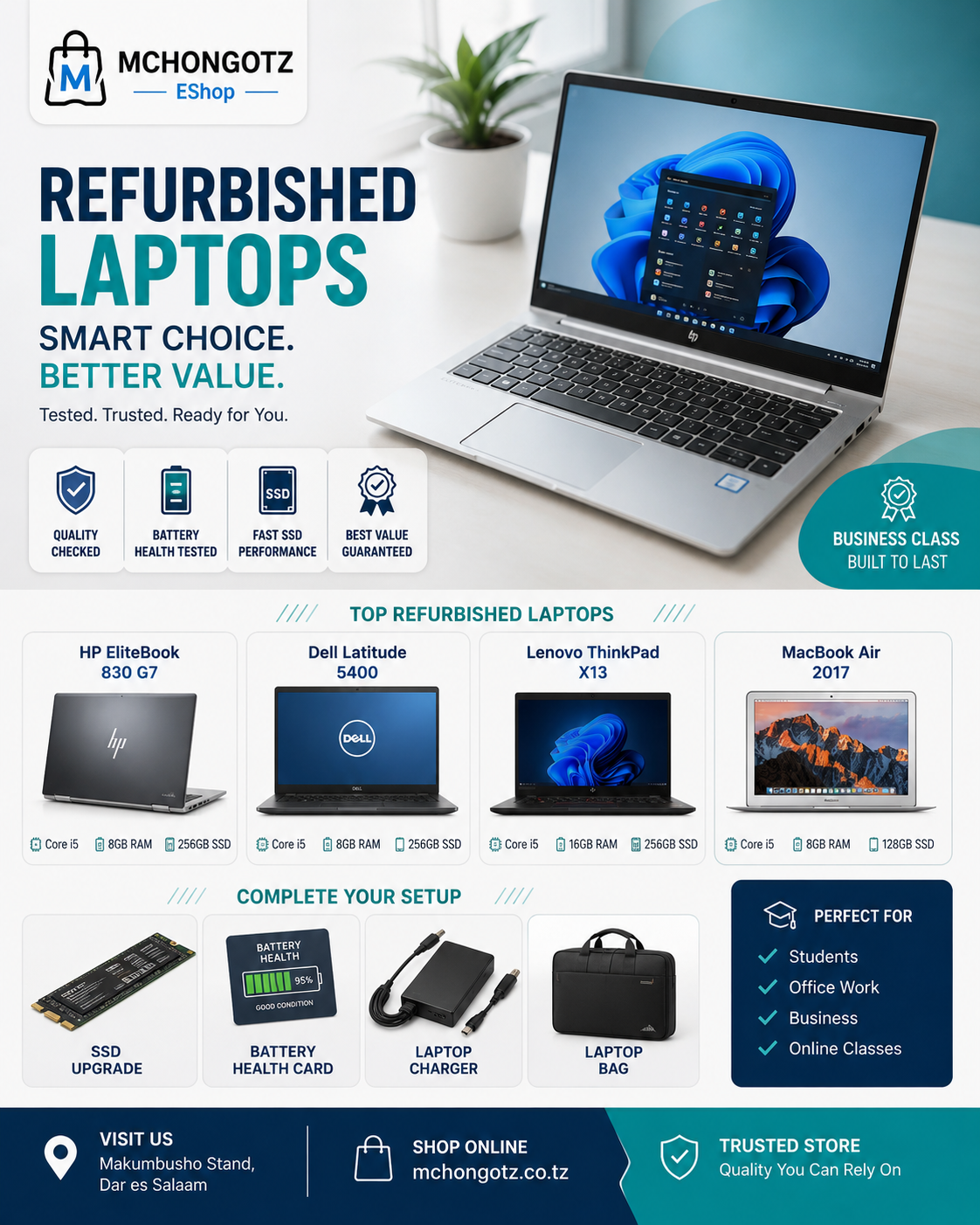
Dell Latitude, HP ProBook, HP EliteBook and Lenovo ThinkPad laptops are popular because they are built for serious work. A refurbished business laptop can be a smart student choice if it has good battery, SSD and clear warranty terms.
4. Premium student laptops
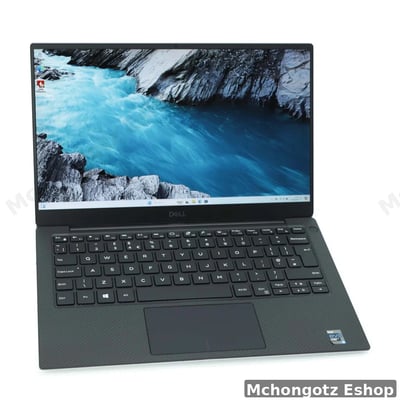
Premium options like Dell XPS, higher-end HP EliteBook, Lenovo ThinkPad Yoga and newer ProBook models are better for students who need performance, portability and long-term value.
Accessories every university student should consider
A laptop alone is not a complete student setup. You may also need accessories depending on your course and daily movement.
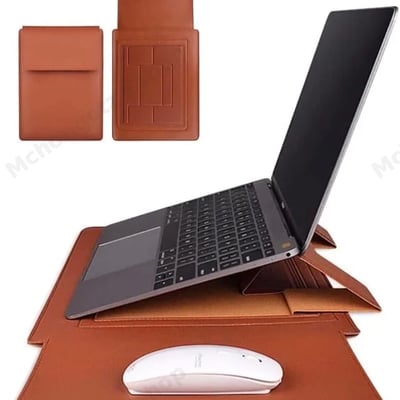
- Laptop bag or sleeve: Protects your laptop when moving from home to campus.
- Wireless mouse: Makes assignments, browsing and editing easier.
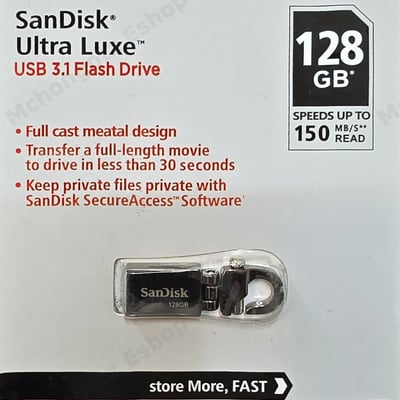
- Flash drive: Useful for printing, file transfer and emergency backup.
- External hard drive or SSD: Important for projects, photos, videos and backup.
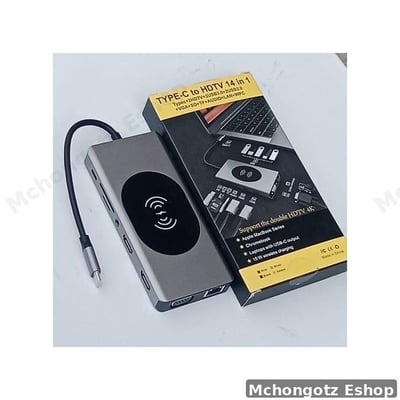
- USB-C hub: Useful for modern laptops with few ports.
- HDMI or VGA adapter: Helps during class presentations.
- Laptop charger: Always use the correct charger for your laptop model.
You can browse related items through student laptops, computer accessories, all products and contact Mchongotz.
Common laptop buying mistakes students make
1. Buying only because the laptop is cheap
Cheap is good only if it can handle your work. A cheap laptop that cannot run your course tools is not a deal. It is stress wearing a keyboard.
2. Ignoring battery condition
A student laptop with bad battery will force you to hunt for sockets everywhere. Battery matters, especially if you study at campus, library or hostel.
3. Looking at Core i7 without checking generation
Core i7 sounds good, but generation matters. A newer Core i5 can be better than an old Core i7 for normal use. Always check generation before getting excited.
4. Choosing HDD when SSD is available
If you want speed, choose SSD. Many slow laptop complaints are actually HDD problems.
5. Forgetting warranty and after-sales support
Do not buy like you are running away. Ask about warranty, return policy, battery condition and charger compatibility before paying.
Best student laptop examples to consider
| Product type | Example | Best for |
|---|---|---|
| Budget student laptop | HP Stream or Lenovo 100e type | Basic notes, assignments, browsing and online classes |
| Touchscreen student laptop | HP ProBook x360 or Lenovo 300e type | Flexible study, presentations, reading and portability |
| Business-class student laptop | Dell Latitude, HP ProBook, HP EliteBook, Lenovo ThinkPad | Serious study, office apps, projects and long-term use |
| Premium student laptop | Dell XPS, ThinkPad Yoga, higher-end ProBook or EliteBook | Programming, design, business, multitasking and long-term value |
Where to buy student laptops in Dar es Salaam
You can buy student laptops, laptop accessories, chargers, storage devices, mouse, keyboard, USB-C hubs and laptop bags at Mchongotz Computers Eshop, Makumbusho Stand, Dar es Salaam.
Mchongotz serves students from universities and colleges around Dar es Salaam, including areas such as Makumbusho, Kinondoni, Sinza, Mwenge, Mikocheni, Kijitonyama, Ubungo, Kimara, Mbezi, Kariakoo, Ilala, Posta, Temeke and Kigamboni.
You can also shop online through https://mchongotz.co.tz/ or ask for help through WhatsApp before buying.
FAQ: student laptops in Tanzania
Can a university student use an Intel Celeron laptop?
Yes, a student can use Intel Celeron for basic non-computing courses such as education, law, social sciences, arts and general business studies. For IT, engineering, programming or design, choose stronger specs.
What is the best laptop for university students in Tanzania?
The best laptop depends on the course. For general studies, Celeron, Core i3 or Core i5 can work. For technical courses, Core i5/Ryzen 5 with 8GB to 16GB RAM and SSD is better.
Is a refurbished laptop good for a student?
Yes, if it is tested properly and the condition is clear. A good refurbished business laptop can give better specs at a lower price than a weak new laptop.
How much should a student spend on a laptop?
For basic use, students can start from around TZS 300,000 depending on condition and stock. For better performance, plan for Core i3 or Core i5 with SSD and 8GB RAM.
Which accessories should a student buy with a laptop?
A student should consider a laptop bag, mouse, flash drive, charger, HDMI or Type-C adapter, and external storage for backup.
Where can I buy a student laptop in Dar es Salaam?
You can visit Mchongotz Computers Eshop at Makumbusho Stand, Dar es Salaam, or shop online through https://mchongotz.co.tz/.
Final advice for university students
Do not buy a laptop to impress classmates. Buy a laptop that helps you finish assignments, attend online classes, research, present and build your future. If your course is simple, do not overpay. If your course is technical, do not underbuy.
Need help choosing the right laptop for your course and budget? Visit Mchongotz Computers Eshop at Makumbusho Stand, Dar es Salaam, shop online at https://mchongotz.co.tz/, call +255738050165 or chat on WhatsApp: Chat with Mchongotz on WhatsApp.

Ready to buy?
Browse laptops, desktops & accessories — great prices, warranty, Dar es Salaam.