How to Buy a Genuine Laptop in Dar es Salaam 2026: Avoid Fake Specs, Bad Batteries & Wrong Deals
Buying a laptop in Dar es Salaam? Learn how to avoid fake specs, weak batteries, bad refurbished laptops and wrong deals before paying.
Buying a laptop in Dar es Salaam can be exciting, but it can also be a trap if you do not know what to check. A laptop may look clean, the seller may sound confident, and the price may look attractive — but inside, the battery may be weak, the storage may be poor, or the specs may not match what you were told.
If you are planning to buy a laptop in Dar es Salaam, especially a refurbished laptop, used laptop or budget laptop, this guide will help you check the important things before paying. This is not theory. These are the real mistakes buyers make every day.
Table of contents
- Check the real laptop specs
- Check battery condition
- Check SSD, HDD and storage
- Check screen, keyboard and body
- Check charger and ports
- New vs used vs refurbished laptop
- Where to buy genuine laptops in Dar es Salaam
1. Check the real laptop specs, not just the sticker
The first mistake many buyers make is trusting only the sticker or what the seller says. Someone can say “Core i7 kali sana,” but that does not mean the laptop is automatically powerful. A Core i7 from an old generation can be weaker than a newer Core i5 in real use.
Before buying, check these specs:
- Processor: Is it Core i3, Core i5, Core i7, Ryzen 5 or Celeron?
- Generation: Is it 6th Gen, 8th Gen, 10th Gen, 11th Gen, 12th Gen or newer?
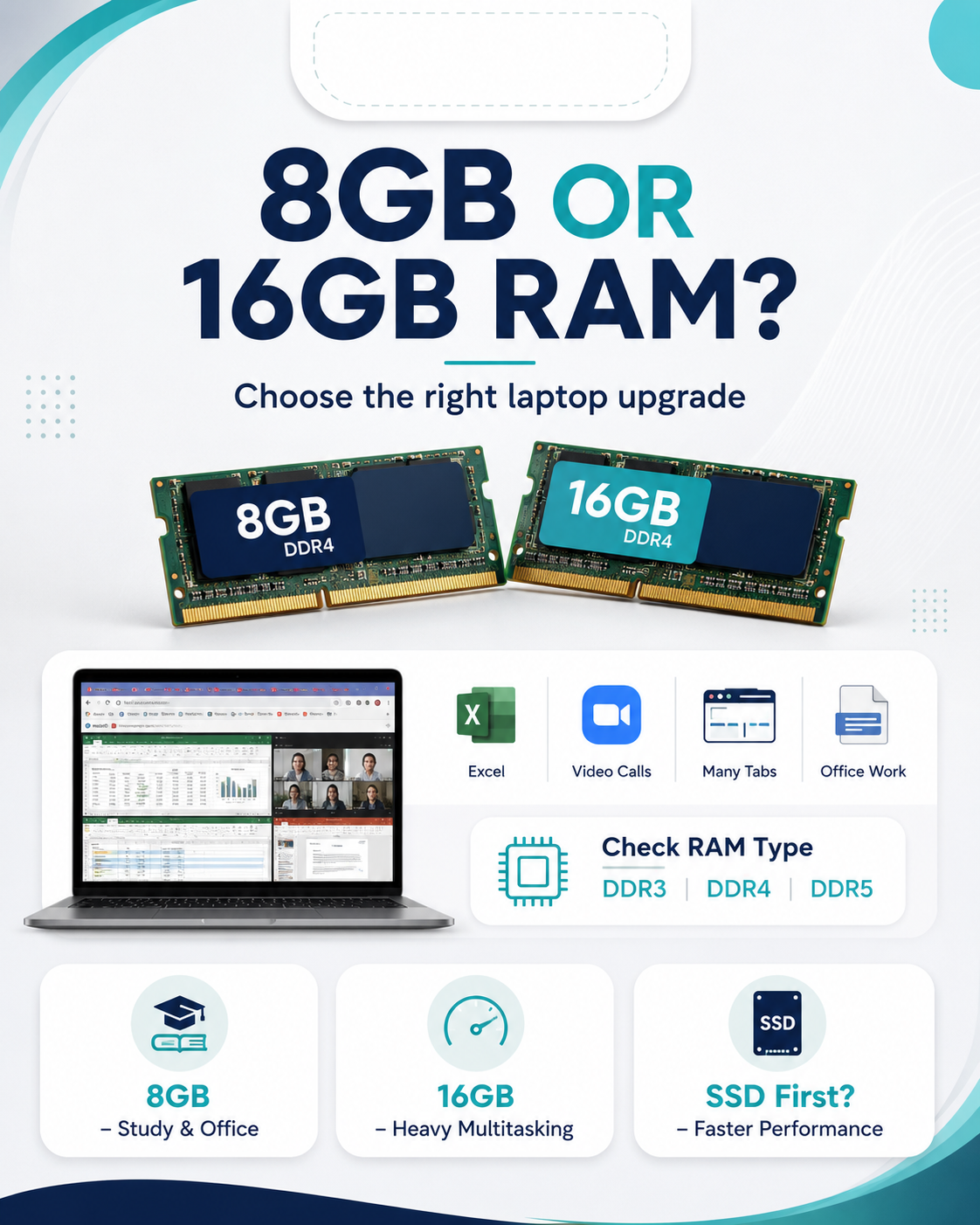
- RAM: Is it 4GB, 8GB or 16GB?
- Storage: Is it SSD or HDD?
- Screen size: 11.6 inch, 13.3 inch, 14 inch, 15.6 inch or bigger?
- Condition: Brand new, used or refurbished?
A good seller should be able to show you the specs on the laptop itself, not only tell you by mouth. If the laptop says Core i5, 8GB RAM and 256GB SSD, confirm it from system settings before paying.
2. Check battery condition before you get excited
A laptop with a bad battery is not portable. It becomes a desktop with a screen. Many people buy a laptop because it looks clean, then later discover it only lasts 20 minutes without charger.
Ask the seller about real battery performance. Not “battery ipo poa.” Ask clearly: how long can it last under normal use? For students and office users, battery matters a lot because you may use the laptop in class, office, library, meetings or while travelling.
For refurbished and used laptops, battery performance can vary. That is normal. What is not normal is hiding the truth. A trustworthy shop should explain the condition clearly.
3. SSD vs HDD: this is where many buyers wake up
If your laptop is slow, storage may be the problem. SSD storage is much faster than HDD. A laptop with SSD usually opens Windows faster, launches apps faster and feels smoother in daily use.
Here is the simple version:
| Storage type | Speed | Best for | Buying advice |
|---|---|---|---|
| HDD | Slower | Basic storage and older laptops | Only choose if budget is very tight or storage size matters more than speed |
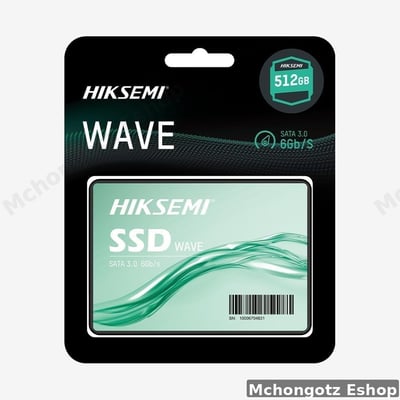
| SATA SSD | Fast | Students, office users, home users | Good upgrade for slow laptops |
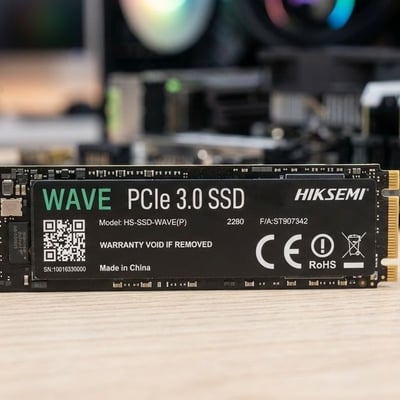
| M.2 / NVMe SSD | Very fast | Programmers, designers, business users, heavy multitasking | Best choice if laptop supports it |
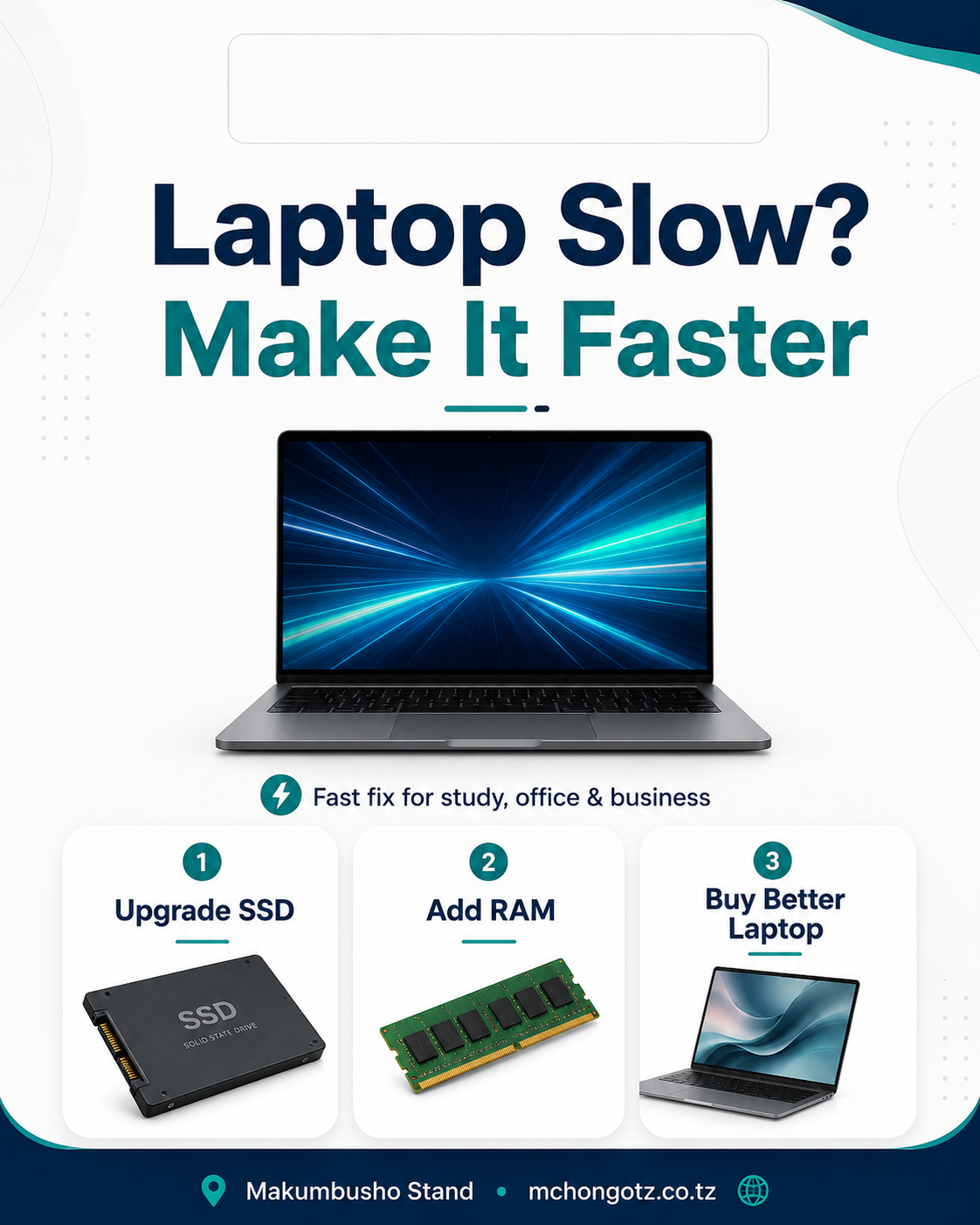
The aha moment is this: sometimes you do not need a new laptop. You need SSD and maybe more RAM. That upgrade can make an old laptop feel alive again.
You can explore related options under SSD storage and laptop upgrade accessories.
4. Check screen, keyboard, touchpad and body
Never pay for a used or refurbished laptop before checking the physical condition. A laptop may have good specs but a weak hinge, cracked screen, missing keys or a faulty touchpad.
Check these before payment:
- Open and close the laptop to test the hinges.
- Check if the screen has lines, white spots, flickering or cracks.
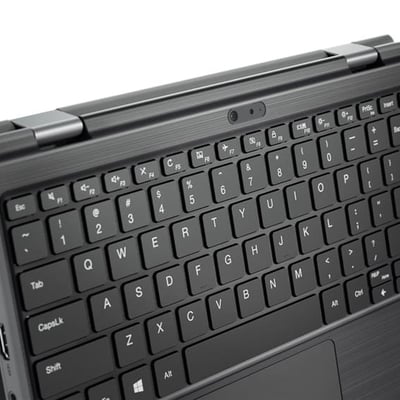
- Test keyboard keys, especially letters, numbers, Enter, Backspace and Spacebar.
- Test the touchpad and click buttons.
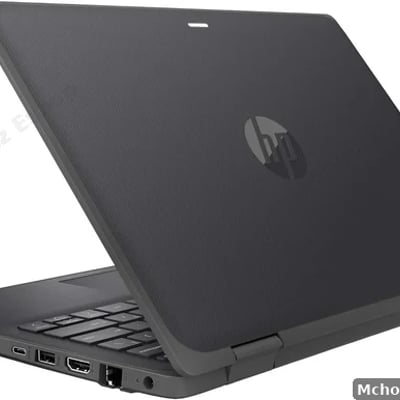
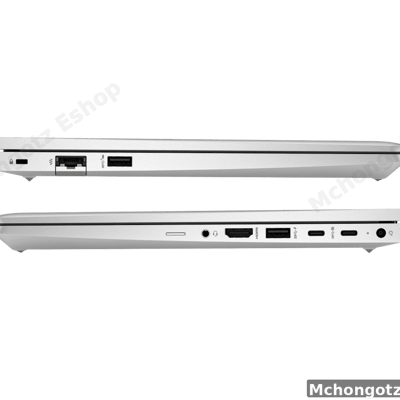
- Check USB ports, HDMI, audio jack, Type-C and charging port.
- Check webcam and speakers if you need online classes or Zoom meetings.
If you are buying for school, office or business, small faults become big problems later. Do not ignore them because the price looks sweet.
5. Check the charger and ports
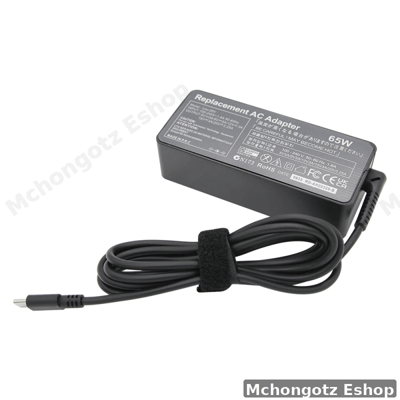
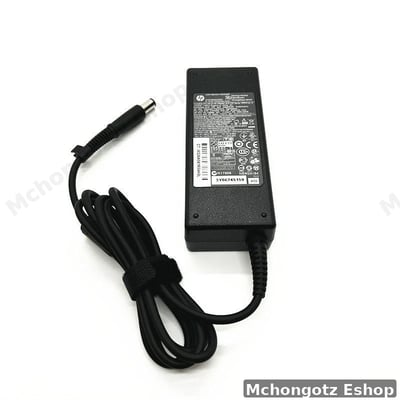
A wrong charger can damage your laptop or charge it poorly. Do not buy a laptop with a random charger just because it fits the hole. Charger wattage and pin type matter.
Common charger types include HP blue pin, HP Type-C, Dell big pin, Dell small pin, Lenovo slim tip, Lenovo Type-C, MacBook MagSafe and MacBook Type-C. If you are not sure, ask the shop to confirm compatibility.
Also check ports. A laptop without the ports you need may force you to buy adapters immediately. Students may need HDMI for projectors. Office users may need USB ports. Designers may need Type-C or DisplayPort. Business users may need LAN or docking support.
Useful accessories include laptop chargers, USB-C hubs, HDMI cables, LAN cables and docking adapters.
6. Brand new, used or refurbished: which one should you buy?
There is no single answer. It depends on your budget and use. A brand-new laptop is good if you want fresh condition and manufacturer warranty. A refurbished laptop is good if you want stronger specs for less money. A used laptop can be okay, but only if it is checked properly.
| Condition | Good side | Risk | Best for |
|---|---|---|---|
| Brand new | Fresh condition, full package, better warranty | Higher price | Businesses, professionals, long-term users |
| Refurbished | Better specs at lower price | Quality depends on testing and honesty of seller | Students, office users, budget buyers |
| Used | Can be cheaper | May have hidden faults if not tested | Buyers who know how to inspect properly |
Do not fear refurbished laptops blindly. Fear untested laptops. A clean refurbished Core i5 with SSD can be better than a weak new laptop with slow storage.
Best laptop specs by user type
| User | Minimum specs | Better choice |
|---|---|---|
| Non-computing student | Intel Celeron, 4GB RAM, 64GB/128GB storage | Core i3, 8GB RAM, SSD |
| Computing or IT student | Core i5, 8GB RAM, 256GB SSD | Core i5/Ryzen 5, 16GB RAM, 512GB SSD |
| Office worker | Core i5, 8GB RAM, 256GB SSD | Core i5/i7, 16GB RAM, 512GB SSD |
| Designer or editor | Core i7/Ryzen 7, 16GB RAM, SSD | Dedicated graphics, 16GB–32GB RAM, 512GB SSD or higher |
| Business owner | Reliable laptop or desktop, SSD, good warranty | Laptop/desktop plus UPS, printer and backup storage |
Warning signs before buying a laptop
- The seller refuses to show real system specs.
- The price is too low compared to condition and specs.
- The charger is not matching the laptop.
- The battery is not tested.
- The screen has hidden lines or dim areas.
- The seller gives no warranty or return explanation.
- The laptop has no clear condition: new, used or refurbished.
- The seller pressures you to pay quickly without testing.
If you see two or three of these signs, slow down. A bad laptop deal can eat your money twice: first when buying, then again when repairing.
Where to buy genuine laptops in Dar es Salaam
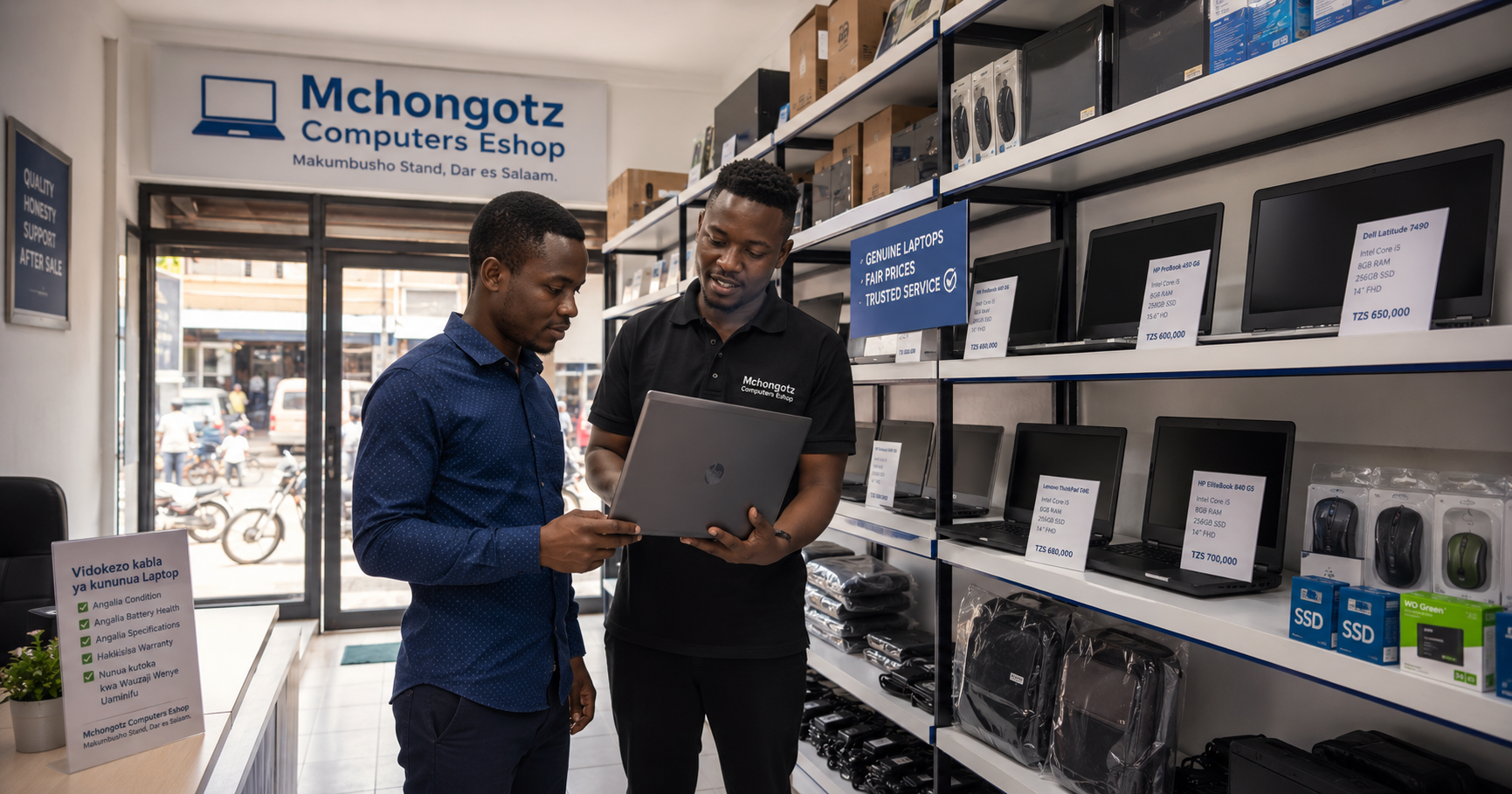
You can buy laptops, desktops and computer accessories at Mchongotz Computers Eshop, Makumbusho Stand, Dar es Salaam. We help students, office users, businesses, schools and professionals choose laptops based on real use, not pressure.
Whether you need a budget student laptop, Core i5 business laptop, SSD laptop, refurbished laptop, desktop computer, charger, mouse, keyboard, USB-C hub, external hard drive or accessories, you can browse online through laptops, desktop computers and computer accessories.
We also serve customers from Makumbusho, Kinondoni, Sinza, Mwenge, Mikocheni, Kijitonyama, Ubungo, Kimara, Mbezi, Tegeta, Kariakoo, Ilala, Posta, Temeke, Kigamboni and other parts of Dar es Salaam.
FAQ: buying laptops in Dar es Salaam
How do I know if laptop specs are real?
Check the system settings before paying. Confirm processor, RAM, storage, Windows version and device model. Do not rely only on stickers or verbal descriptions.
Is a refurbished laptop good?
Yes, a refurbished laptop can be good if it is tested, cleaned and sold with clear condition details. A good refurbished Core i5 SSD laptop can be better than a weak new laptop.
What should I check before buying a used laptop?
Check battery, screen, keyboard, touchpad, charger, ports, storage type, RAM, processor generation and warranty terms.
Is SSD important when buying a laptop?
Yes. SSD makes the laptop faster and smoother than HDD. If you want better speed, choose SSD or upgrade from HDD to SSD.
Where can I buy a genuine laptop in Dar es Salaam?
You can visit Mchongotz Computers Eshop at Makumbusho Stand, Dar es Salaam, or shop online through https://mchongotz.co.tz/.
Final advice before you pay
Do not let a clean body fool you. Do not let “Core i7” impress you without checking generation. Do not let a cheap price blind you from battery, charger, screen and warranty. A serious buyer checks first, pays second.
Need help choosing a laptop without being confused by specs? Visit Mchongotz Computers Eshop at Makumbusho Stand, Dar es Salaam, or browse online at https://mchongotz.co.tz/. For quick help, chat with us on WhatsApp: Chat with Mchongotz on WhatsApp.
Ready to buy?
Browse laptops, desktops & accessories — great prices, warranty, Dar es Salaam.
Shop related products from this guide
Brands