Buyer Guide · Storage
Flash Drive and External Hard Drive Prices in Tanzania 2026: What Storage Size Should You Buy?
Compare flash drives, external hard drives and portable SSDs in Tanzania. Learn the right storage size for school, office and backup.
Buying storage looks simple until you buy a flash drive that is too small, too slow, fake, or not strong enough for your work. The right storage depends on what you want to save: documents, photos, videos, software, school work, office files or full backups.
If you are searching for flash drive price Tanzania, SanDisk flash Tanzania, external hard drive Tanzania, external SSD Tanzania or flash disk Dar es Salaam, this guide helps you choose quickly.
Quick answer: which storage should you buy?
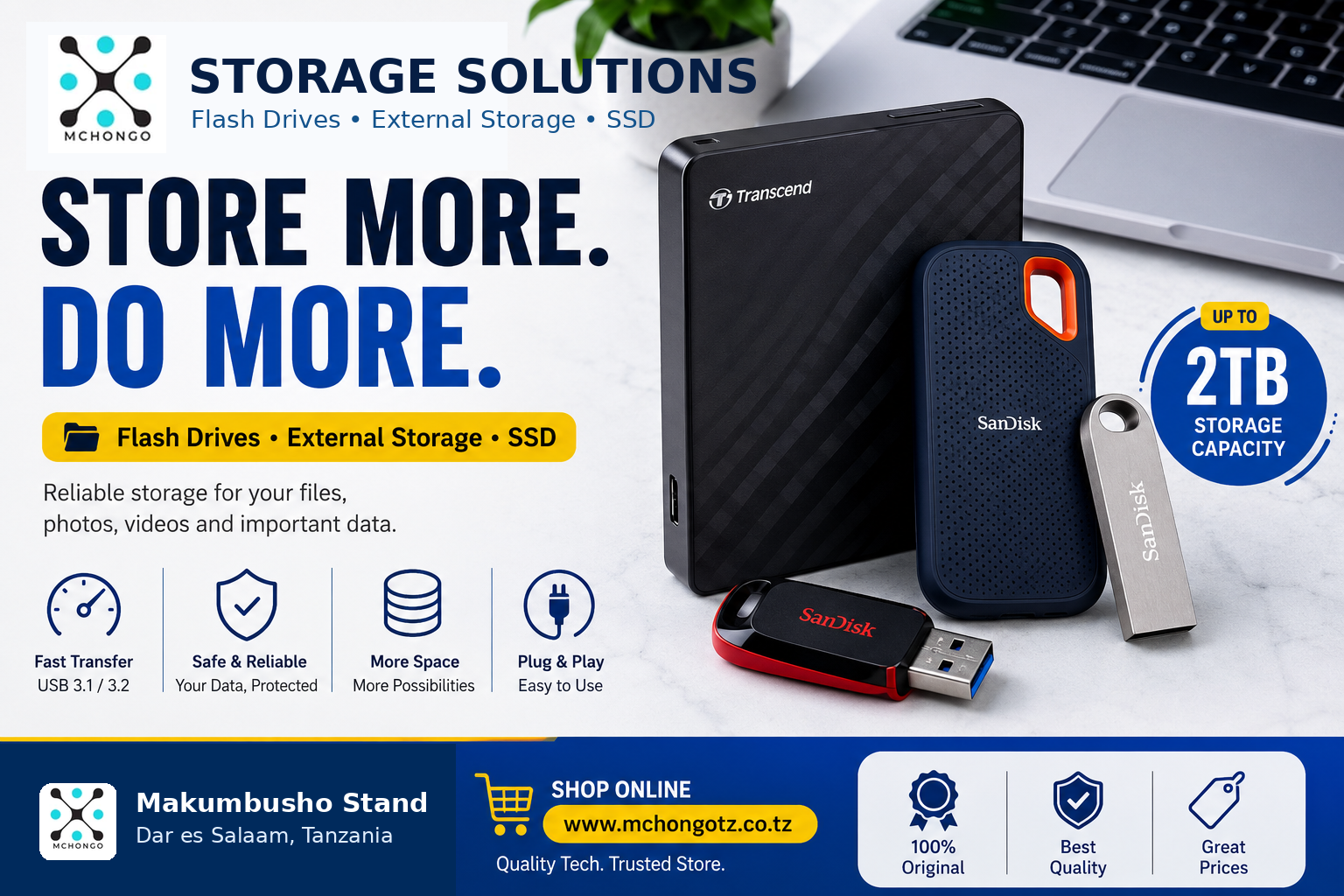
Buy a flash drive for simple file transfer. Buy an external hard drive for large backups. Buy a portable SSD if you want faster speed, better portability and smoother work with large files.
Best storage by need
| Need | Best choice | Why |
|---|---|---|
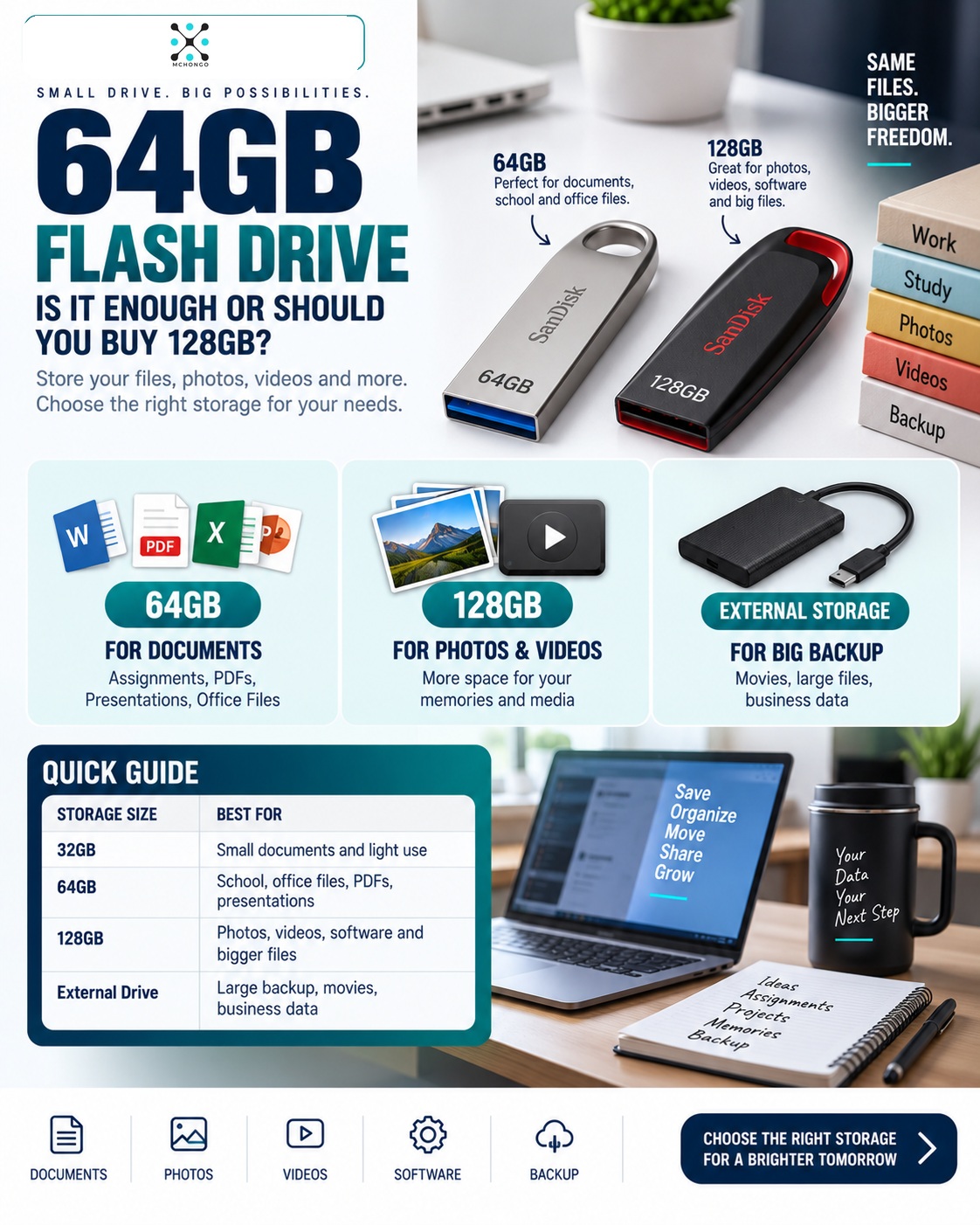
| School assignments | 32GB or 64GB flash drive | Enough for documents, PDFs and presentations |
| Office documents | 64GB or 128GB flash drive | Good for reports, invoices, scanned files and file transfer |
| Movies, photos and large folders | 128GB flash drive or external hard drive | More space for heavier files |
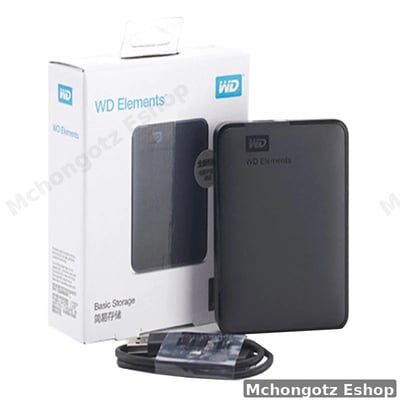
| Business backup | 1TB or 2TB external hard drive | Better for storing many files and regular backup |
| Fast professional storage | Portable SSD | Faster than normal hard drives and good for heavy users |
Current storage examples at Mchongotz Eshop
| Product | Good for | Decision note |
|---|---|---|
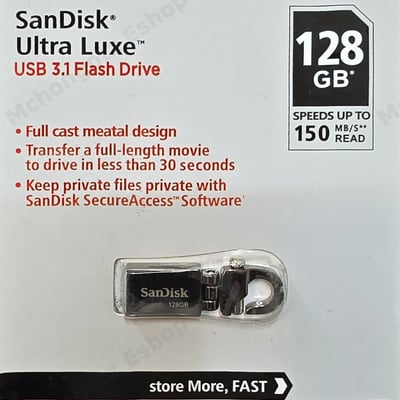
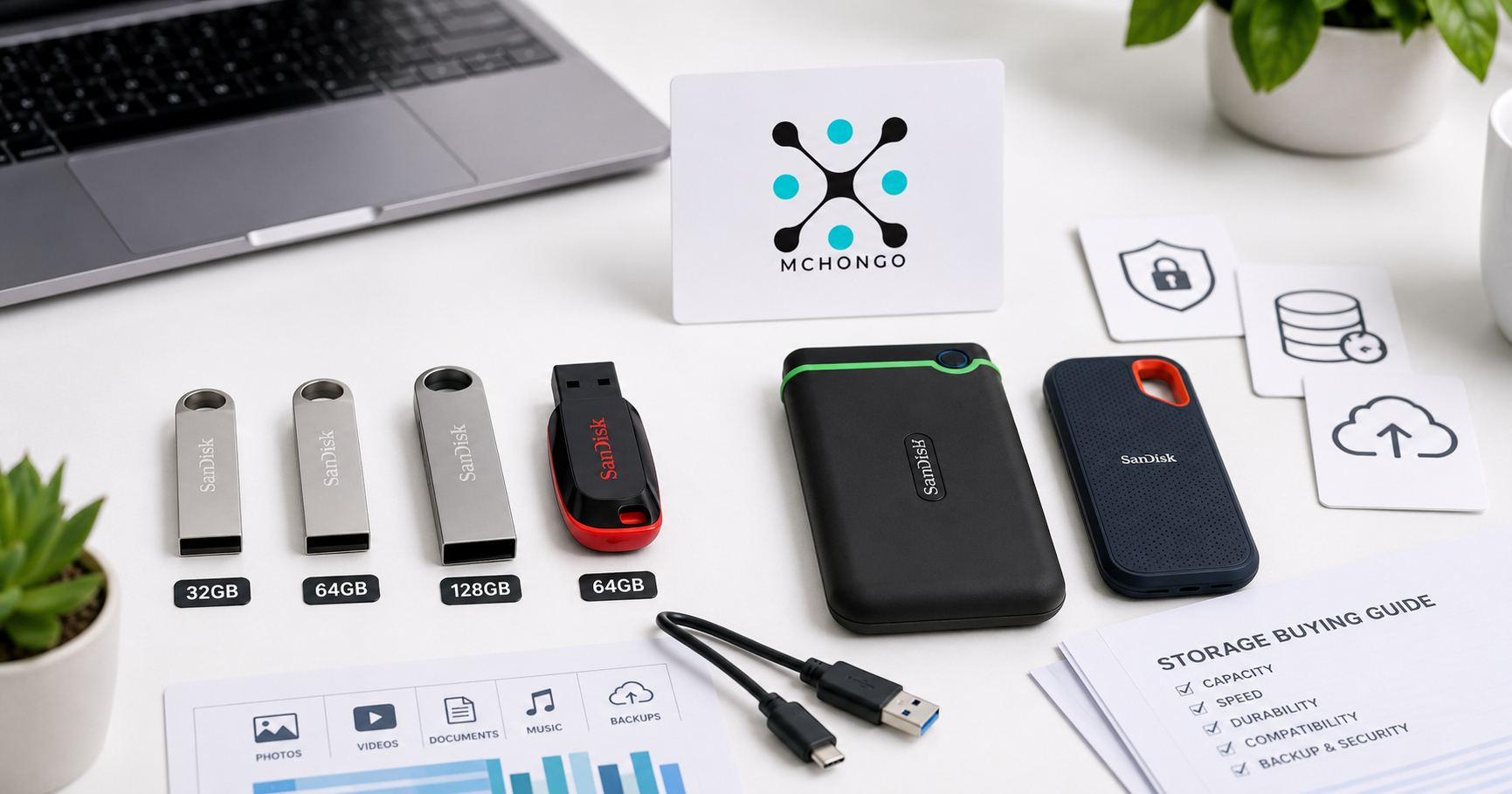
| 32GB SanDisk Ultra Luxe USB 3.1 Flash Drive | Documents, PDFs, light school and office use | Good if you only move small files |
| SanDisk Ultra Luxe 128GB USB 3.1 Flash Drive | Office files, photos, videos and daily transfer | Better value if you want more space |
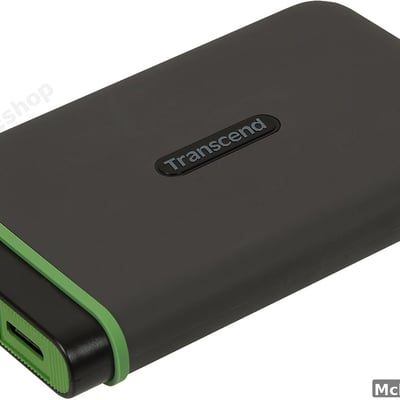
| Transcend 2TB External Hard Drive USB 3.0 | Large backup, business files, photos and videos | Good when flash drive space is not enough |
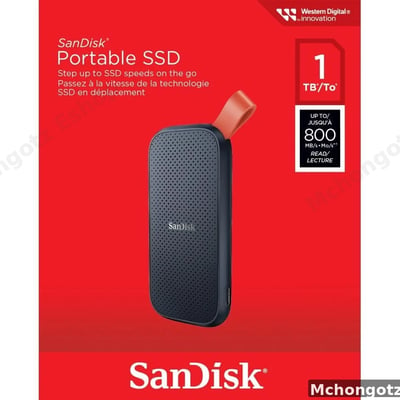
| SanDisk Portable SSD 1TB USB-C | Fast backup, creative work and large file movement | Choose SSD when speed matters |
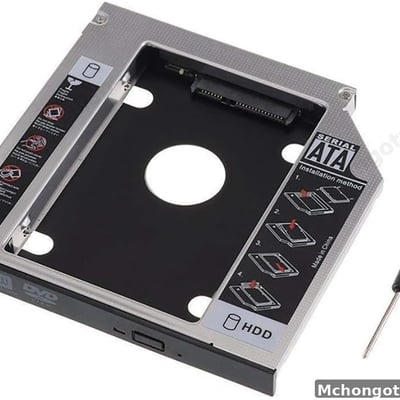
| SATA Second HDD/SSD Hard Drive Caddy | Laptop storage upgrade | Useful when adding extra drive space to compatible laptops |
Flash drive or external hard drive?
A flash drive is small, easy to carry and good for quick transfer. An external hard drive gives more space and is better for backup. Do not use one small flash as your only backup for important business or school files.
External hard drive or portable SSD?
External hard drives are usually better for large storage at a practical cost. Portable SSDs are faster and more convenient for people handling large files often. If you edit videos, move big folders or hate waiting, SSD is the smarter tool.
What to check before buying storage
- Capacity: 32GB, 64GB, 128GB, 1TB and 2TB serve different needs.
- Speed: USB 3.1 or SSD storage is better for faster transfer.
- Build quality: metal flash drives and strong external drives last better when handled well.
- Originality: avoid fake storage with fake capacity.
- Backup habit: one copy is risky; important files need backup.
Common mistakes
1. Buying the cheapest flash drive
Cheap storage can be slow, weak or fake. Losing files is more expensive than saving a few shillings.
2. Buying too small
32GB can be fine for documents, but it fills fast if you store photos and videos.
3. Using a flash drive as permanent backup
A flash is useful, but for serious backup, use external hard drive, SSD or another backup method.
4. Not scanning shared flash drives
Flash drives move between computers. Scan them to reduce virus risk.
Related categories
Browse related products through Storage, USB Flash Drives, Accessories, Antivirus Software and All Products.
FAQ: flash drives and external storage Tanzania
Which flash size is good for students?
32GB or 64GB is enough for many students. Choose 128GB if you store videos, photos or many large files.
Is 128GB flash drive enough?
Yes, for many office users, students and daily file transfers. For full backups, choose external hard drive or SSD.
Is external SSD better than external hard drive?
SSD is faster. External hard drive gives more storage for backup at a practical price.
Can flash drives get viruses?
Yes. Scan shared flash drives, especially if they move between many computers.
Where can I buy flash drives in Dar es Salaam?
You can buy flash drives, external hard drives and portable SSDs at Mchongotz Eshop, Makumbusho Stand, Dar es Salaam, or online through https://mchongotz.co.tz/.
Final advice
Do not buy storage blindly. Buy according to the file size, speed need and backup purpose. A good storage device should protect your files, not become the reason you lose them.
Need flash drives, external hard drives or portable SSDs? Visit Mchongotz Eshop at Makumbusho Stand, Dar es Salaam, or browse online at https://mchongotz.co.tz/.
Ready to buy?
Browse laptops, desktops & accessories — great prices, warranty, Dar es Salaam.
Shop related products from this guide
Categories