How to Make Your Laptop Faster in Tanzania 2026: SSD, RAM or New Laptop?
Laptop slow? Learn when to upgrade SSD, add RAM, clean your system or buy a better laptop in Tanzania.
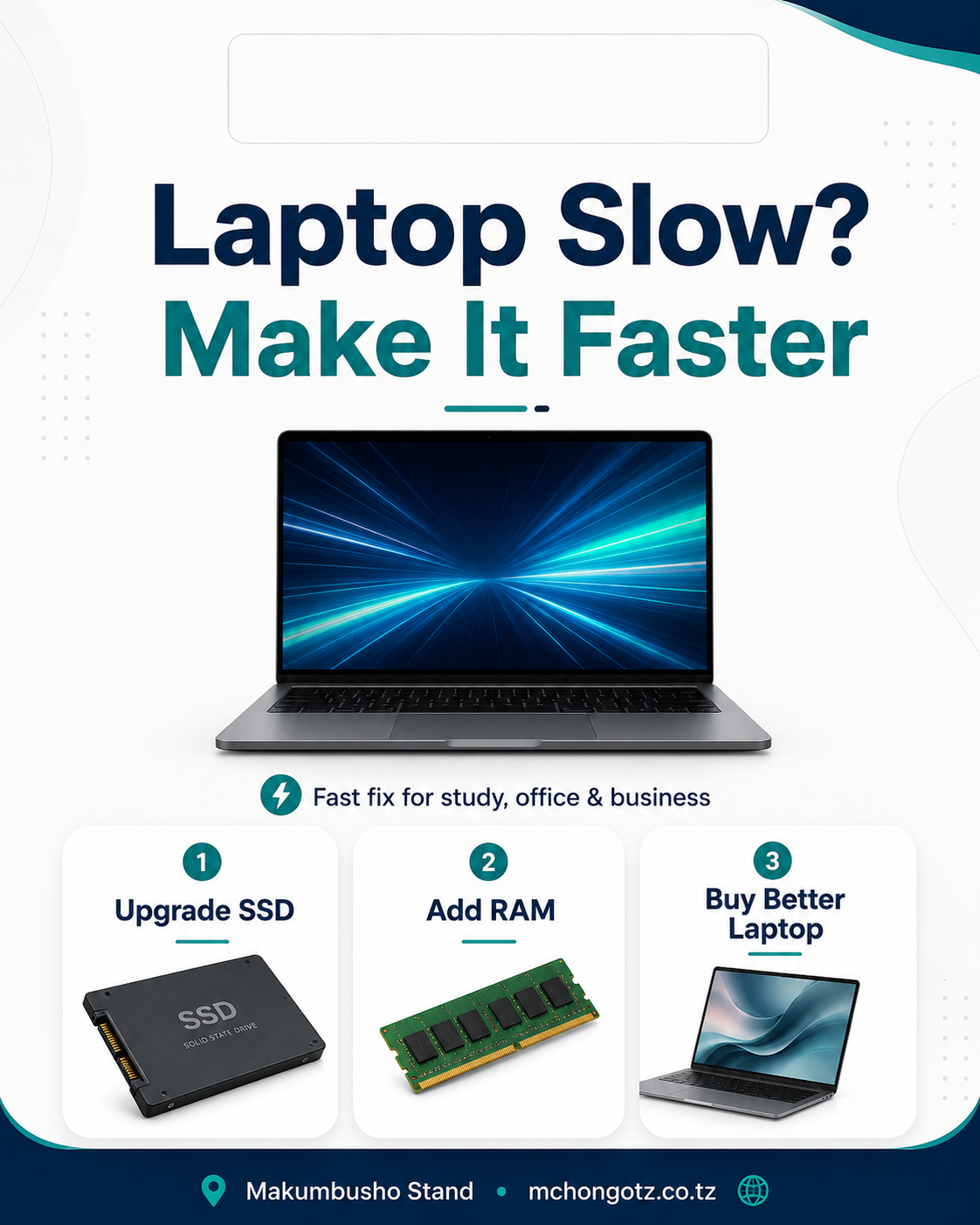
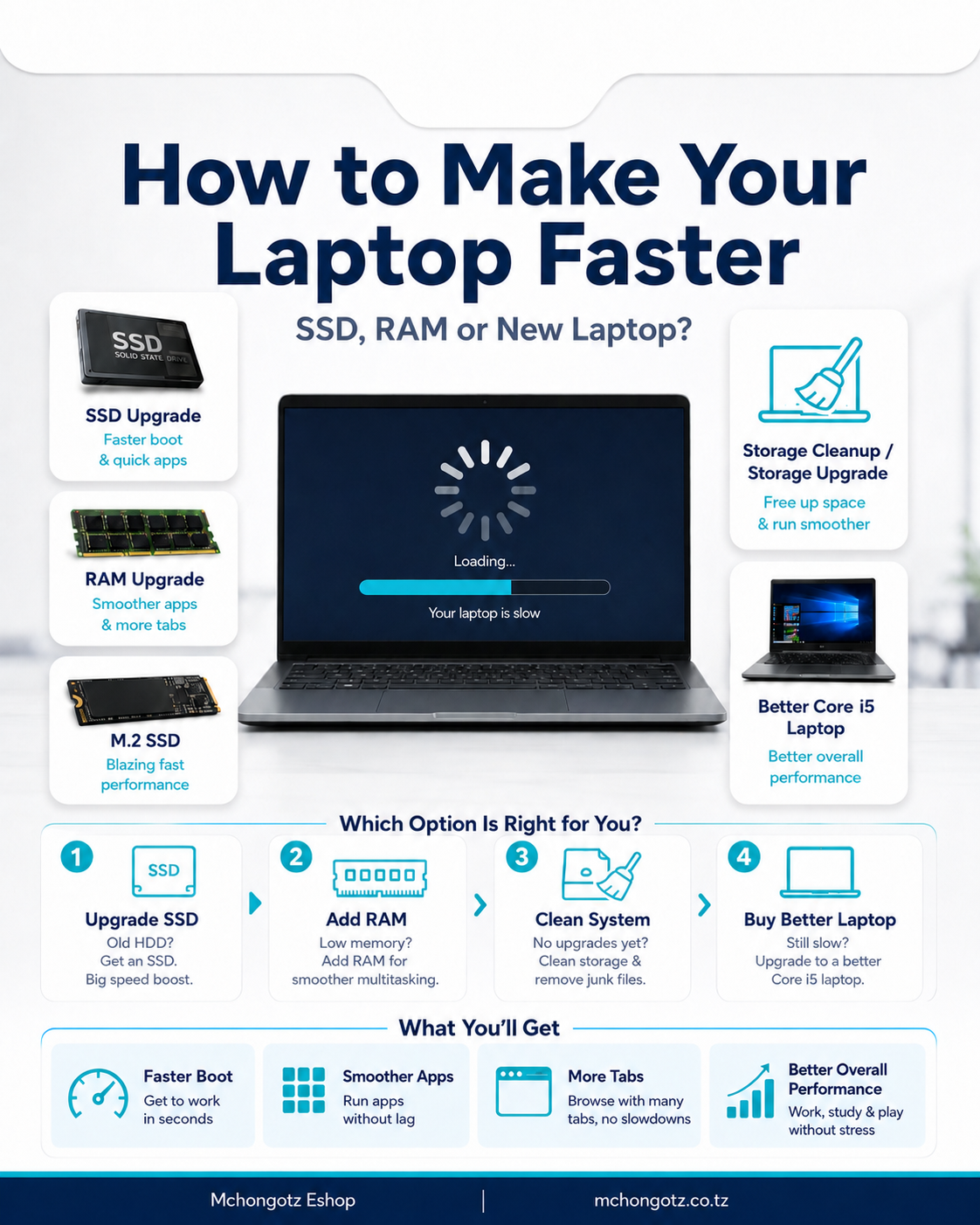
If your laptop is slow, do not rush to buy a new one immediately. Sometimes the real solution is simple: upgrade SSD, add RAM, clean the system, or choose a better laptop only when the old one is no longer worth upgrading.
This guide is for students, office workers, business owners and anyone searching for how to make laptop faster Tanzania, SSD upgrade Tanzania, RAM upgrade Tanzania, M.2 SSD Tanzania or laptop slow fix Tanzania.
Quick answer
If your laptop still has HDD, upgrade to SSD first. If it freezes when opening many apps or browser tabs, add RAM. If it is too old, broken or unsupported, buy a better laptop.
| Problem | Likely cause | Best fix |
|---|---|---|
| Slow startup | Old HDD | Upgrade to SSD |
| Apps freeze | Low RAM | Add 8GB or 16GB RAM |
| Storage full | No free space | Upgrade storage or clean files |
| Still slow after upgrade | Old processor | Buy a better laptop |
1. Upgrade to SSD
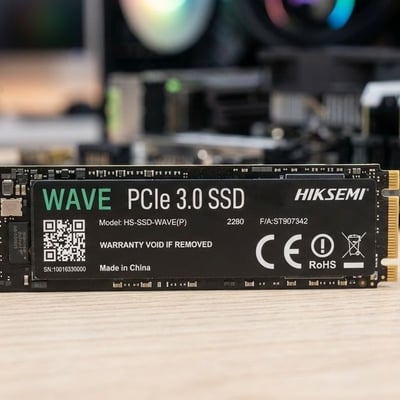
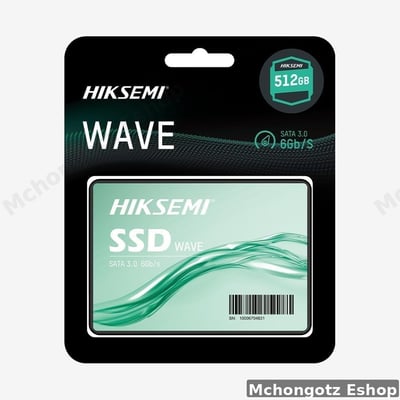
An SSD is one of the best upgrades for a slow laptop. It helps the laptop start faster, open apps faster and access files more smoothly. If your laptop still uses HDD, this should be your first upgrade.
2. Add more RAM
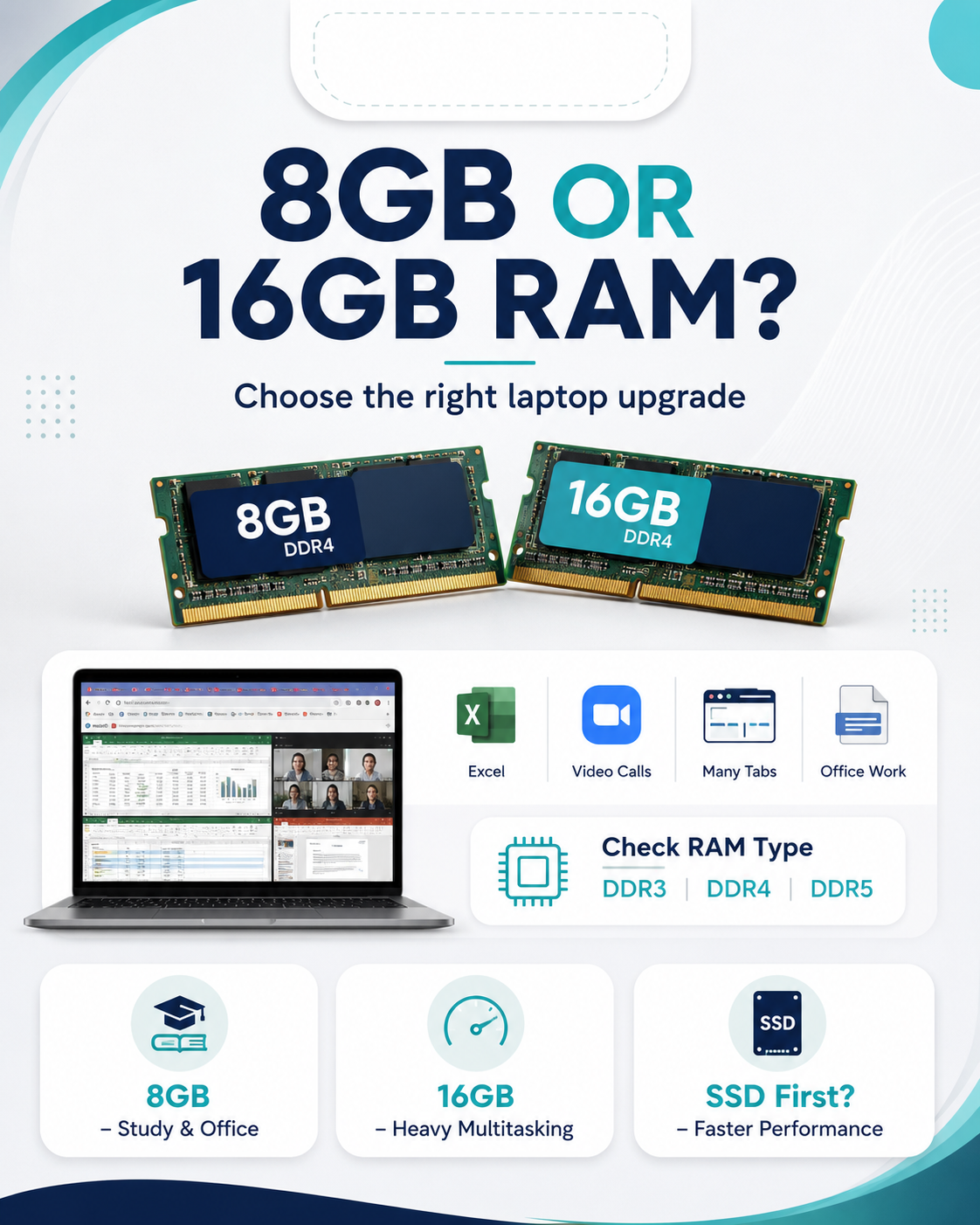
RAM helps when you open many apps at the same time. For normal office work and study, 8GB RAM is a good starting point. For heavy browser tabs, Excel files, design tools or programming, 16GB RAM is better.
3. Check M.2 SSD support
Some laptops support M.2 SSD, while others use SATA SSD. Before buying, check your laptop model so you do not buy the wrong storage type.
4. Clean your system
Remove unnecessary startup apps, old files, temporary files and unused programs. Also scan for malware and keep your system updated.
5. Buy a better laptop when upgrade is not worth it
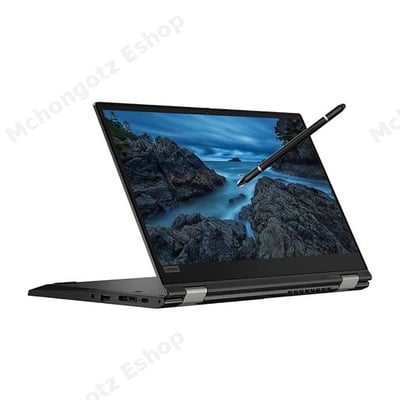
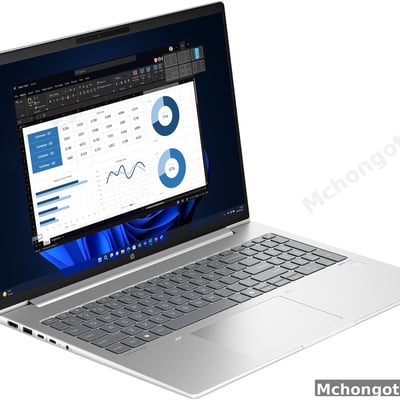
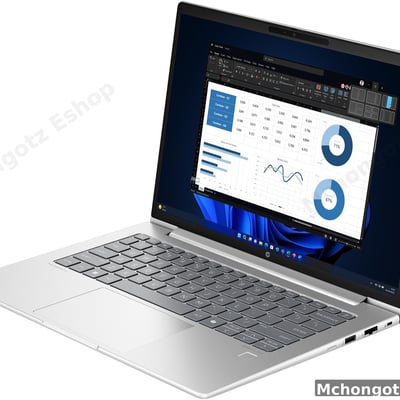
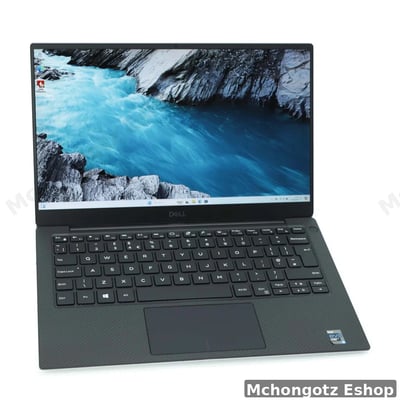
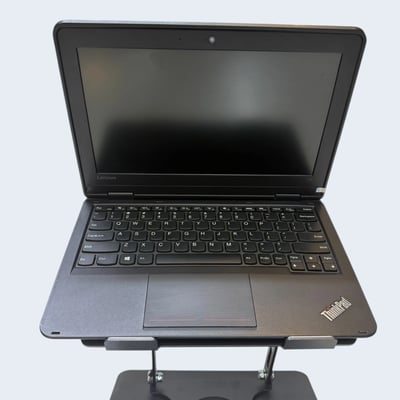
If your laptop has a very old processor, weak battery, broken hinge, low RAM limit or poor Windows 11 support, upgrading may waste money. A better Core i5 laptop with SSD can save time every day.
Best specs to target
- Basic office and study: Core i5, 8GB RAM, 256GB SSD.
- Heavy office work: Core i5, 16GB RAM, 512GB SSD.
- Better long-term choice: newer generation Core i5 or Core i7 with SSD.
Common mistake to avoid
Do not blame internet every time your laptop is slow. Sometimes the problem is not Wi-Fi. It is HDD, low RAM, full storage or an old processor.
Related products
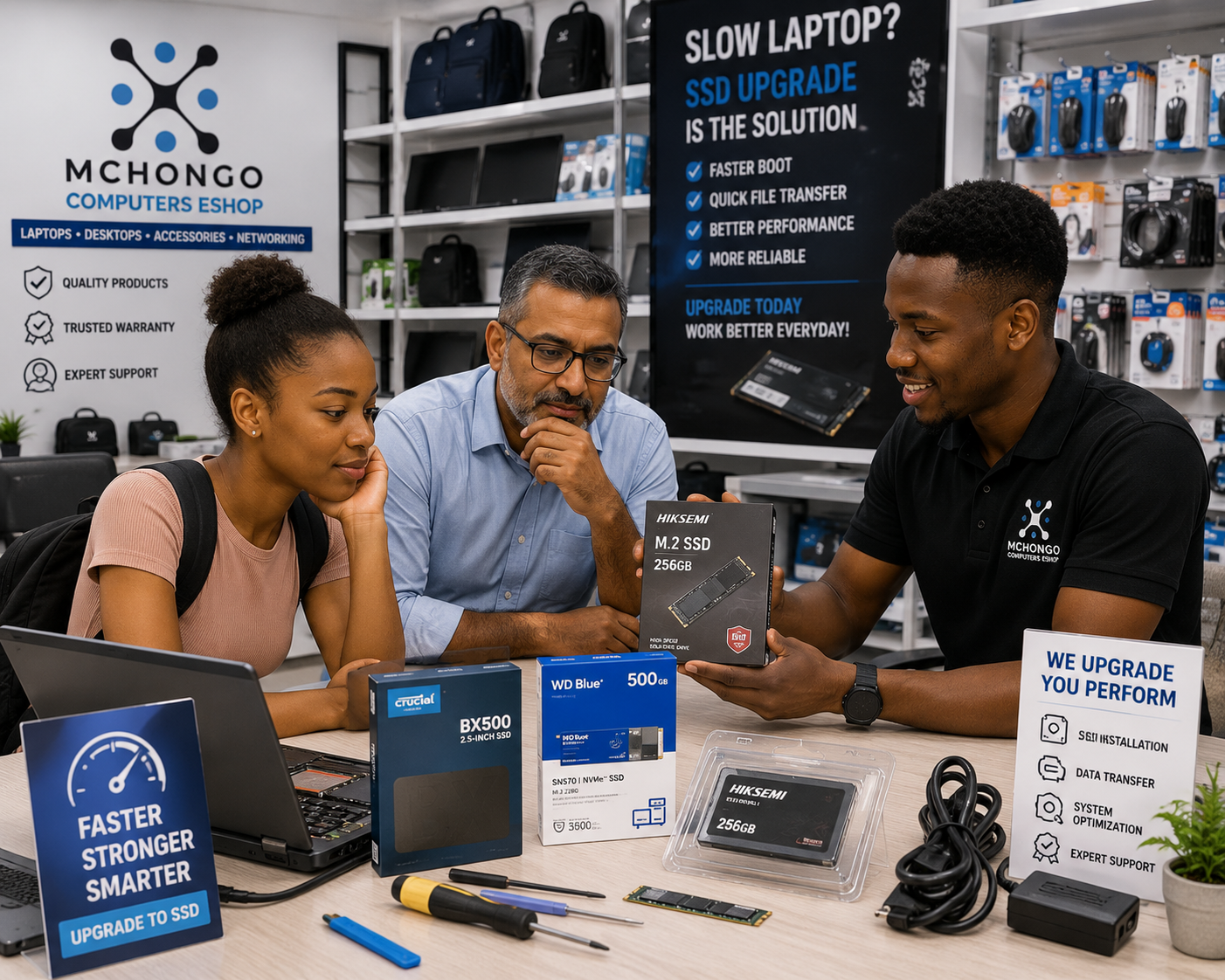
Upgrade your setup with SSD, M.2 SSD, RAM, external storage, antivirus, laptop charger, USB-C hub and better Core i5 laptops. Browse Storage, Laptops, Accessories and Chargers.
Final advice
Before buying a new laptop, check if SSD or RAM can solve the problem. Upgrade what is worth upgrading. Replace what is too old to save.
Need SSD, RAM or laptop upgrade advice in Dar es Salaam? Visit Mchongotz Eshop, Makumbusho Stand, Dar es Salaam, or shop online at mchongotz.co.tz.
Ready to buy?
Browse laptops, desktops & accessories — great prices, warranty, Dar es Salaam.
Frequently asked questions
Start by upgrading from HDD to SSD, adding more RAM, cleaning startup apps and checking if your laptop is still worth upgrading.
Yes. SSD improves startup speed, app opening speed and file access compared to HDD.
Yes. 8GB RAM is enough for normal office work, study, browsing and daily use. Choose 16GB RAM for heavier multitasking.
Choose SSD if the laptop is slow to start or open apps. Choose RAM if the laptop freezes when many apps or tabs are open.
You can buy SSD, RAM and upgrade-ready laptops at Mchongotz Eshop, Makumbusho Stand, Dar es Salaam, or online at mchongotz.co.tz.
Shop related products from this guide
Categories