Laptop Not Charging? How to Know If the Problem Is Charger, Battery or Charging Port
Laptop not charging? Learn how to tell if the issue is your charger, battery or charging port before buying the wrong replacement.
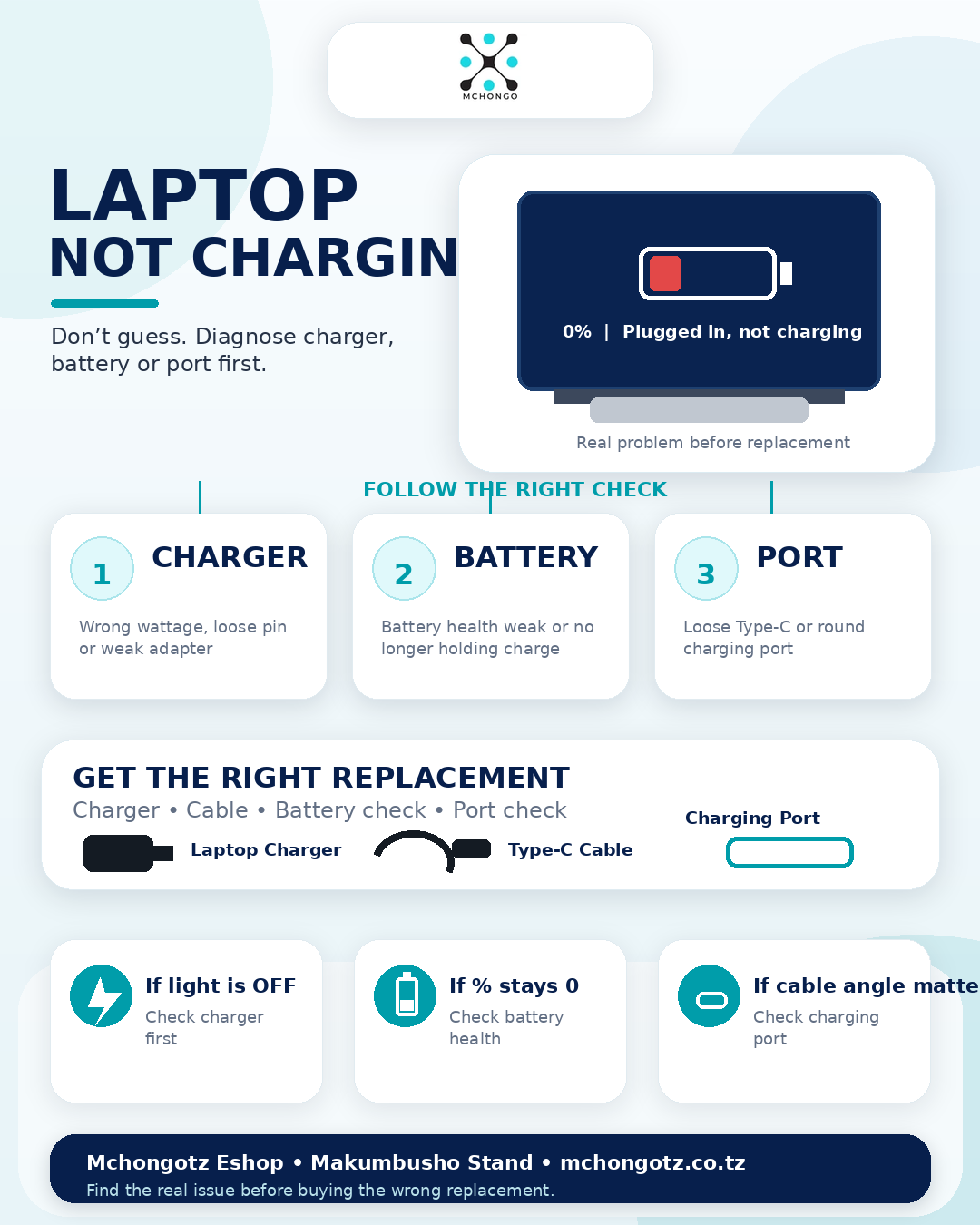
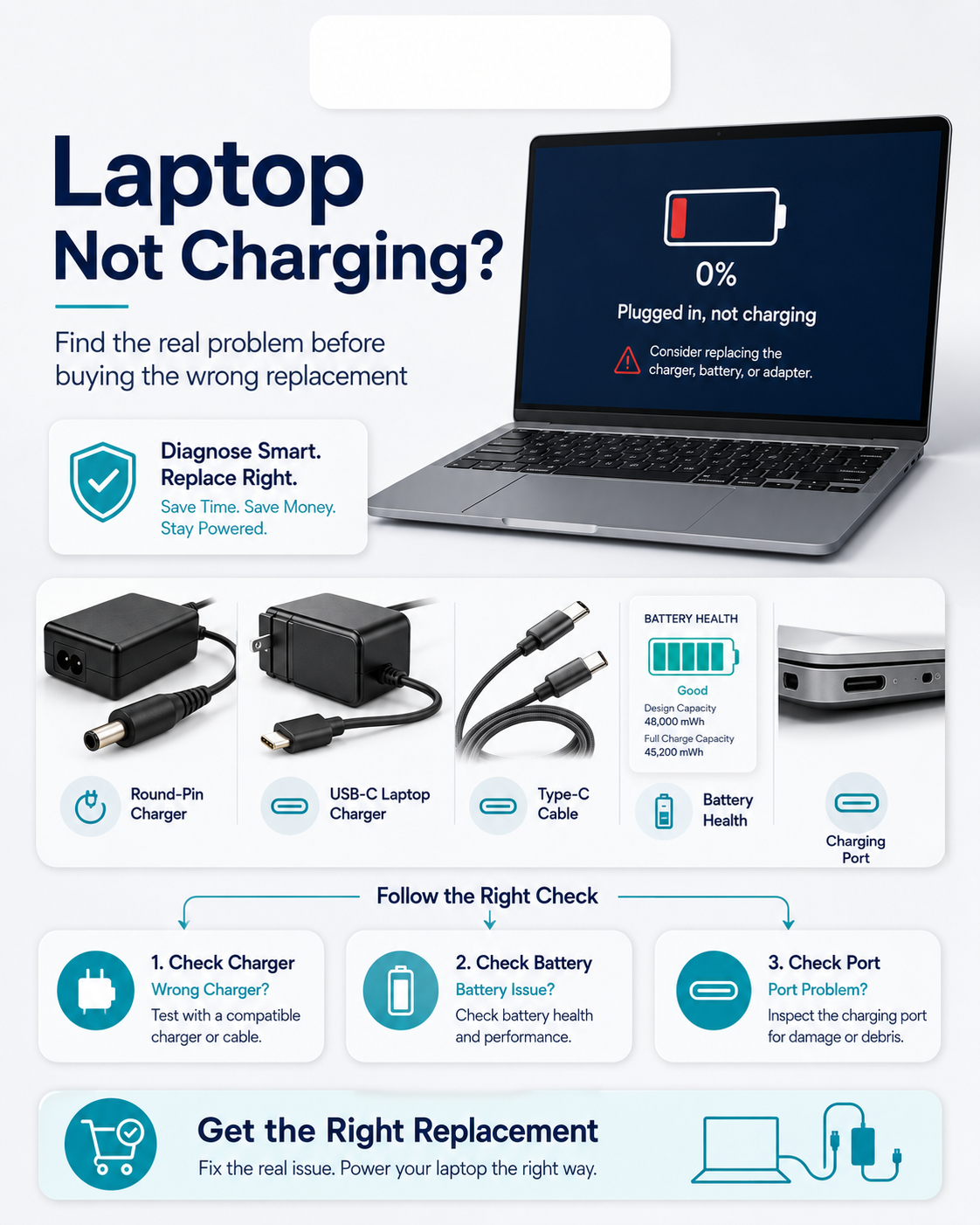
A laptop that is not charging can confuse many people. Some rush to buy a new battery, others buy a charger, and some think the laptop is dead. The truth is simple: the problem can be the charger, battery, charging port or sometimes the laptop power system.
If you are searching for laptop not charging Tanzania, laptop charger problem Tanzania, HP laptop not charging, Dell laptop charger or Type C laptop charger Tanzania, use this quick guide before spending money.
Quick answer: what should you check first?
Start with the charger. A weak or wrong charger is one of the most common reasons a laptop fails to charge properly. After that, check the charging port, battery health and laptop power settings.
| Sign | Possible problem | What it means |
|---|---|---|
| No charging light | Charger or port | The laptop may not be receiving power |
| Charging light blinks | Charger, battery or port | Power connection may be unstable |
| Plugged in but not charging | Battery or charger mismatch | The charger may be weak or battery may be worn out |
| Laptop charges only when cable is moved | Charging port or cable | The port or charger pin may be loose |
| Laptop works on charger but battery stays 0% | Battery problem | The battery may need checking or replacement |
How to know if the charger is the problem
- Wrong wattage: the charger may be too weak for your laptop.
- Wrong pin type: HP, Dell, Lenovo and other brands may use different pins.
- Damaged cable: bends, cuts or loose wires can stop charging.
- Overheating adapter: a charger that gets too hot may be failing.
- Type-C mismatch: not every USB-C charger can charge every laptop.
How to know if the battery is the problem
If the laptop works when plugged in but dies immediately after removing the charger, the battery may be weak. If the battery percentage does not increase, or the laptop says plugged in but not charging, the battery may need checking.
How to know if the charging port is the problem
If the laptop charges only when you hold the charger at a certain angle, the charging port or charger pin may be loose. Do not force the charger because you can damage the port more.
Common mistake to avoid
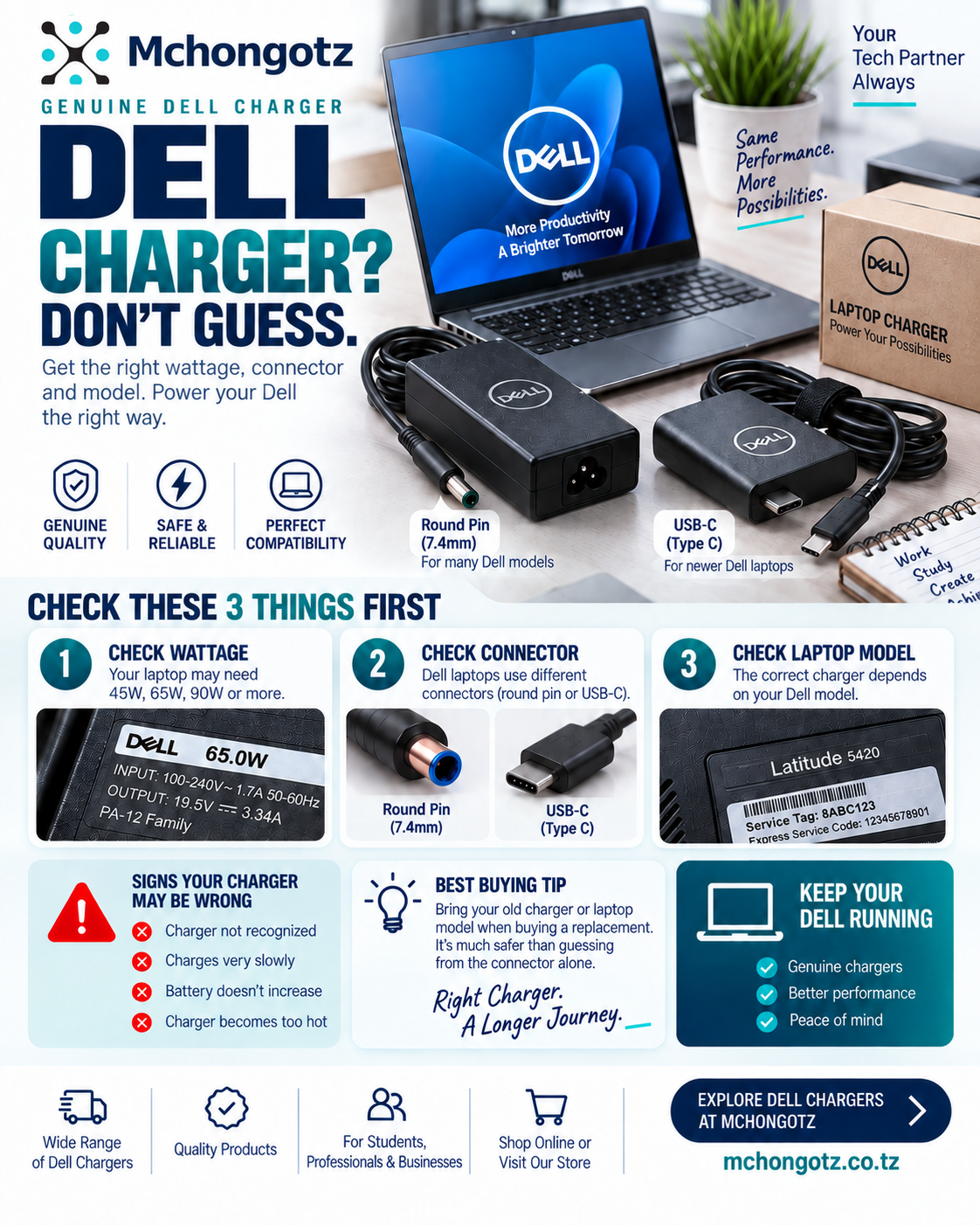
Do not buy a new charger or battery blindly. First confirm the laptop model, charger wattage, pin type and whether your laptop uses round pin, small pin, big pin, slim tip or USB-C charging.
Best charger types to know
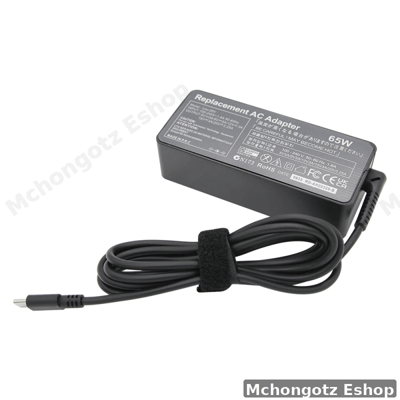
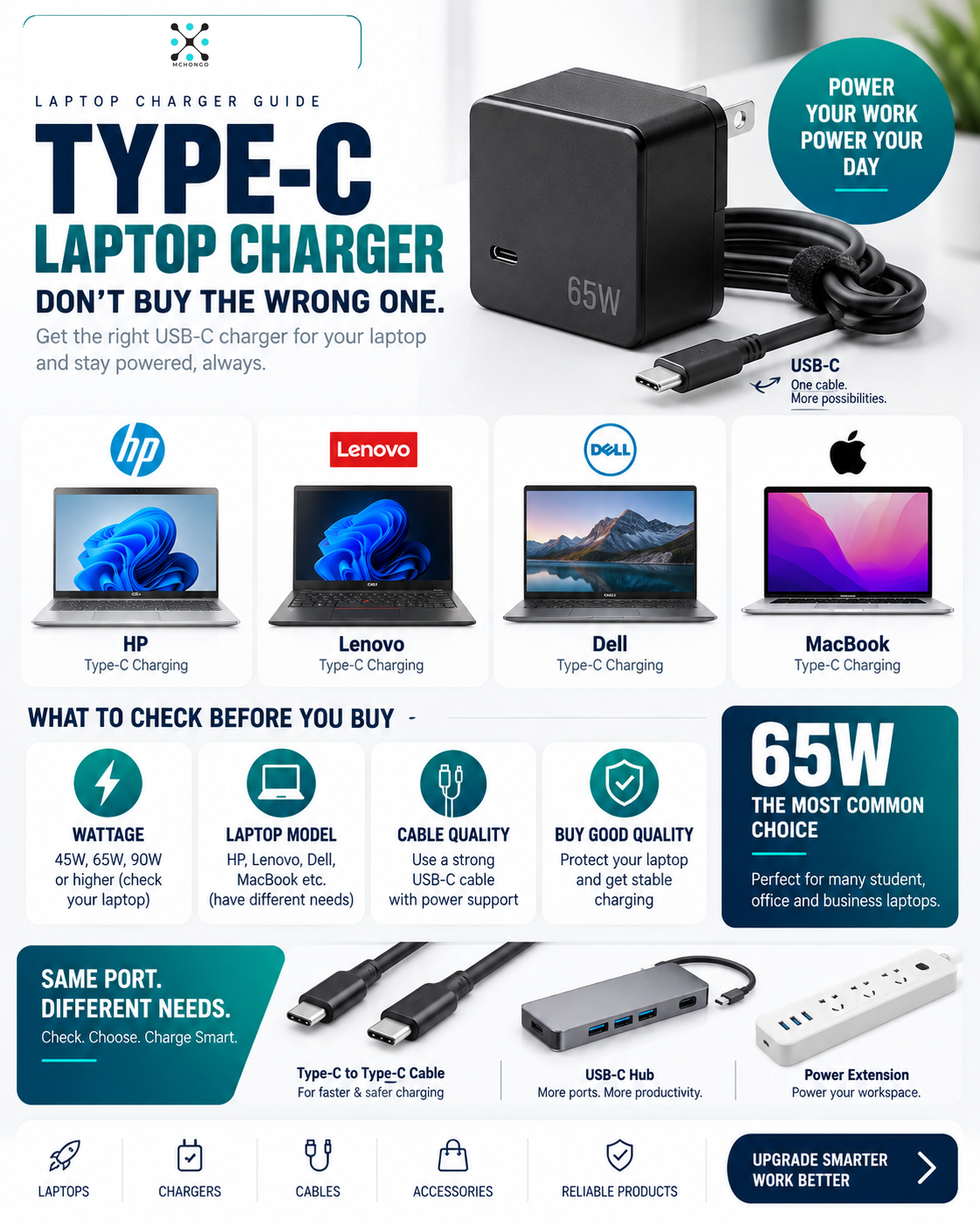
Common laptop charger types include HP 65W charger, Dell 65W charger, Lenovo 65W charger, HP Type-C charger, MacBook Type-C adapter and universal USB-C laptop charger. The right charger depends on your laptop model.
Related products
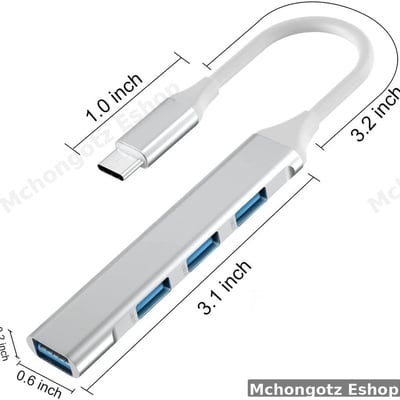
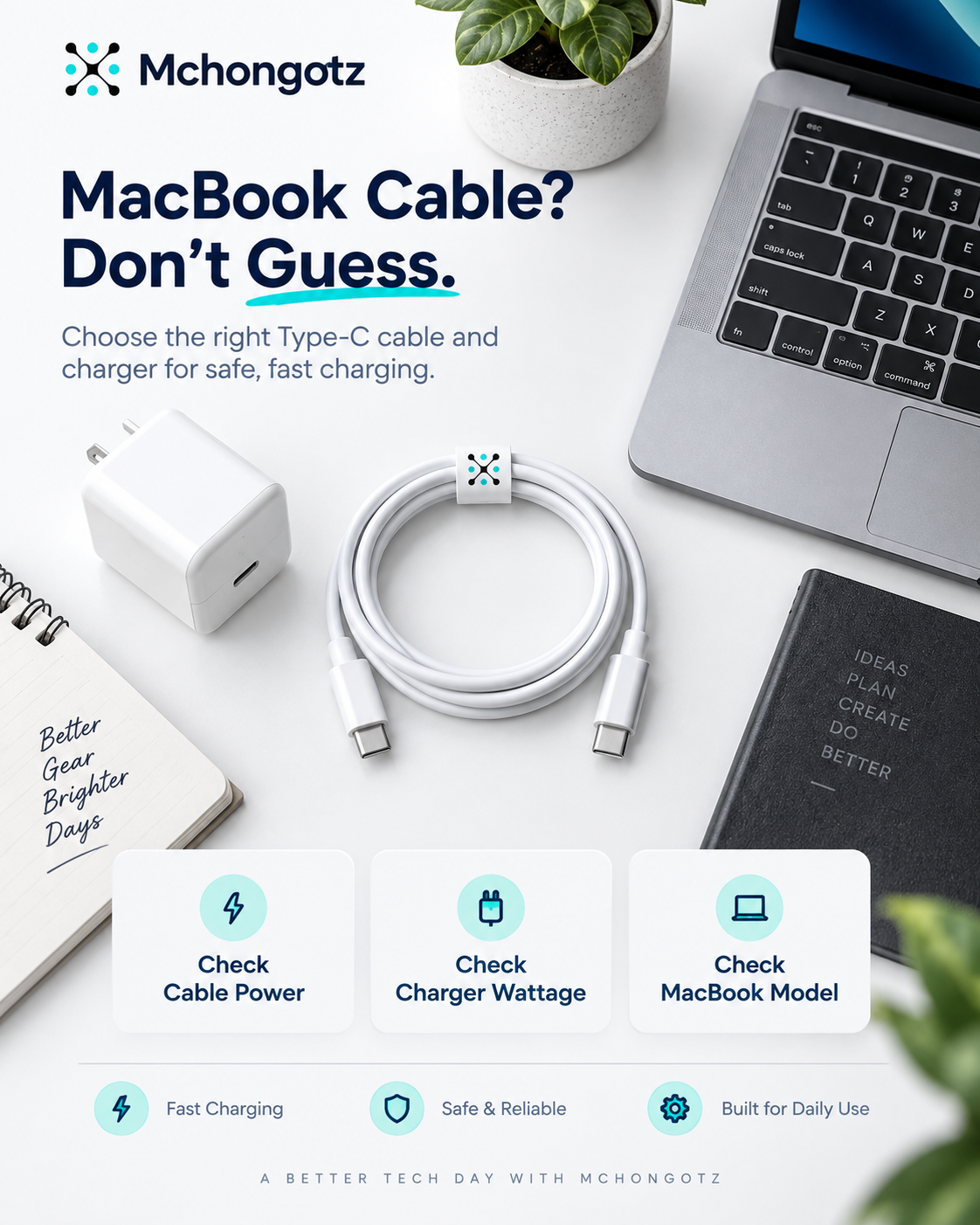
Complete your power setup with the correct laptop charger, Type C to Type C 240W cable, MacBook Type-C adapter, power extension, UPS, laptop bag and USB-C hub. Browse Accessories, Chargers and Cables & Adapters.
FAQ: laptop not charging in Tanzania
Why is my laptop plugged in but not charging?
It may be caused by a weak charger, wrong wattage, battery problem, charging port issue or laptop power settings.
Can a wrong charger damage my laptop?
Yes, using the wrong charger can cause unstable charging and may damage the laptop or battery over time.
How do I know my laptop charger is bad?
Signs include no charging light, overheating adapter, loose cable, unstable charging or charging only when the cable is moved.
Can a Type-C phone charger charge a laptop?
Usually no. Many phone chargers are too weak for laptops. Use a proper USB-C laptop charger with correct wattage.
Where can I buy a laptop charger in Dar es Salaam?
You can buy laptop chargers at Mchongotz Eshop, Makumbusho Stand, Dar es Salaam, or online through mchongotz.co.tz.
Final advice
When your laptop is not charging, do not guess. Check the charger, wattage, pin type, battery and charging port. Buying the right replacement saves money and protects your laptop.
Need the correct laptop charger in Dar es Salaam? Visit Mchongotz Eshop at Makumbusho Stand, Dar es Salaam, or shop online at mchongotz.co.tz.
Ready to buy?
Browse laptops, desktops & accessories — great prices, warranty, Dar es Salaam.
Frequently asked questions
It may be caused by a weak charger, wrong wattage, battery problem, charging port issue or laptop power settings.
Yes. Using the wrong charger can cause unstable charging and may damage the laptop or battery over time.
Signs include no charging light, overheating adapter, loose cable, unstable charging or charging only when the cable is moved.
Usually no. Many phone chargers are too weak for laptops. Use a proper USB-C laptop charger with correct wattage.
You can buy laptop chargers at Mchongotz Eshop, Makumbusho Stand, Dar es Salaam, or online at mchongotz.co.tz.
Shop related products from this guide
Categories