Windows 10 Support Has Ended: Should You Upgrade to Windows 11 or Buy a Better Laptop?
Windows 10 support has ended. Learn whether to upgrade to Windows 11, add SSD/RAM, or buy a better Windows 11-ready laptop.
Windows 10 support has ended, and this is now a serious decision point for laptop users in Tanzania. Your laptop may still turn on, but Microsoft has ended free software updates, technical assistance and security fixes for Windows 10 after October 14, 2025. :contentReference[oaicite:0]{index=0}
If you are searching for Windows 10 support ended Tanzania, Windows 11 upgrade Tanzania, Windows 11 laptop Tanzania, TPM 2.0 laptop Tanzania, Secure Boot laptop Tanzania or laptop upgrade Tanzania, this guide helps you avoid wasting money on the wrong decision.
Quick answer: upgrade, improve or replace?
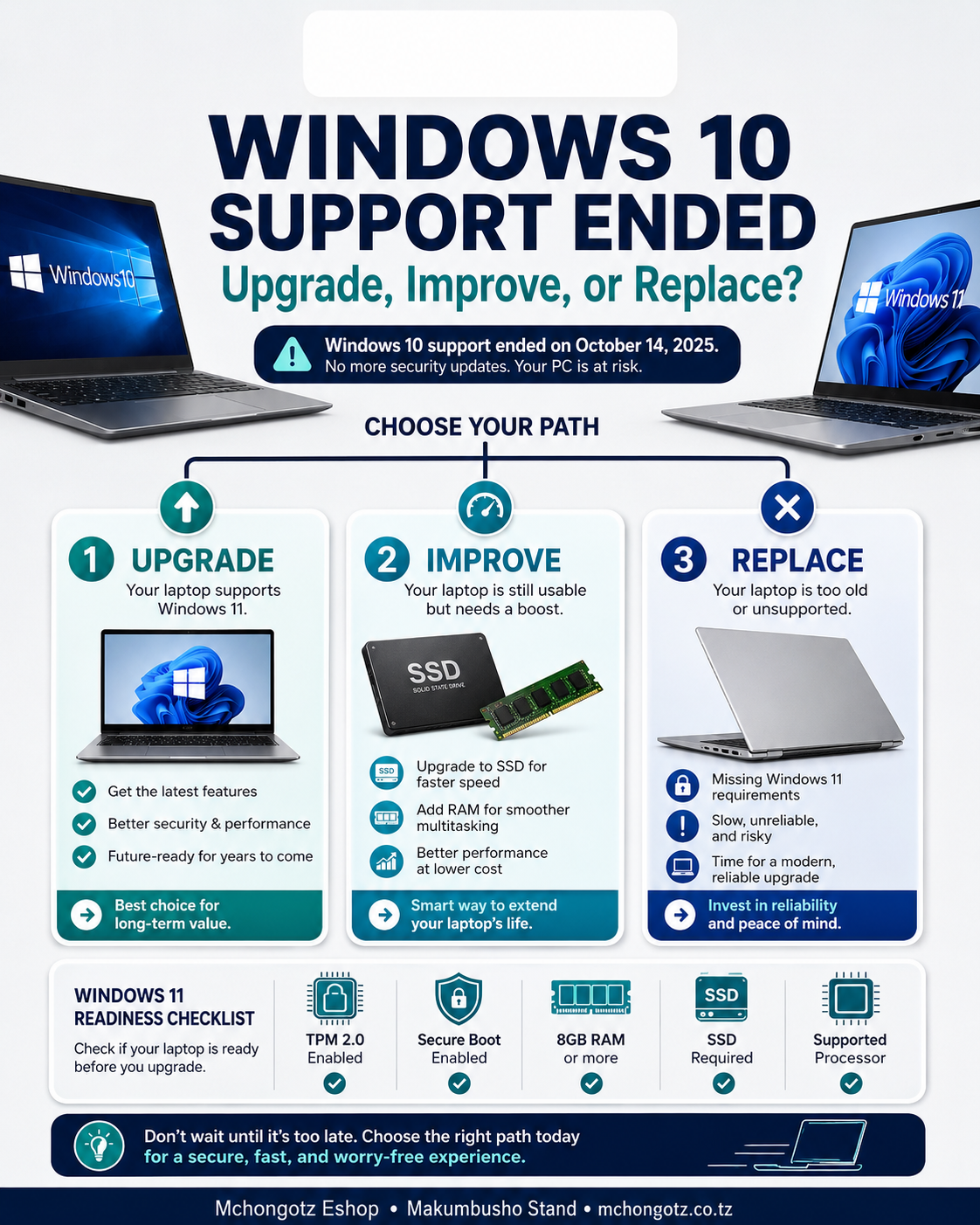
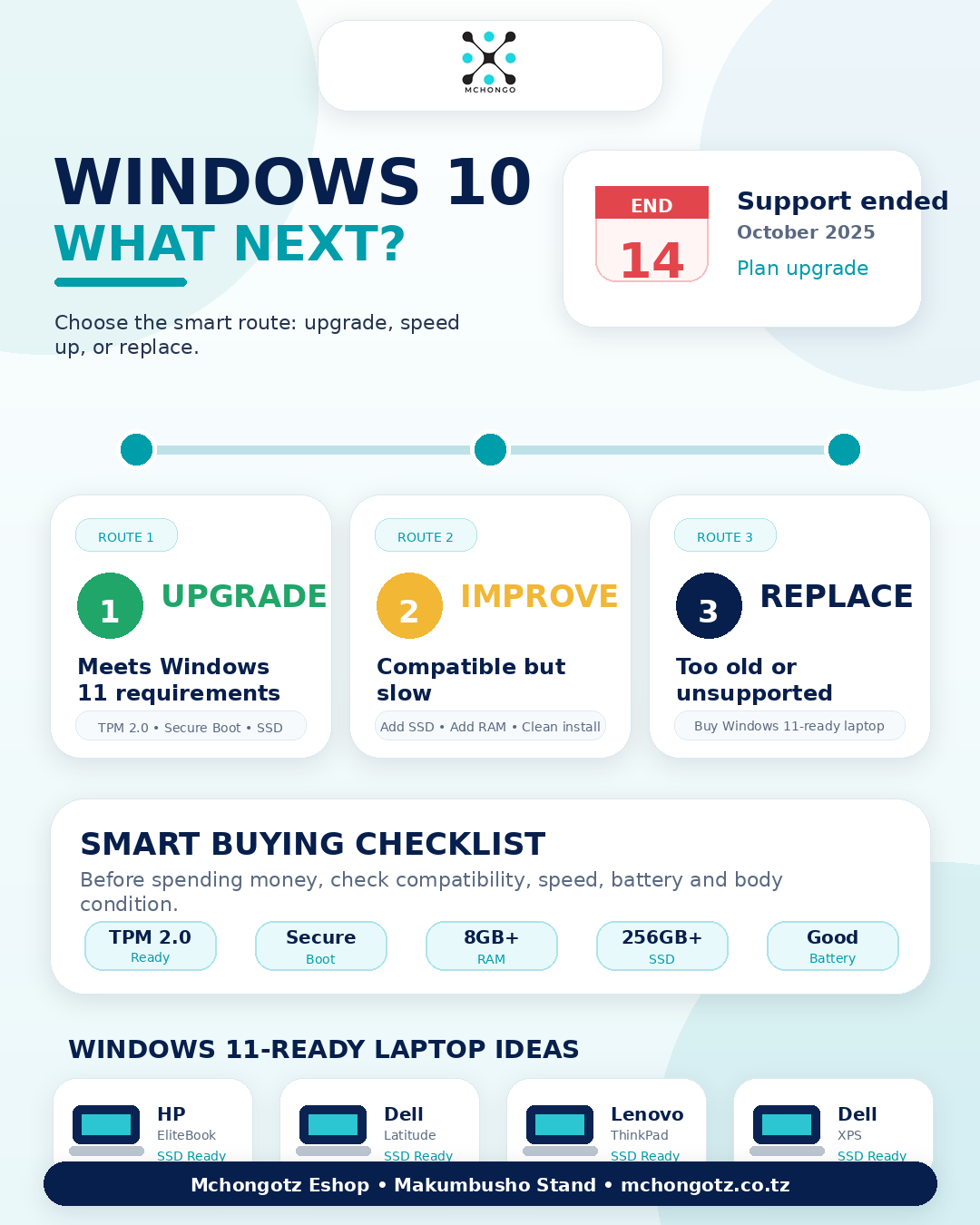
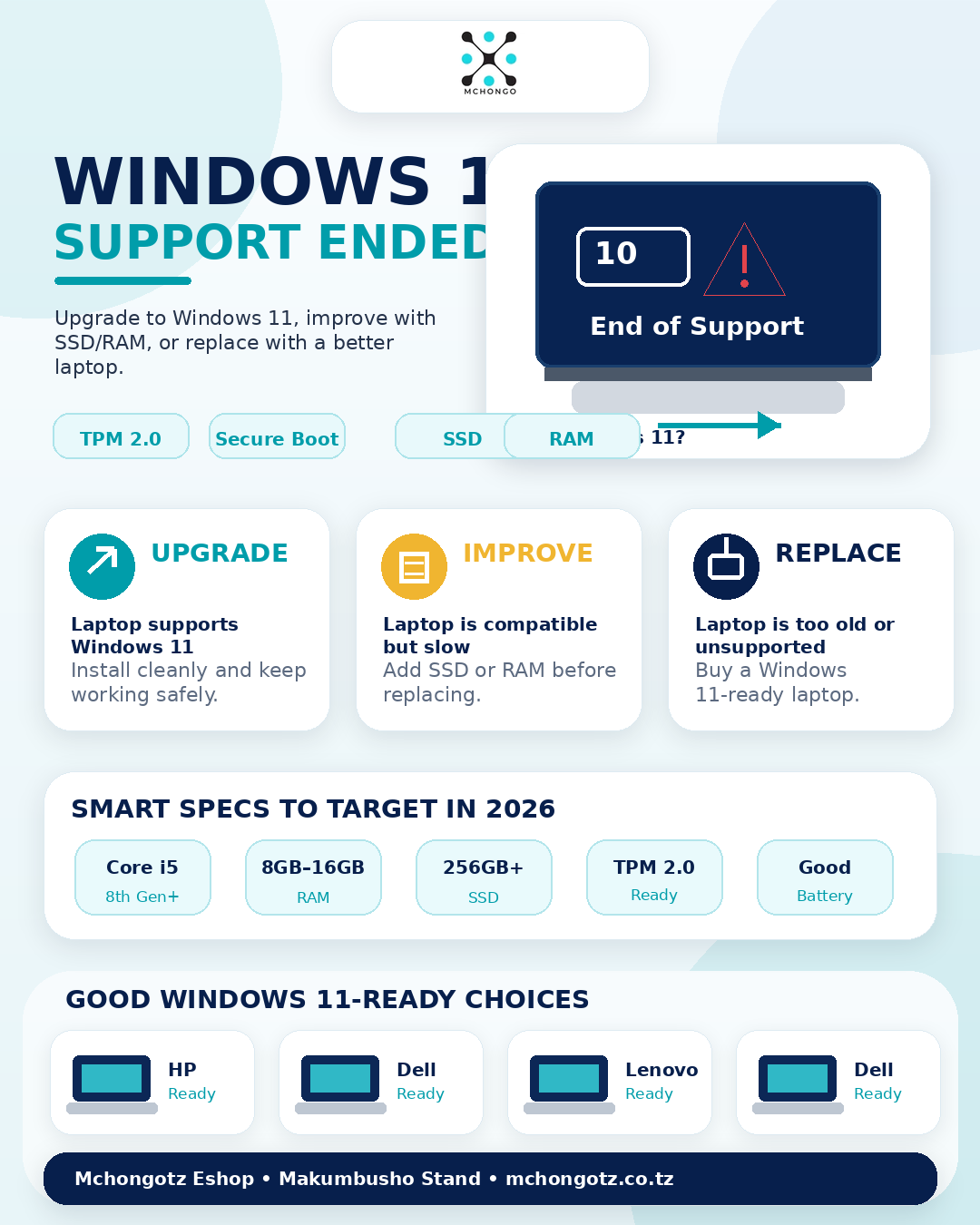
If your laptop meets Windows 11 requirements, upgrade it properly. If it is compatible but slow, improve it with SSD and RAM. If it is too old, weak or unsupported, buying a better Windows 11-ready laptop is usually smarter than forcing upgrades.
| Laptop situation | Best decision | Why |
|---|---|---|
| Supports Windows 11 | Upgrade to Windows 11 | Better long-term security and software support |
| Slow but compatible | Add SSD or RAM | Improves speed without replacing the laptop |
| No TPM 2.0 or Secure Boot | Consider replacing | May not meet Windows 11 requirements |
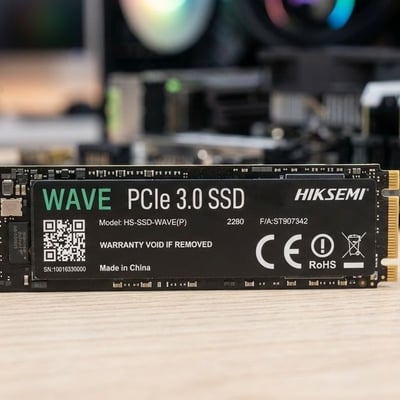
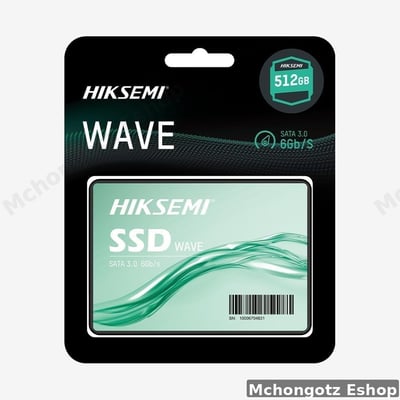
| Still using HDD | Upgrade to SSD | Faster booting and smoother daily use |
| Very old laptop | Buy a better laptop | Repairing may cost more than the value |
What Windows 11 needs
Windows 11 has hardware requirements, including supported processor, TPM 2.0, Secure Boot capability, memory and storage requirements. Microsoft also advises users whose PCs are not eligible for Windows 11 to consider a new device that meets Windows 11 requirements. :contentReference[oaicite:1]{index=1}
- Processor: check if your laptop processor supports Windows 11.
- TPM 2.0: many old laptops fail here.
- Secure Boot: required for supported Windows 11 setup.
- RAM: 8GB RAM is better for smooth daily use.
- Storage: SSD is strongly recommended for speed.
- Battery and body: do not upgrade a laptop that is already physically failing.
When should you upgrade to Windows 11?
Upgrade if your laptop is still strong, has good battery, good screen, working keyboard, SSD storage and meets Windows 11 requirements. A clean upgrade can make your laptop safer and more useful for modern software.
When should you upgrade SSD or RAM first?
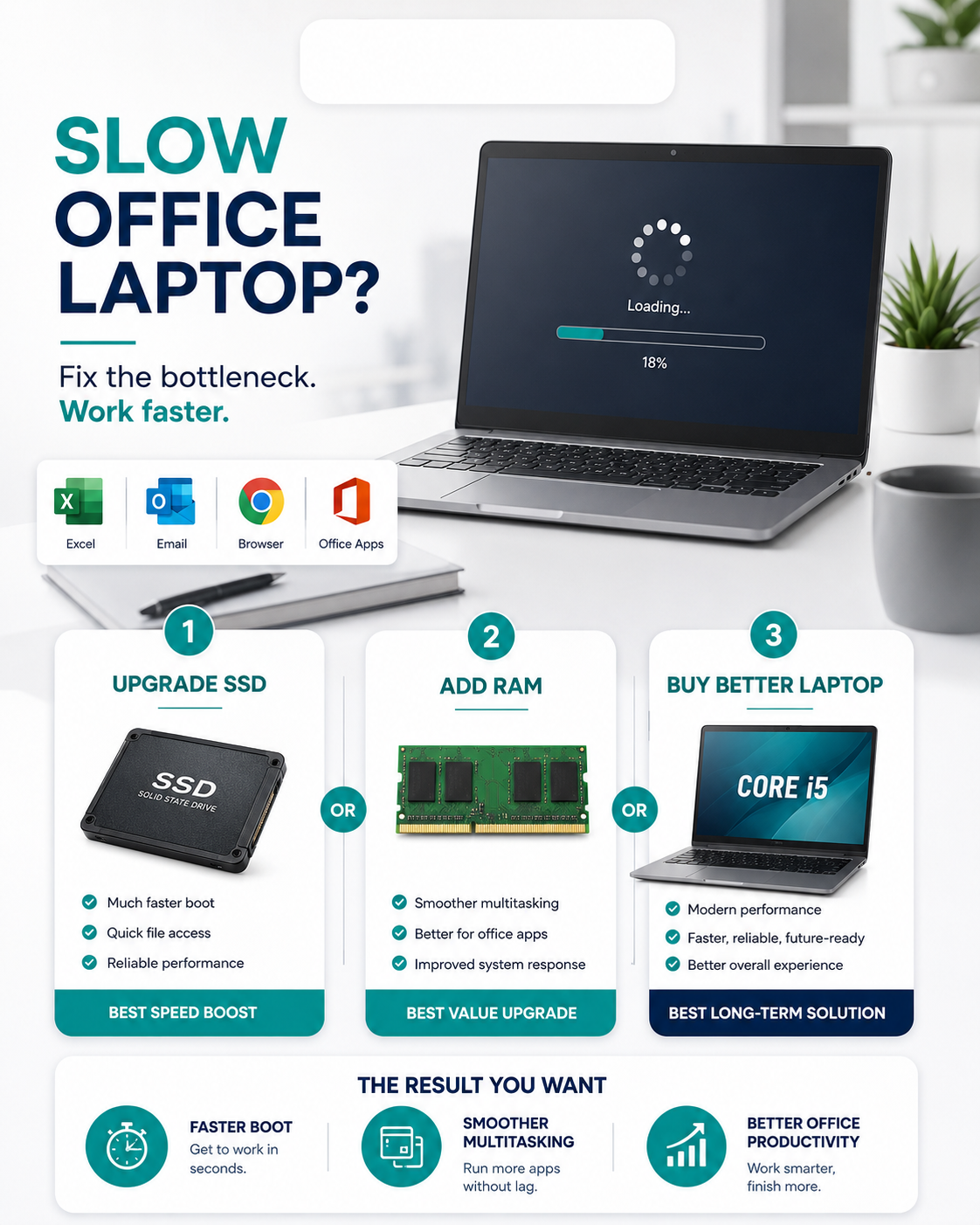
If your laptop supports Windows 11 but feels slow, do not rush to buy another laptop immediately. First check whether adding SSD or increasing RAM can solve the speed problem. For many office and student laptops, SSD is the upgrade that gives the biggest visible improvement.
When should you buy a better laptop?
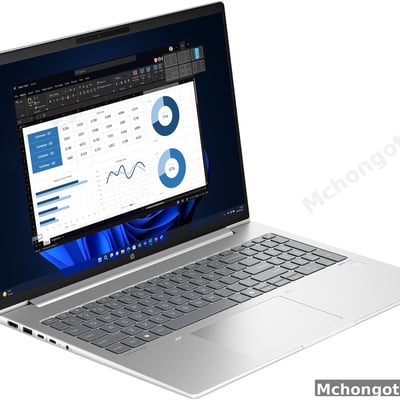
Buy a better laptop if your current machine has old processor, no TPM 2.0, weak battery, broken hinge, slow HDD, low RAM or poor Windows 11 support. In that case, a clean refurbished business laptop can be a smarter buy.
Good laptop specs to target in 2026
For students, office users and business owners, a smart starting point is Core i5, 8GB RAM and SSD storage. Better choices include Core i5 8th Gen and above, 8GB–16GB RAM, 256GB SSD or higher, and a clean business-class body.
Best laptop models to consider
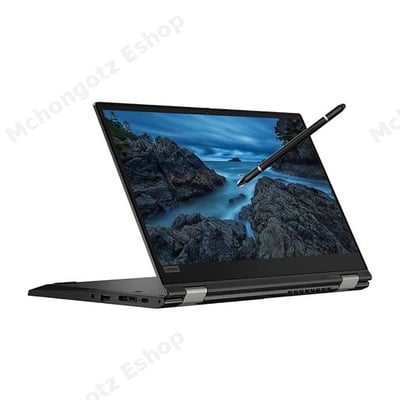
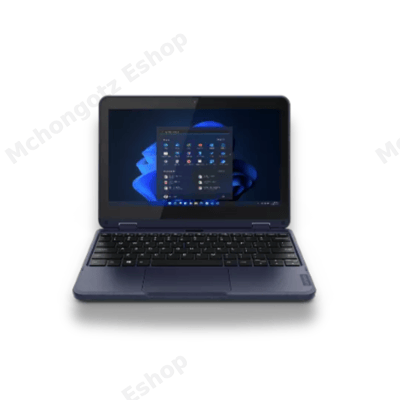
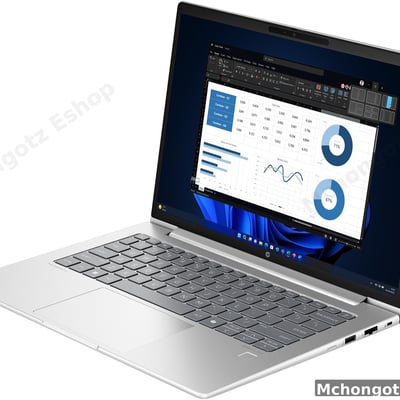
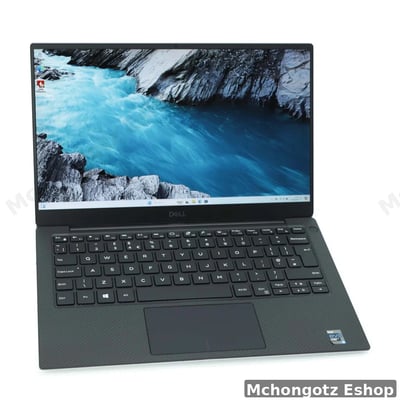
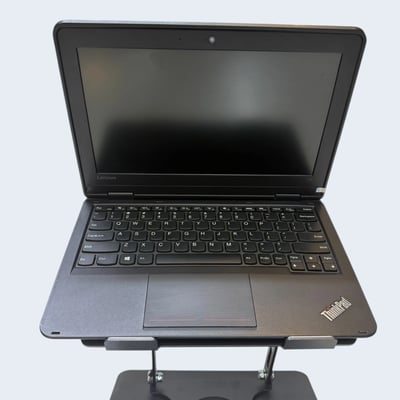
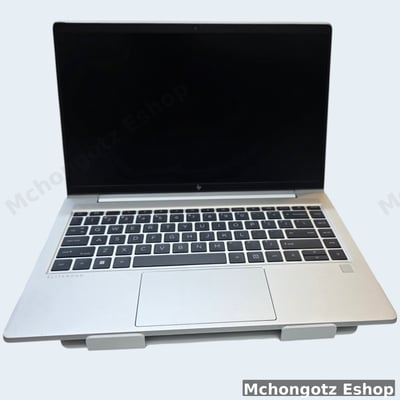
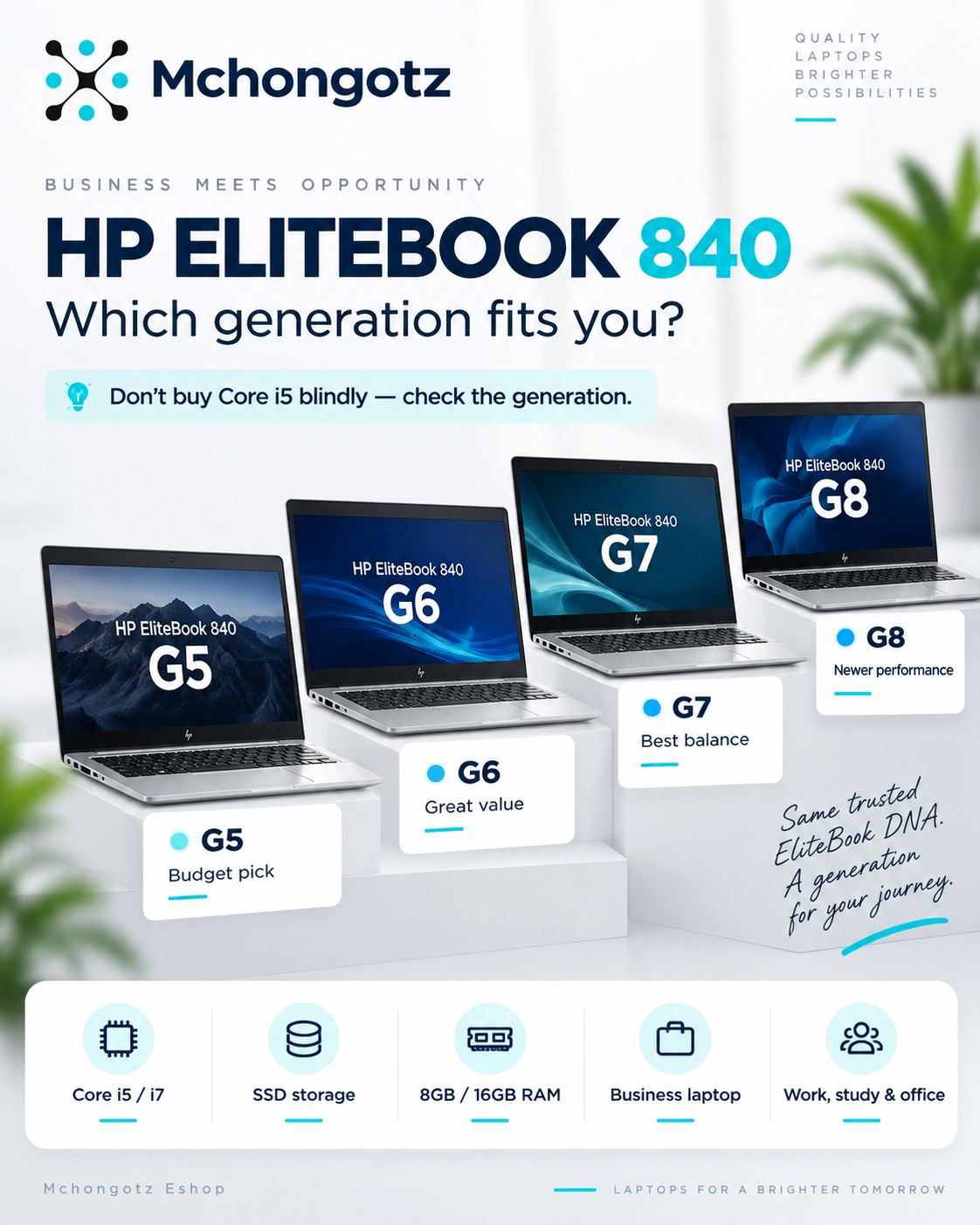
Good everyday Windows 11-ready choices include HP EliteBook, HP ProBook, Dell Latitude, Lenovo ThinkPad and selected Dell XPS models depending on budget and condition.
Common mistake to avoid
Do not force Windows 11 on a laptop that is not ready. You may end up with driver issues, slow performance, unstable updates and wasted money. Also, do not keep using an unsupported Windows 10 laptop for serious work without checking your upgrade options.
Related products
Complete your upgrade setup with SSD, RAM, antivirus, external storage, laptop charger, USB-C hub, laptop bag and a Windows 11-ready laptop. Browse Laptops, Accessories, Storage and Chargers.
FAQ: Windows 10 support ended and Windows 11 upgrade in Tanzania
Can I still use Windows 10 after support ends?
Yes, your laptop can still work, but Microsoft no longer provides free Windows 10 security fixes and support after the end-of-support date. :contentReference[oaicite:2]{index=2}
How do I know if my laptop supports Windows 11?
Check processor support, TPM 2.0, Secure Boot, RAM and storage. A technician can help confirm compatibility before upgrading.
Should I upgrade SSD before Windows 11?
Yes, if your laptop still uses HDD. SSD makes booting, opening apps and daily use much faster.
Is 4GB RAM enough for Windows 11?
It may run, but 8GB RAM is much better for smoother browsing, office work, online classes and multitasking.
Where can I buy Windows 11-ready laptops in Dar es Salaam?
You can buy Windows 11-ready laptops at Mchongotz Eshop, Makumbusho Stand, Dar es Salaam, or online through mchongotz.co.tz.
Final advice
Windows 10 support ending is not just tech news. It is a buying decision. Check if your laptop can upgrade, improve it with SSD or RAM if it is still worth it, or replace it with a better Windows 11-ready laptop if it is too old.
Need a Windows 11-ready laptop or upgrade advice in Dar es Salaam? Visit Mchongotz Eshop at Makumbusho Stand, Dar es Salaam, or shop online at mchongotz.co.tz.
Ready to buy?
Browse laptops, desktops & accessories — great prices, warranty, Dar es Salaam.
Frequently asked questions
Yes. Your laptop can still work, but Microsoft no longer provides free Windows 10 security fixes and support after the end-of-support date.
Check processor support, TPM 2.0, Secure Boot, RAM and storage. A technician can help confirm compatibility before upgrading.
Yes, if your laptop still uses HDD. SSD makes booting, opening apps and daily use much faster.
It may run, but 8GB RAM is much better for smoother browsing, office work, online classes and multitasking.
You can buy Windows 11-ready laptops at Mchongotz Eshop, Makumbusho Stand, Dar es Salaam, or online at mchongotz.co.tz.
Shop related products from this guide
Categories