RAM Upgrade Tanzania 2026: Is 8GB or 16GB RAM Better for Your Laptop?
Laptop freezing or slow with many tabs? Learn whether 8GB or 16GB RAM is the right upgrade for study, office and business use.
If your laptop freezes when you open many browser tabs, Excel files, Zoom, accounting software or design tools, the problem may be low RAM.
A RAM upgrade helps your laptop handle more tasks at the same time. But the real question is simple: should you choose 8GB RAM or 16GB RAM?
Quick answer
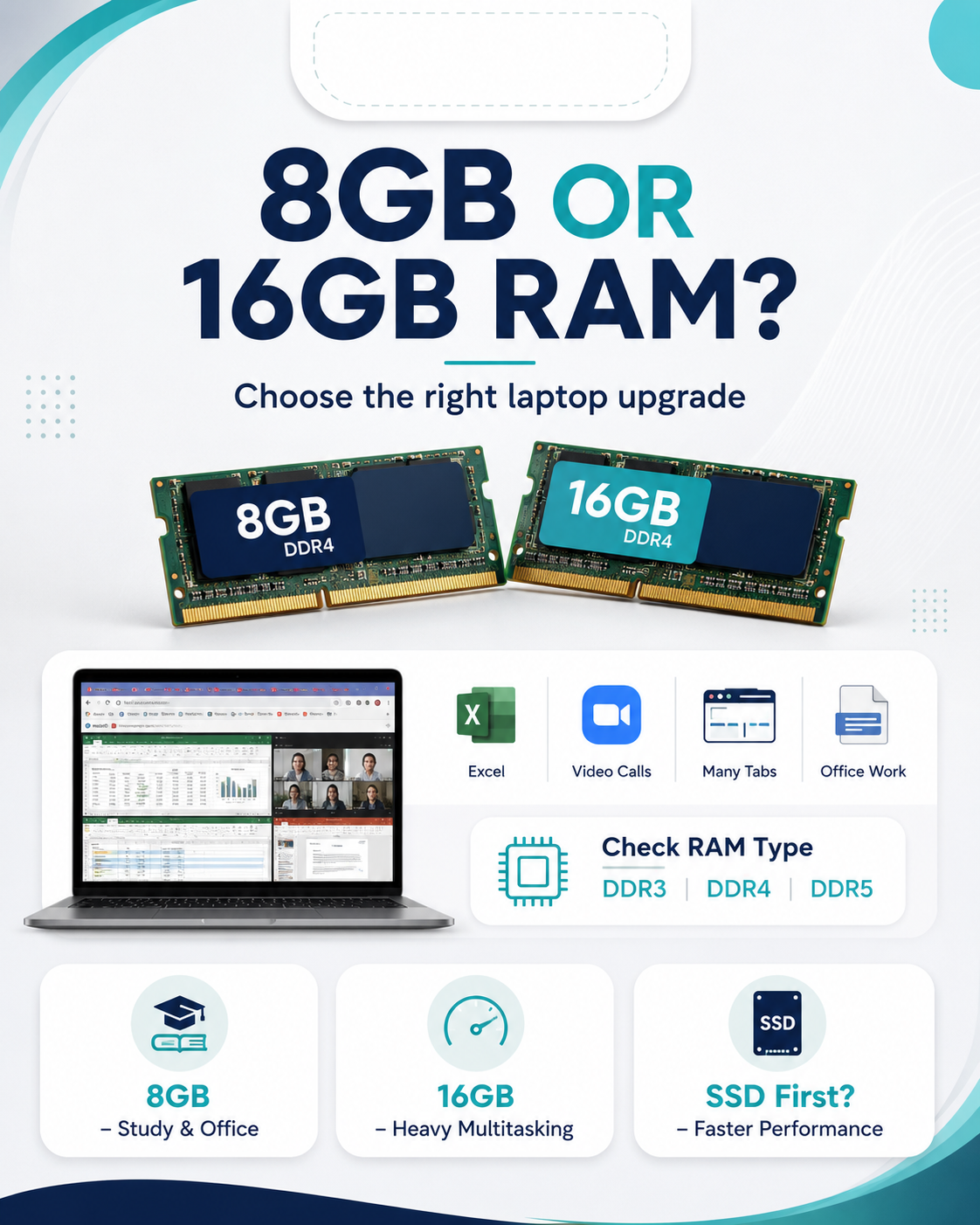
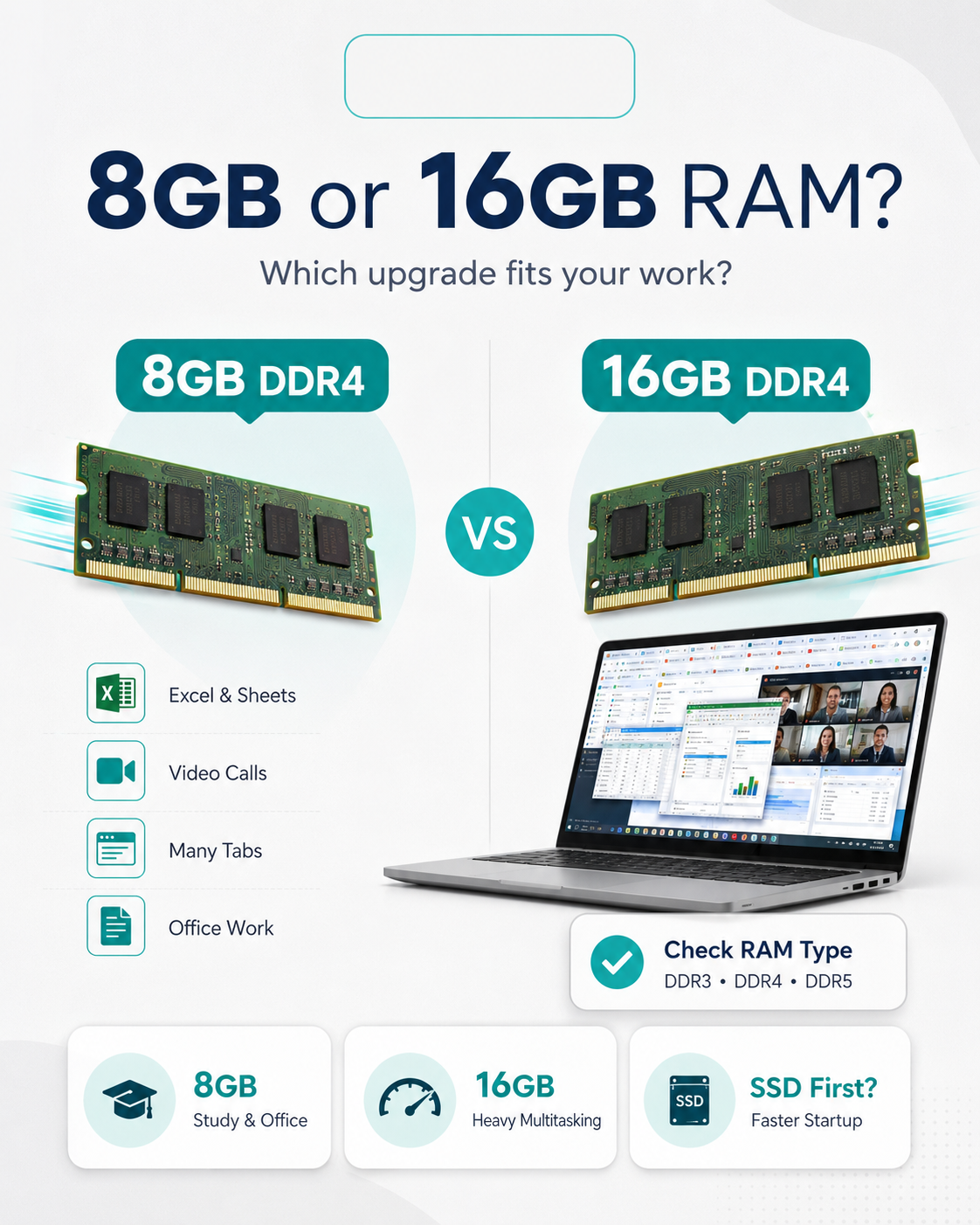
Choose 8GB RAM for normal study, office work, browsing and daily use. Choose 16GB RAM if you multitask heavily, use many tabs, large Excel files, design apps, coding tools or business systems.
| User | Recommended RAM | Best for |
|---|---|---|
| Student | 8GB RAM | Assignments, browsing, online classes |
| Office worker | 8GB–16GB RAM | Excel, email, documents, Zoom |
| Business owner | 16GB RAM | POS, stock systems, many apps |
| Programmer or designer | 16GB RAM or more | Coding, design tools, heavy multitasking |
When is 8GB RAM enough?
8GB RAM is enough if you use your laptop for school work, office documents, browsing, emails, video calls and normal daily tasks.
When should you choose 16GB RAM?
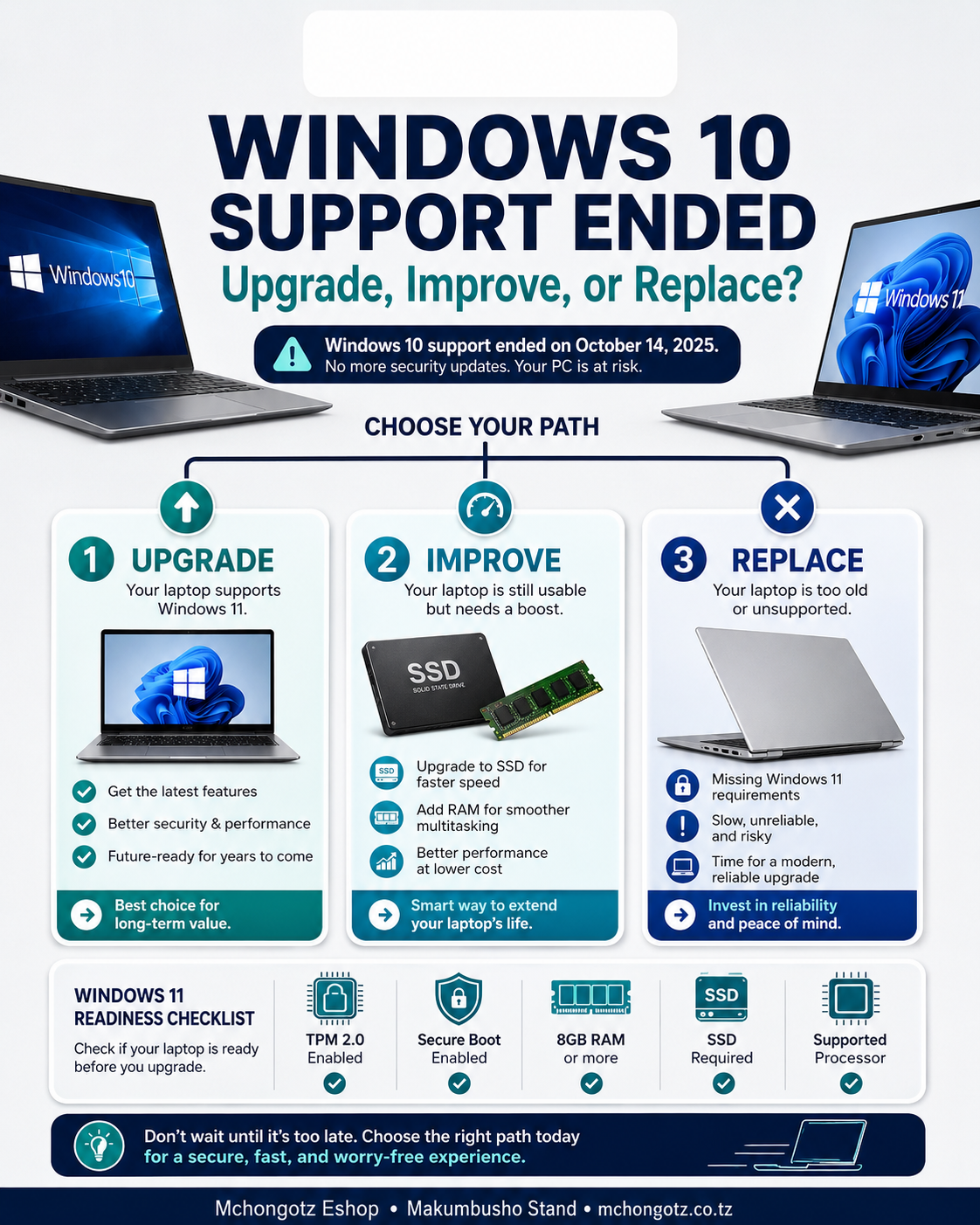
Choose 16GB RAM if your laptop hangs when opening many tabs, Excel files, office apps or business systems at the same time. It gives smoother multitasking and better long-term use.
Important: check RAM type first
Do not buy RAM blindly. Your laptop may use DDR3, DDR4 or DDR5 RAM. You also need to check the maximum RAM your laptop supports before buying.
RAM or SSD: which one first?
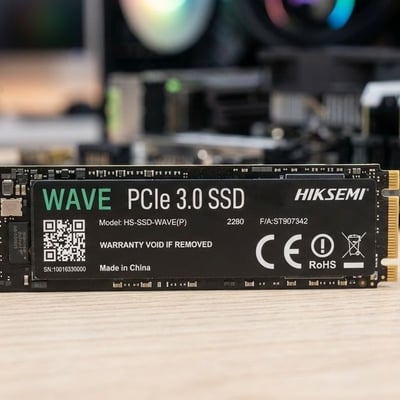
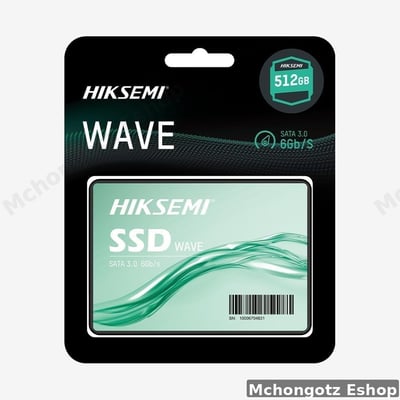
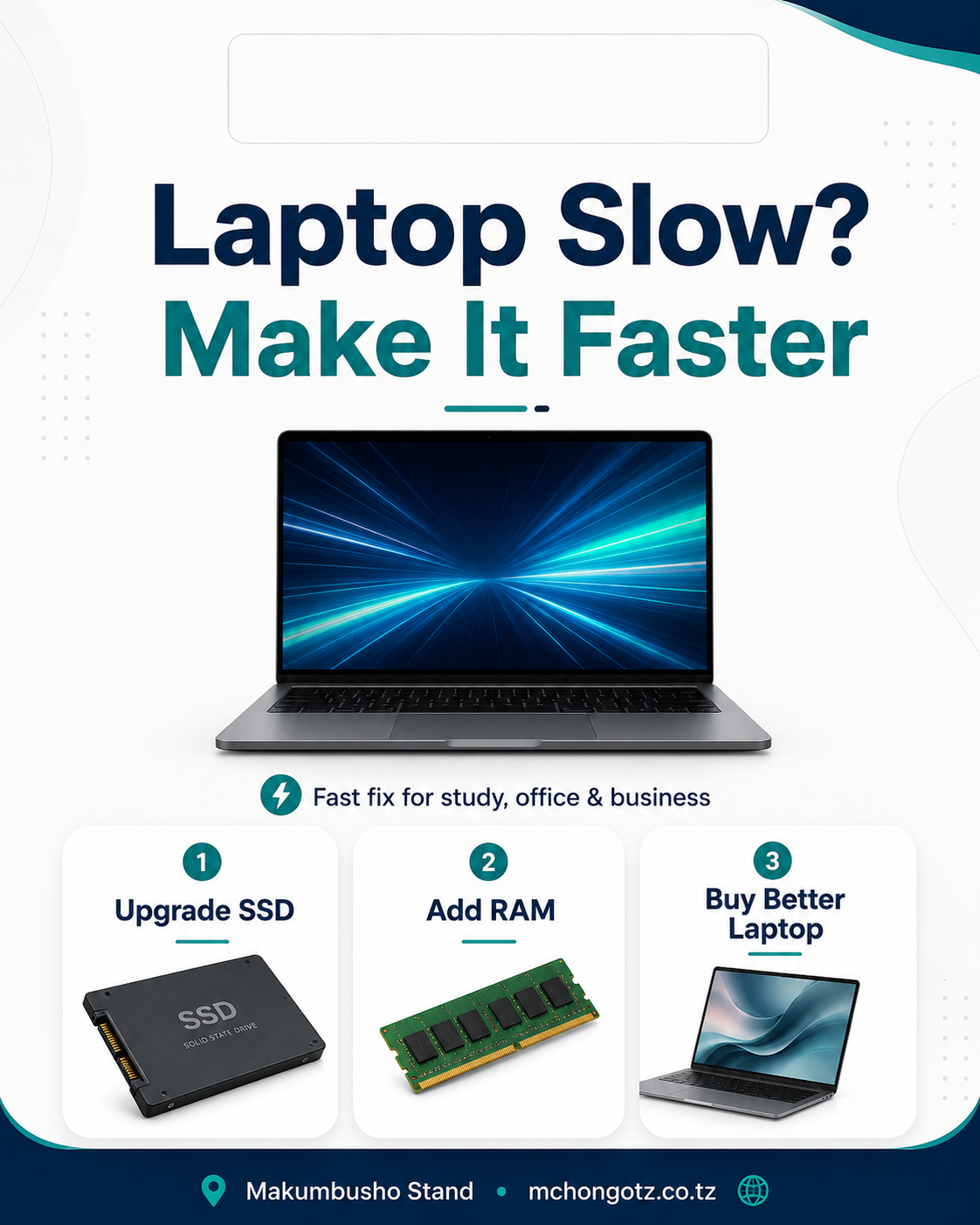
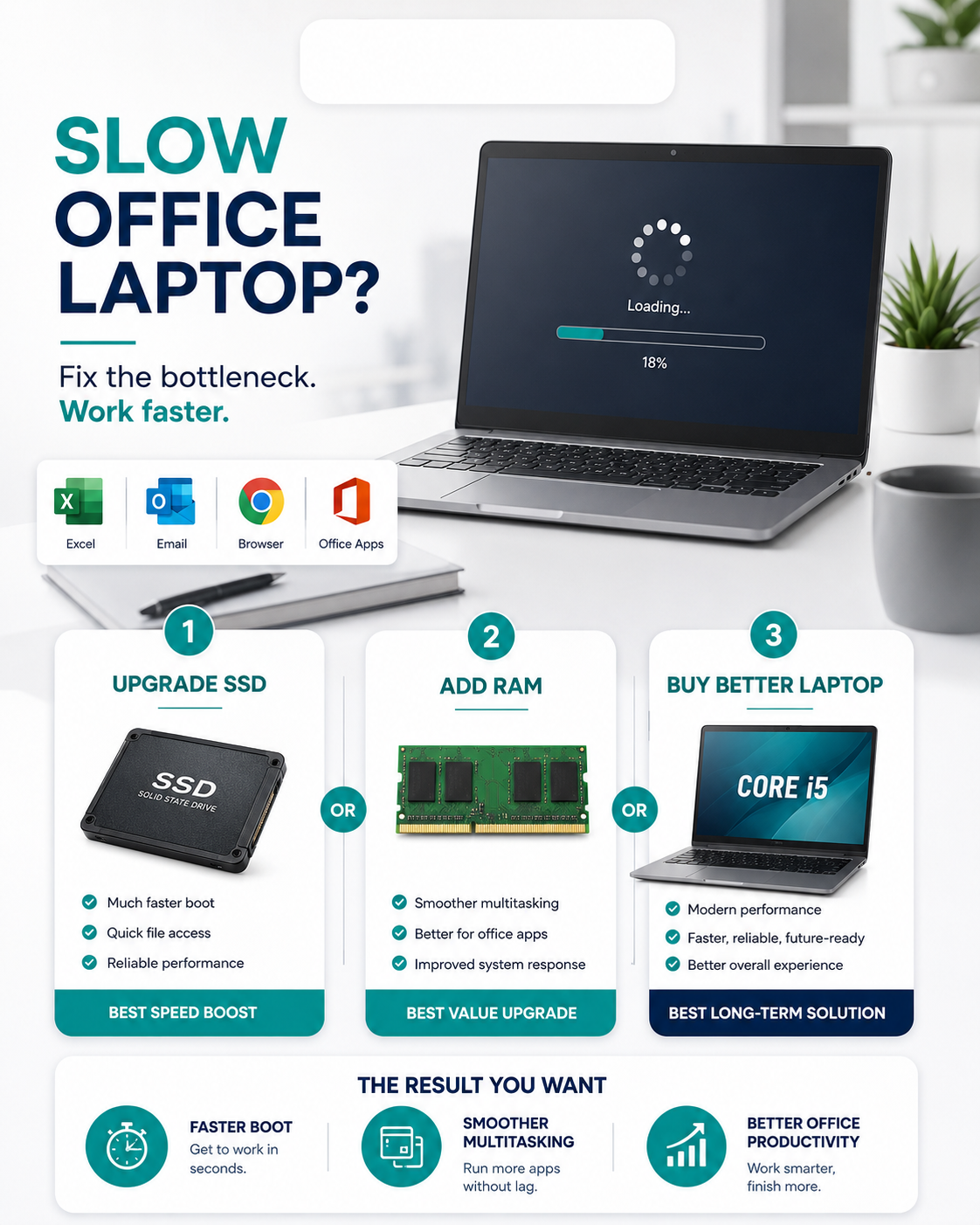
If your laptop is slow to start, upgrade SSD first. If your laptop freezes when many apps are open, upgrade RAM. For best performance, use both SSD and enough RAM.
Common mistake to avoid
Do not add RAM to a laptop that is too old, damaged or not worth upgrading. Sometimes buying a better Core i5 laptop with SSD and enough RAM is smarter.
Related products
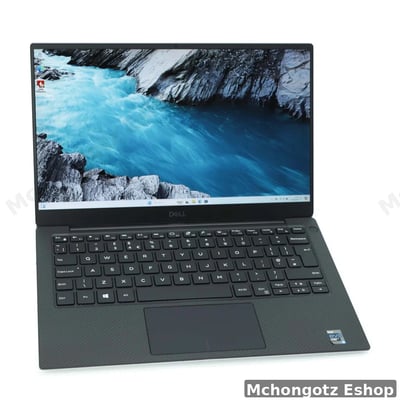
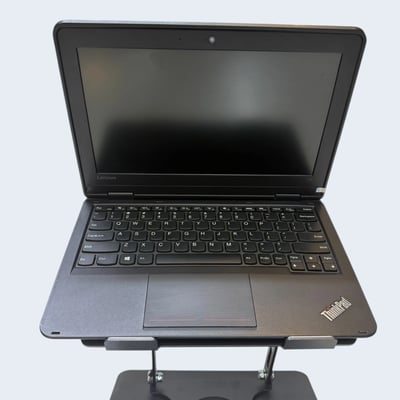
Upgrade your laptop with 8GB RAM, 16GB RAM, SSD, M.2 SSD, antivirus, laptop charger and better Core i5 laptops. Browse Storage, Laptops and Accessories.
Final advice
RAM upgrade is one of the easiest ways to reduce freezing and improve multitasking. Choose 8GB for normal use and 16GB if you want smoother work and better future performance.
Need RAM upgrade in Dar es Salaam? Visit Mchongotz Eshop, Makumbusho Stand, Dar es Salaam, or shop online at mchongotz.co.tz.
Ready to buy?
Browse laptops, desktops & accessories — great prices, warranty, Dar es Salaam.
Frequently asked questions
Yes. 8GB RAM is enough for normal study, office work, browsing, emails and video calls.
Yes. 16GB RAM is better for heavy multitasking, many browser tabs, large Excel files, design tools, coding and business systems.
Upgrade SSD first if the laptop starts slowly. Upgrade RAM if the laptop freezes when many apps or tabs are open.
No. Some laptops have soldered RAM or limited upgrade support, so you should check the laptop model before buying RAM.
You can buy laptop RAM and upgrade-ready laptops at Mchongotz Eshop, Makumbusho Stand, Dar es Salaam, or online at mchongotz.co.tz.
Shop related products from this guide
Categories