Buyer Guide · Computer Security
Best Antivirus Software in Tanzania 2026: Protect Your Laptop, Office PCs & Business Data
Compare antivirus software in Tanzania for laptops, office PCs and business computers. Learn what to buy and how to avoid fake licenses.
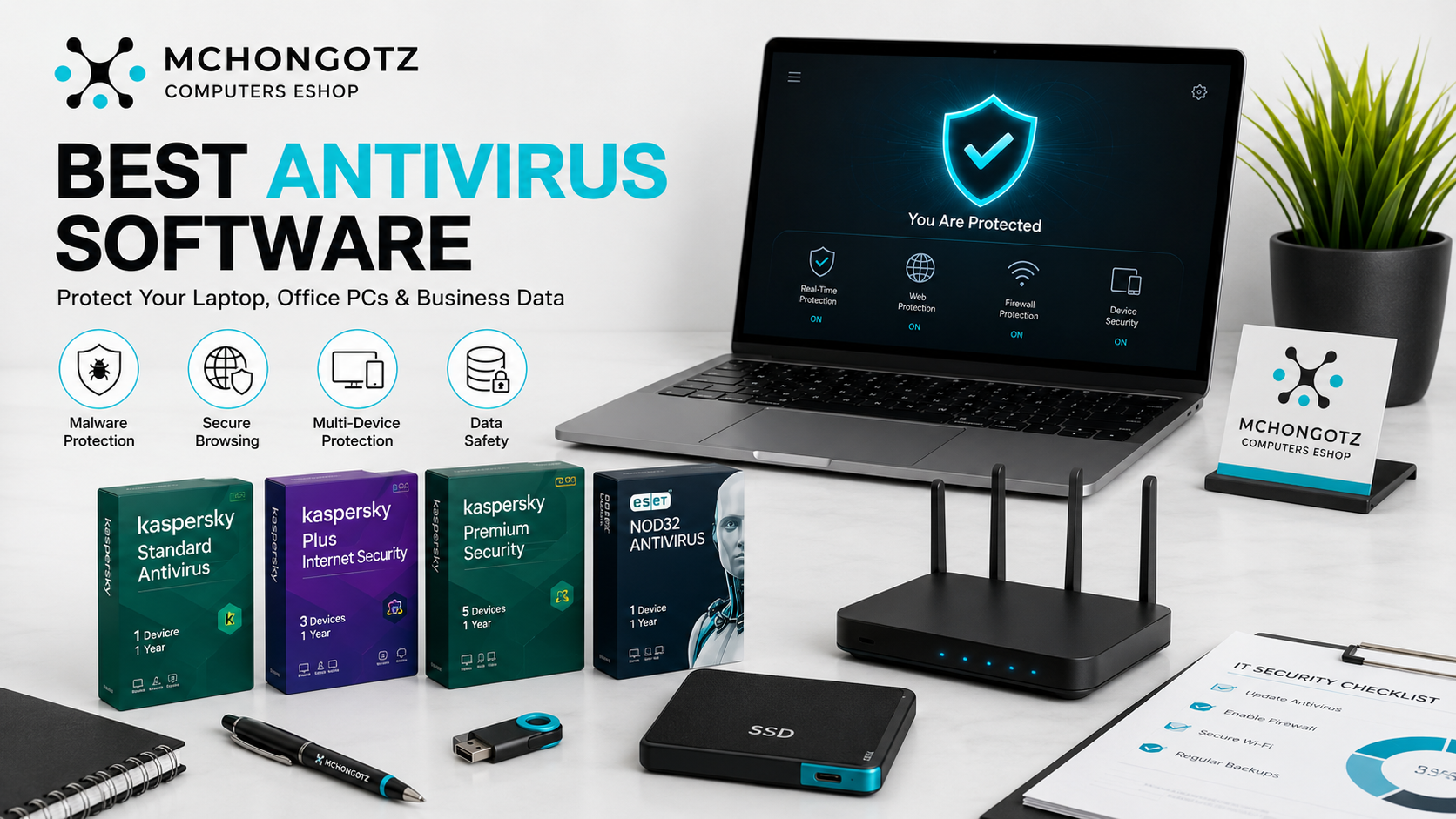
A laptop without protection is like a shop with the door open at night. It may look fine today, but one bad file, fake download, infected flash drive or unsafe website can damage your work, expose your data or slow your computer badly.
If you are searching for antivirus software Tanzania, Kaspersky antivirus Tanzania, laptop antivirus Dar es Salaam, antivirus price Tanzania or computer security Tanzania, this guide will help you choose the right protection for your laptop, office computers and business devices.
Quick answer: who needs antivirus software?
Almost everyone using a Windows laptop or desktop should take antivirus seriously. Students need it to protect assignments and downloads. Office users need it to protect documents, emails and work files. Business owners need it to protect invoices, customer records, stock files and daily operations.
The mistake is thinking antivirus is only for people who “download too much.” That is weak thinking. Viruses, malware and unsafe files can come from flash drives, email attachments, fake software, cracked apps, suspicious websites and even shared office computers.
Best antivirus software for different users
| User type | Recommended protection | Why it matters |
|---|---|---|
| Student | Basic antivirus for one laptop | Protects assignments, downloads, browser activity and flash drives |
| Office worker | Standard antivirus with real-time protection | Protects work documents, email files and daily browsing |
| Small business | Multi-user license for several computers | Protects office PCs, business data and shared files |
| Family or home users | Multi-device protection | Protects multiple laptops used by parents, children and home workers |
| Power users | Internet security or plus-level protection | Better for heavy browsing, online work, downloads and data protection |
Why antivirus still matters in 2026
Some people say, “Windows already has protection, why should I buy antivirus?” Fair question. Built-in protection can help, but many users still need stronger protection, easier management and extra features, especially when using flash drives, shared files, email attachments and downloaded software.
In Tanzania, many people still move files using flash drives, memory cards, external hard drives and shared computers. That habit makes antivirus more important, not less.
Common threats that attack laptops and office computers
- Viruses: harmful programs that can damage or affect computer files.
- Malware: unwanted software that may slow, spy on or control your device.
- Ransomware: dangerous attacks that can lock files and demand money.
- Fake software: cracked or pirated programs that may hide harmful code.
- Phishing links: fake links that try to steal passwords or account details.
- Infected flash drives: one of the most common ways computers get problems in offices and schools.
The aha moment is simple: your laptop may not be slow because it is old. It may be slow because it is infected, overloaded or running unsafe software.
Kaspersky antivirus options at Mchongotz
Stock and prices can change, but these current examples show the kind of software options you can compare at Mchongotz Computers Eshop.
| Software product | Users/devices | Listed price | Best for |
|---|---|---|---|
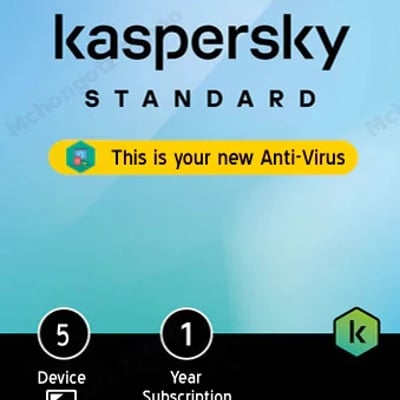
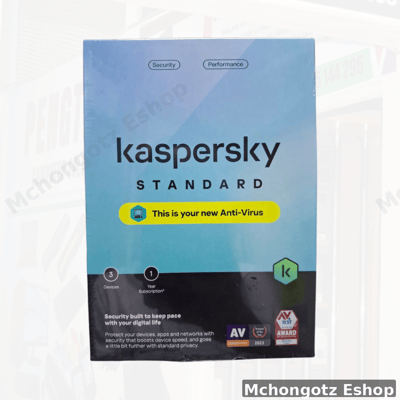
| Kaspersky Standard Antivirus | 3 users | Around TZS 55,000 | Small teams, home users, students with multiple devices |
| Kaspersky Standard Antivirus | 5 users | Around TZS 70,000 | Families, offices and small businesses |
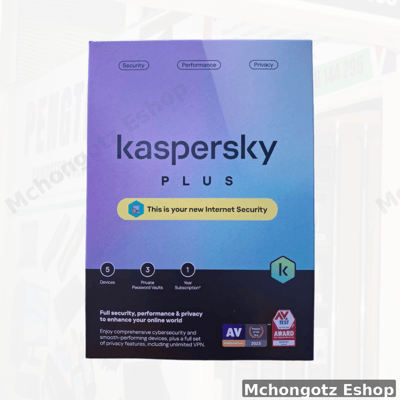
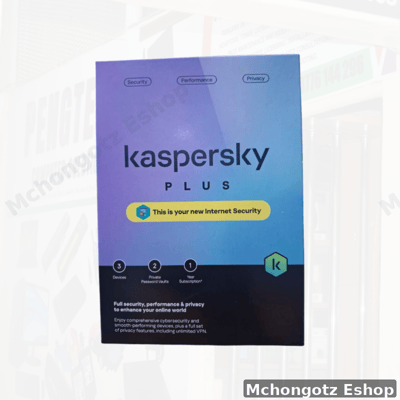
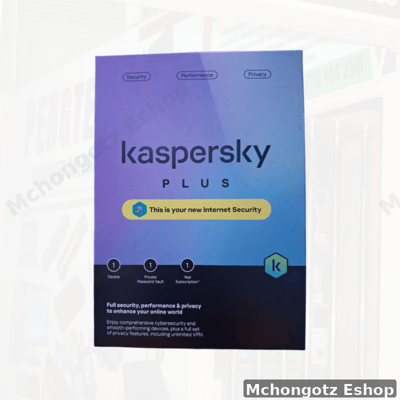
| Kaspersky Plus Internet Security | 5 users, 1 year | Around TZS 80,000 | Users who want stronger internet and device protection |
How to choose antivirus software
1. Choose by number of devices
Do not buy a one-device license if you have several computers. A 3-user or 5-user license can be better value for families, offices and small teams.
2. Choose by risk level
If you mostly type documents and browse lightly, standard antivirus may be enough. If you download often, use online work tools, handle business files or use public WiFi, internet security or plus-level protection is smarter.
3. Choose genuine license, not fake activation
Do not be fooled by very cheap “activation” from unknown sources. Fake or unstable licenses may stop working, fail updates or expose you to security risks.
4. Check if installation support is available
Good software is useless if installed badly. Ask whether installation, activation and setup support are available before buying.
Antivirus for students
Students download notes, PDFs, slides, apps, movies, music, software tools and files from classmates. That is exactly why protection matters. A virus can destroy assignments, corrupt flash drives or slow your laptop during exam season. That pain is unnecessary.
For a student, basic antivirus can be enough, but if the laptop is used heavily for downloads, online classes, email and shared files, stronger protection is better.
Antivirus for office and business computers
Business computers hold important data: invoices, customer records, stock files, payroll documents, reports and email attachments. If one computer gets infected, the whole office can suffer.
For a small office, a multi-user license is usually smarter than buying separate random licenses. It keeps protection easier to manage and helps all computers stay updated.
Antivirus plus backup: the real protection combo
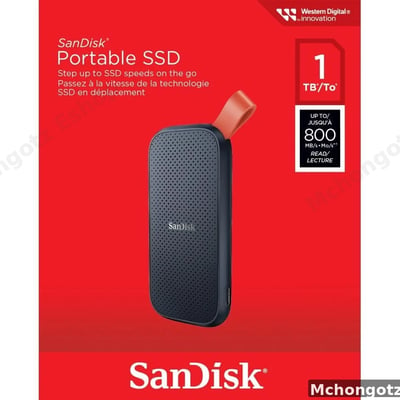
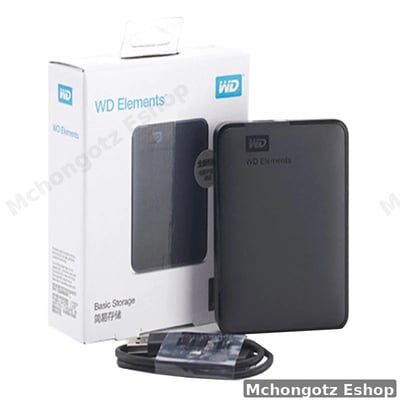
Antivirus is important, but it is not the whole story. You should also back up important files using an external hard drive, external SSD or cloud storage where possible.
If your laptop is used for business, do not rely on one copy of files. Use antivirus plus backup. That combination is stronger than hope.
Products that work well with antivirus protection
For better protection and productivity, consider building a complete safety setup:
| Product | Why it helps | Who should consider it |
|---|---|---|
| Kaspersky Standard Antivirus 3 Users | Protects several devices at a practical price | Students, home users, small teams |
| Kaspersky Standard Antivirus 5 Users | Good for multiple laptops and office computers | Families, offices, shops |
| Kaspersky Plus Internet Security 5 Users | Stronger protection for internet-heavy users | Business owners, professionals, active online users |
| External SSD | Fast backup for important files | Designers, business users, students with projects |
| External hard drive | Large backup storage | Offices, schools, photographers, businesses |
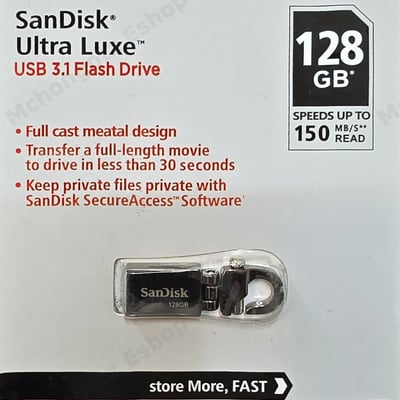
| USB flash drive | Easy file transfer, but must be scanned | Students, office workers, print users |
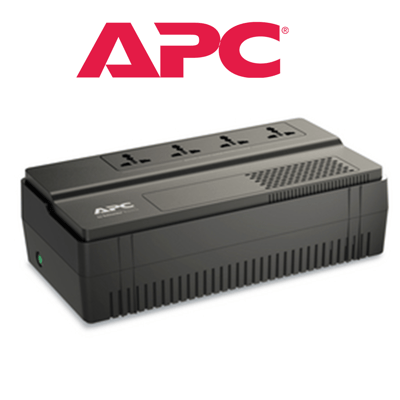
| UPS | Protects computer work during power interruption | Offices, desktops, shops, business users |
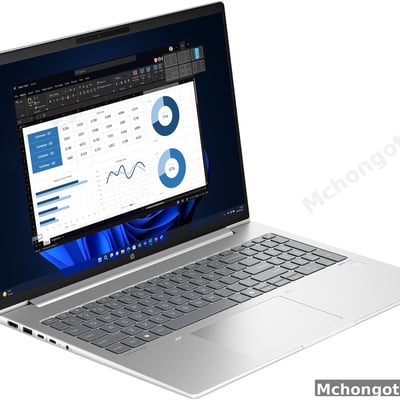
| SSD upgrade | Improves speed if laptop is slow | Students, office users, old laptops |
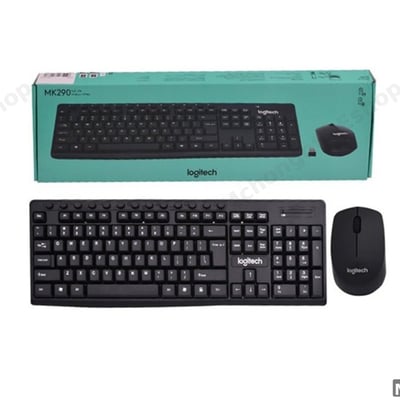
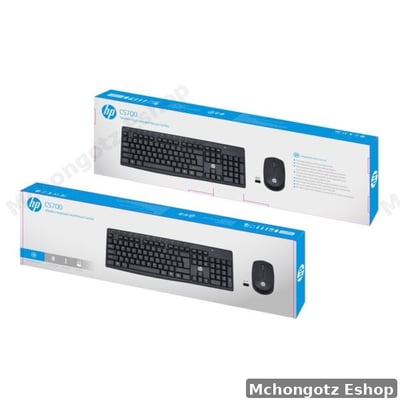
| Wireless keyboard and mouse | Improves daily work comfort | Office users, home setups, professionals |
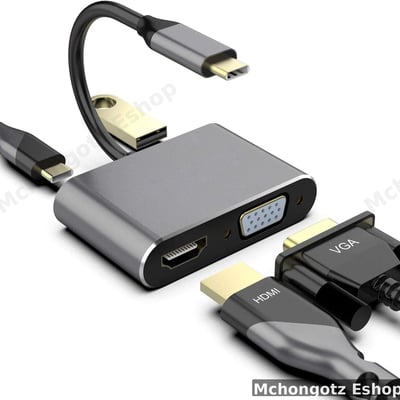
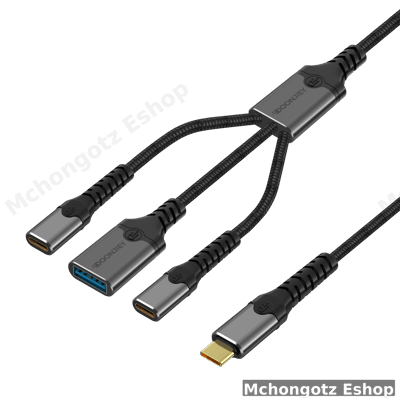
| USB-C hub | Connects storage, mouse, network and monitors | Modern laptop users |
You can browse related categories through all products, software, computer accessories, storage devices and Power & UPS.
How to avoid fake antivirus licenses
- Buy from a seller who can explain the license clearly.
- Ask whether the license is for 1, 3 or 5 users.
- Check the duration, usually 1 year for many consumer licenses.
- Avoid suspiciously cheap offers with no proof of activation.
- Make sure the software can update properly after installation.
- Keep your activation details safe after purchase.
FAQ: antivirus software in Tanzania
Do I still need antivirus for my laptop?
Yes, especially if you use flash drives, download files, browse often, receive email attachments or share files with other people.
Which antivirus is good in Tanzania?
Kaspersky is one popular option available in Tanzania. The best choice depends on your device count, budget and how heavily you use the internet.
Can antivirus make my laptop faster?
Antivirus can help remove threats and prevent harmful software, but if your laptop is slow because of old HDD or low RAM, you may also need SSD or RAM upgrade.
Is a 5-user antivirus license worth it?
Yes, if you have several laptops or office computers. It can be better value than buying separate single-device licenses.
Where can I buy antivirus software in Dar es Salaam?
You can buy antivirus software and related computer accessories at Mchongotz Computers Eshop, Makumbusho Stand, Dar es Salaam, or online through https://mchongotz.co.tz/.
Final advice
Do not wait until your laptop is infected before thinking about security. Protect your laptop early, back up your important files and avoid fake software. Prevention is cheaper than panic.
Need help choosing antivirus for your laptop, office or business computers? Visit Mchongotz Computers Eshop at Makumbusho Stand, Dar es Salaam, browse online at https://mchongotz.co.tz/, call +255738050165 or chat on WhatsApp: Chat with Mchongotz on WhatsApp.
Ready to buy?
Browse laptops, desktops & accessories — great prices, warranty, Dar es Salaam.
Shop related products from this guide
Categories