Computer Accessories · Laptop Guide
Best USB-C Hubs and Type-C Adapters in Tanzania 2026: HDMI, VGA, USB, LAN & Charging Guide
Need a USB-C hub in Tanzania? Learn how to choose Type-C adapters for HDMI, VGA, USB, LAN and charging before buying.
Modern laptops are getting thinner, cleaner and more portable. That is good until you realize your laptop has only Type-C ports and you still need HDMI, VGA, USB, LAN, flash drive, projector connection or charging at the same time.
If you are searching for USB-C hub Tanzania, Type-C adapter Tanzania, Type-C to HDMI Dar es Salaam, USB-C multiport adapter or laptop accessories Dar es Salaam, this guide will help you choose the right adapter without buying the wrong one.
Quick answer: what is a USB-C hub?
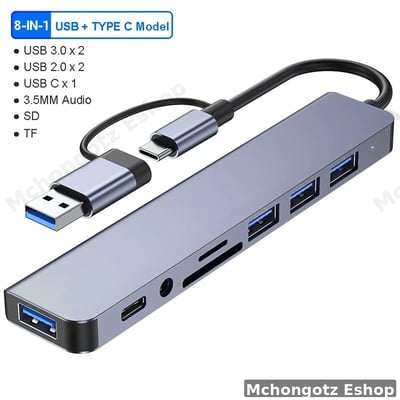
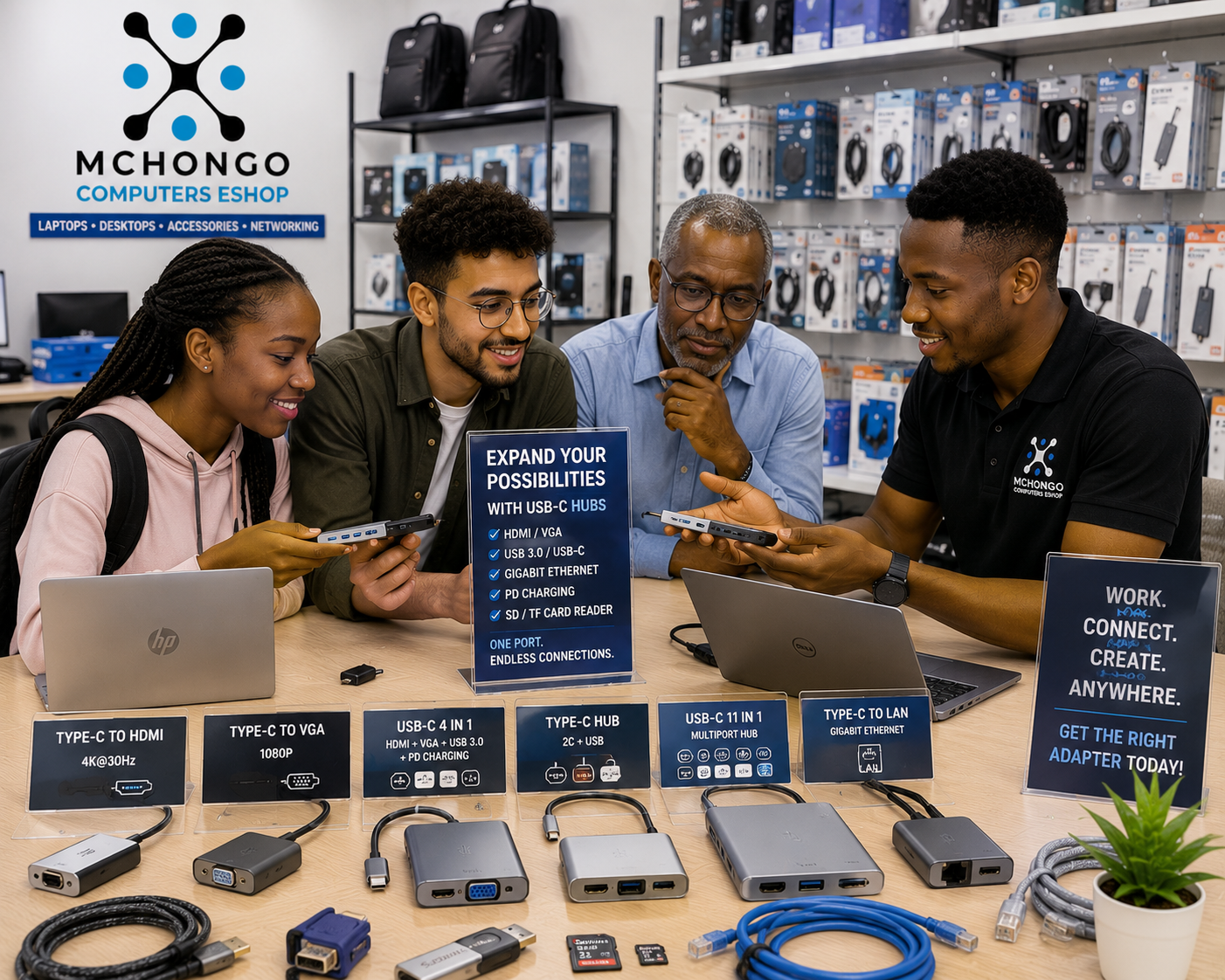
A USB-C hub is an adapter that expands one Type-C port into many useful ports. Depending on the model, it can give you HDMI, VGA, USB-A, USB-C, LAN/Ethernet, SD card reader, audio port and charging support.
In simple words: if your laptop has few ports, a USB-C hub gives you back the ports you still need in real life.
Who really needs a USB-C hub?
| User | Why they need it | Best ports to look for |
|---|---|---|
| University student | Presentations, projectors, flash drives and group work | HDMI, VGA, USB, Type-C charging |
| Office worker | External monitor, keyboard, mouse and stable desk setup | HDMI, USB, LAN, charging |
| Designer or creator | External screen, storage devices, camera cards and fast transfer | HDMI, USB 3.0, SD card, Type-C |
| Business owner | Meetings, customer presentations and office devices | HDMI, VGA, USB, LAN |
| Teacher or trainer | Connecting laptops to projectors and classroom screens | HDMI, VGA, USB |
Why Type-C adapters are now important
Many new laptops from HP, Dell, Lenovo, MacBook and other brands come with fewer ports than older laptops. Some slim laptops may not have full HDMI, VGA or LAN ports. That is where Type-C adapters become necessary.
The funny part is this: people buy a beautiful slim laptop, then panic on presentation day because the projector uses VGA. Do not be that person.
Common USB-C hub ports explained
1. HDMI port
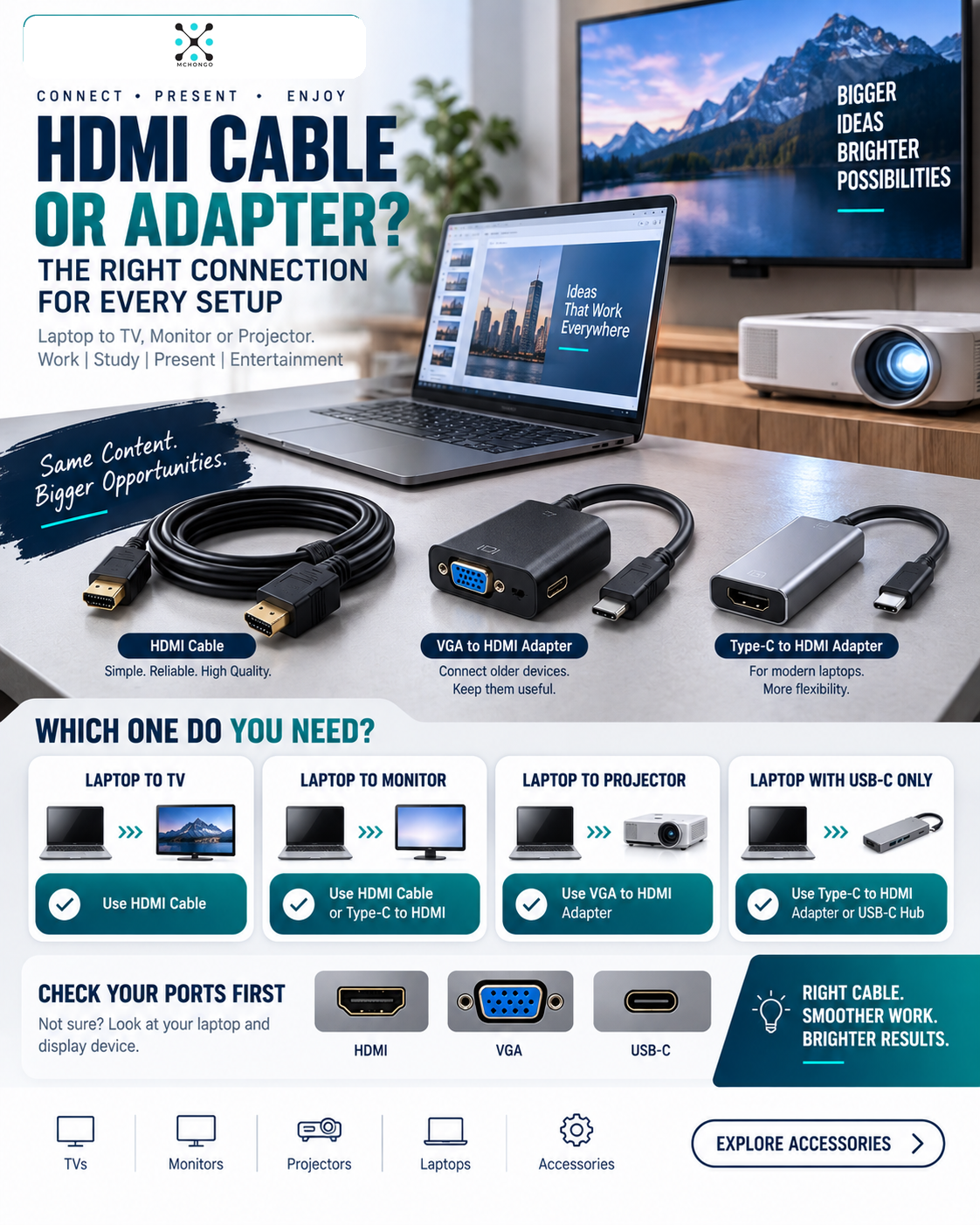
HDMI helps you connect your laptop to TVs, monitors and many modern projectors. If you do presentations, watch on bigger screens or use external monitors, HDMI is important.
2. VGA port
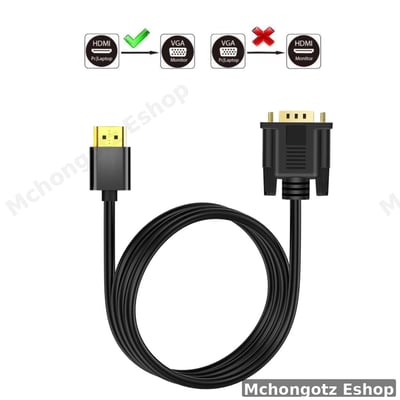
VGA is older, but still common in schools, offices, halls and some projectors. In Tanzania, VGA is still not dead. If you present in different places, Type-C to VGA can save you embarrassment.
3. USB-A ports
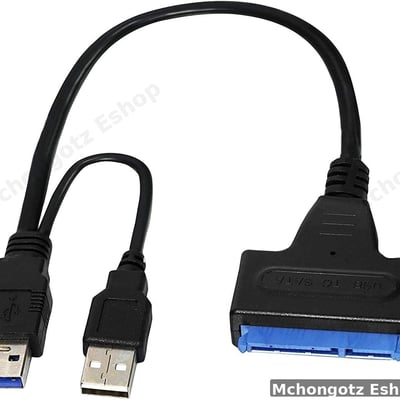
USB-A ports are useful for flash drives, mouse, keyboard, printer cables and external storage. If your laptop only has Type-C, you will still need USB-A often.
4. LAN or Ethernet port
LAN gives a more stable internet connection than WiFi in many offices, shops, schools and workspaces. If your laptop has no LAN port, a hub with Ethernet can be useful.
5. Type-C charging support
Some hubs allow charging while using other ports. This is useful when your laptop has only one or two Type-C ports. But not every hub supports charging, so check before buying.
6. SD card reader
Useful for photographers, videographers, content creators and anyone transferring files from cameras or memory cards.
USB-C hub types you may find
| Hub type | Best for | Buying advice |
|---|---|---|
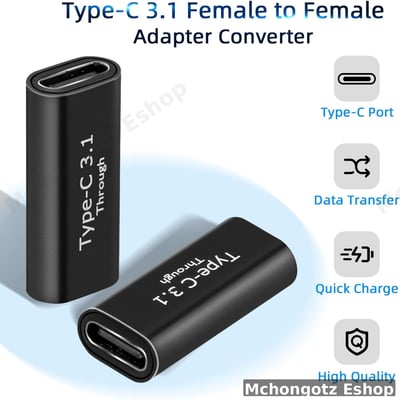
| Simple Type-C to USB adapter | Flash drive, mouse, keyboard | Good for basic daily use |
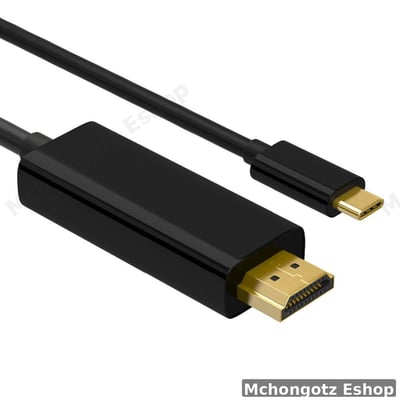
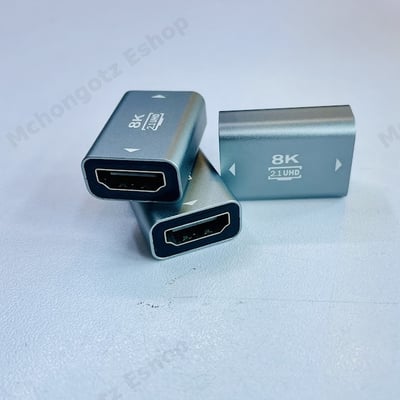
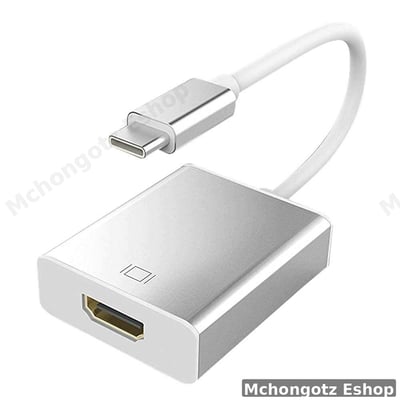
| Type-C to HDMI adapter | Monitor, TV, projector | Check resolution support before buying |
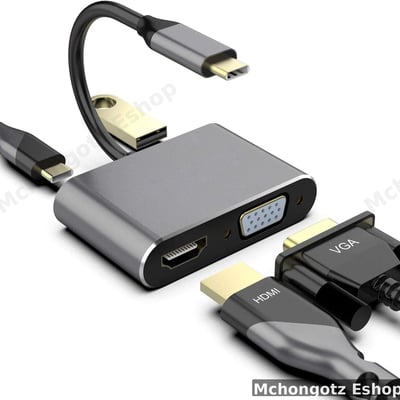
| Type-C to VGA adapter | Older projectors and office screens | Useful for teachers, students and trainers |
| 3-in-1 or 4-in-1 hub | Students and office users | Good balance of price and usefulness |
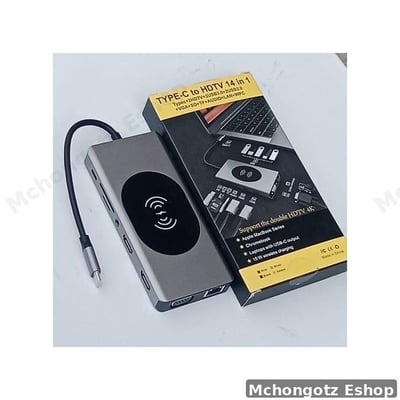
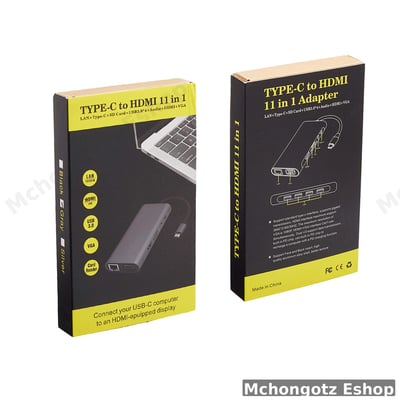
| 11-in-1 or 14-in-1 hub | Professionals and power users | Best when you need many ports at once |
What affects USB-C hub price in Tanzania?
USB-C hub prices in Tanzania depend on the number of ports, build quality, charging support, HDMI resolution, LAN support and brand quality. A simple adapter costs less than a multiport hub with HDMI, VGA, LAN and charging.
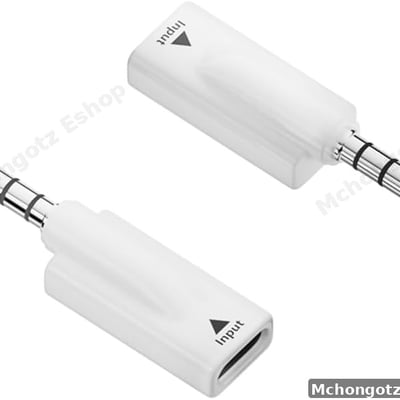
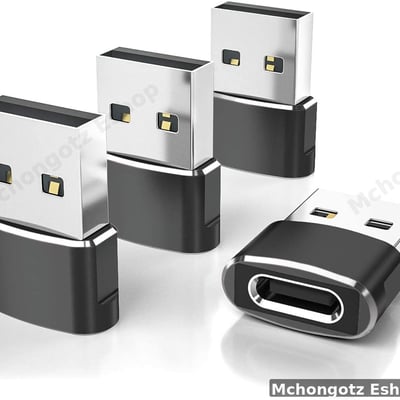
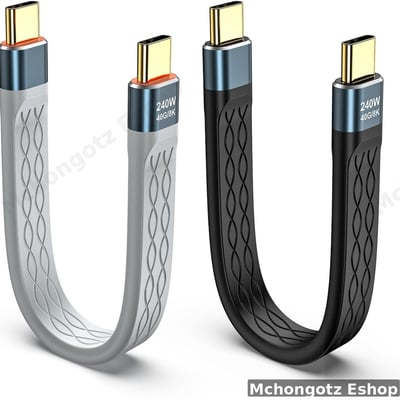
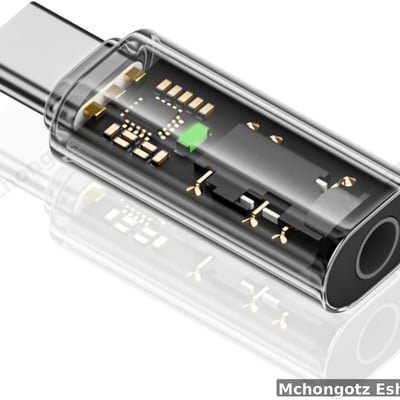
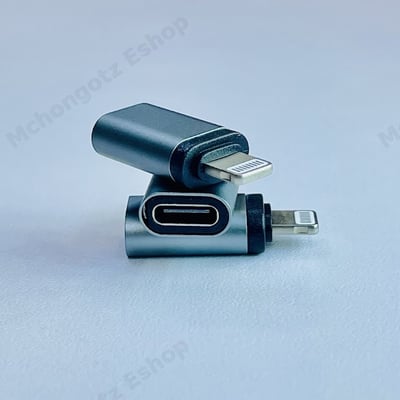
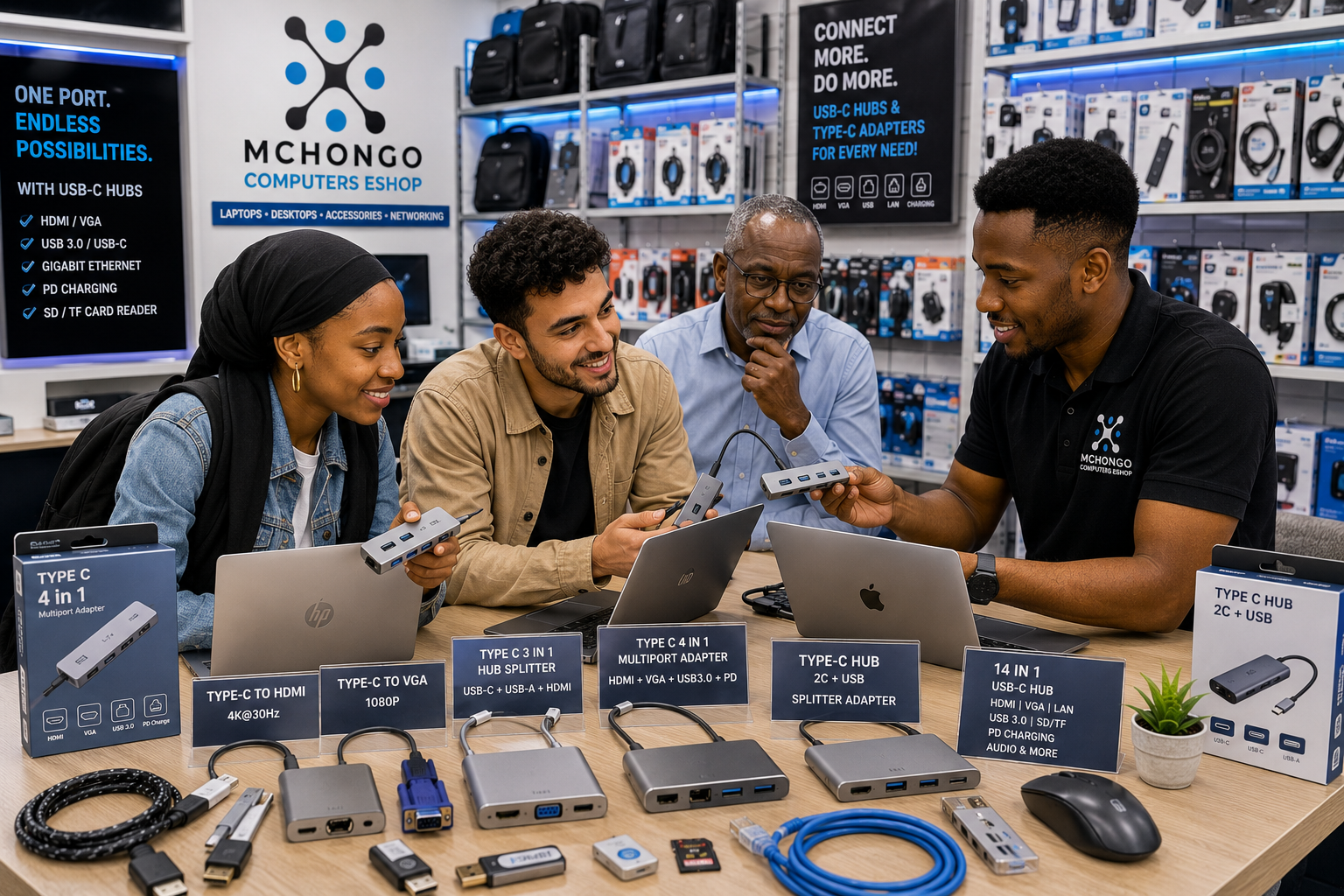
For example, some current Type-C adapter options at Mchongotz include simple and multiport options such as Type-C 4-in-1 adapters and Type-C hub splitter cables. Prices can change depending on stock, so always confirm before buying.
How to avoid buying the wrong USB-C hub
- Check whether your laptop Type-C port supports display output.
- Confirm whether you need HDMI, VGA, LAN, USB or charging.
- Do not buy only by looks; buy by function.
- For presentations, check the projector type before the day of use.
- For office setup, choose a hub with enough USB ports.
- For stable internet, choose a hub with LAN/Ethernet.
- For charging, confirm the hub supports power delivery.
Important warning: not all Type-C ports are equal
This is where many people get caught. A laptop may have a Type-C port, but that does not automatically mean it supports video output, charging or fast data. Some Type-C ports are basic. Some support display. Some support charging. Some support both.
Before buying a Type-C to HDMI or full USB-C hub, check your laptop model. If you are not sure, bring your laptop to the shop and test before buying.
Best USB-C hub setup by use case
| Use case | Recommended ports | Why |
|---|---|---|
| Student presentation | HDMI, VGA, USB | Works with projectors, flash drives and classroom screens |
| Office desk setup | HDMI, USB, LAN, charging | Good for monitor, keyboard, mouse and stable internet |
| Designer setup | HDMI, USB 3.0, SD card, Type-C | Good for external screens and file transfers |
| Business meetings | HDMI, VGA, USB | Flexible for different boardrooms and projectors |
| Home use | HDMI, USB, charging | Connects laptop to TV, mouse and charger |
Related accessories to buy with a USB-C hub
A USB-C hub works better when paired with the right accessories. Depending on your use, you may also need:
- HDMI cable
- VGA cable
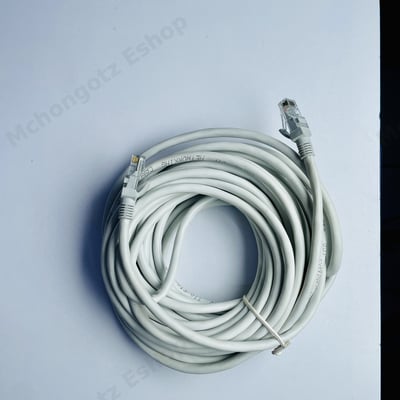
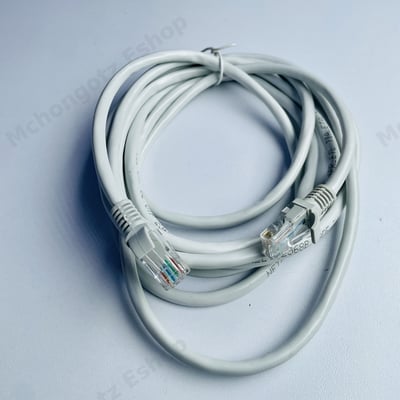
- LAN cable
- Wireless mouse
- Keyboard
- USB flash drive
- External SSD or hard drive
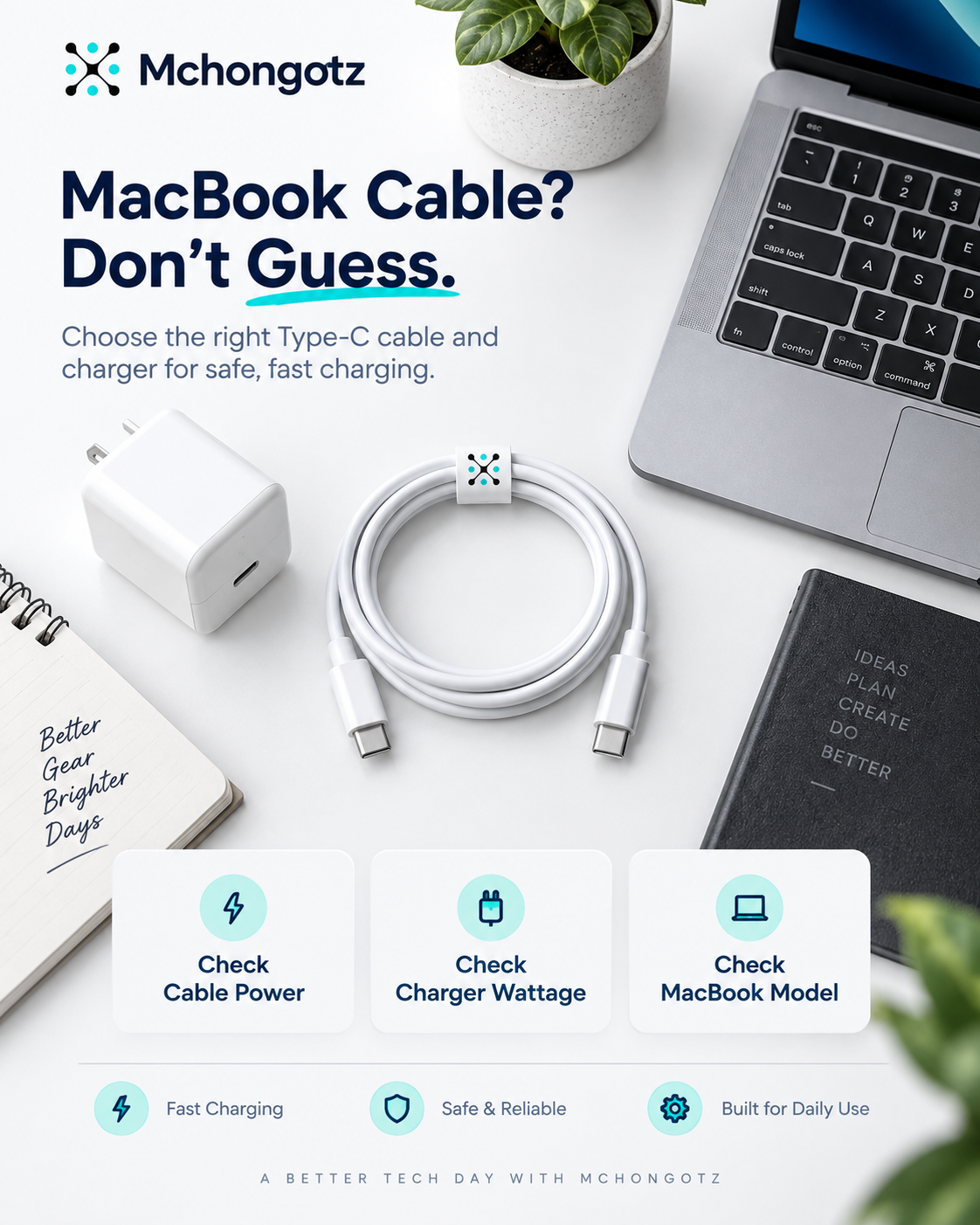
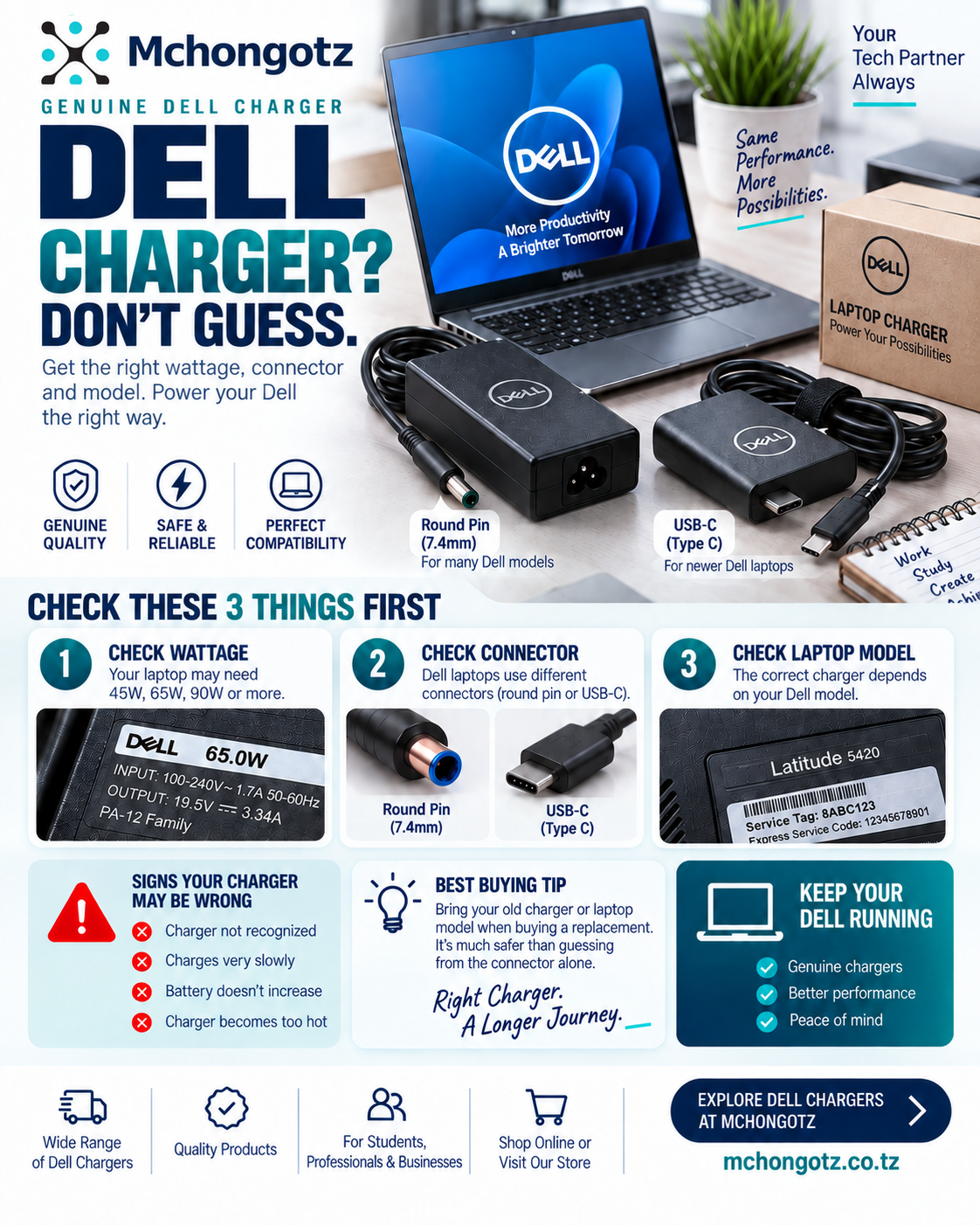
- Laptop charger
- Laptop bag or sleeve
You can explore related categories through computer accessories, docking stations and hubs, cables and connectors, and laptops.
FAQ: USB-C hubs and Type-C adapters in Tanzania
What is the best USB-C hub to buy?
The best USB-C hub depends on what you need. For presentations, choose HDMI and VGA. For office work, choose HDMI, USB, LAN and charging. For creators, choose USB 3.0 and SD card support.
Can all Type-C ports support HDMI?
No. Some Type-C ports do not support video output. Always check your laptop model before buying a Type-C to HDMI adapter.
Do I need a USB-C hub for university?
Yes, if your laptop has few ports or you do presentations. A hub with HDMI, VGA and USB can help students connect to projectors and flash drives.
What is the difference between USB-C hub and docking station?
A USB-C hub is usually smaller and portable. A docking station is often more powerful and better for permanent desk setups with monitors, keyboard, mouse and network connection.
Where can I buy USB-C hubs in Dar es Salaam?
You can buy USB-C hubs, Type-C adapters and computer accessories at Mchongotz Computers Eshop, Makumbusho Stand, Dar es Salaam, or shop online through https://mchongotz.co.tz/.
Final advice before buying
Do not buy a USB-C hub blindly. First list what you need to connect: projector, monitor, flash drive, LAN cable, charger, keyboard or mouse. Then choose the hub that solves that exact problem.
Need help choosing the right USB-C hub or Type-C adapter? Visit Mchongotz Computers Eshop at Makumbusho Stand, Dar es Salaam, browse online at https://mchongotz.co.tz/, call +255738050165 or chat on WhatsApp: Chat with Mchongotz on WhatsApp.
Ready to buy?
Browse laptops, desktops & accessories — great prices, warranty, Dar es Salaam.
Shop related products from this guide
Categories