Best Student Laptops in Dar es Salaam 2026: From TZS 300,000 to Powerful Course Laptops
Looking for a student laptop in Dar es Salaam? Compare Celeron, Core i3 and Core i5 laptops by course, budget and real student use.
Choosing a student laptop in Dar es Salaam is not about buying the most expensive machine. It is about buying the right laptop for your course, your budget and the kind of work you will actually do every week.
If you are searching for student laptop Dar es Salaam, cheap laptop for students Tanzania, Intel Celeron laptop Tanzania or laptop price Tanzania, this guide will help you avoid wasting money on the wrong specs.
The truth: not every student needs Core i5
Many sellers make students feel like anything below Core i5 is useless. That is not always true. For non-computing courses, an Intel Celeron laptop from around TZS 300,000 can be enough if the laptop is clean, the battery works, the keyboard is okay and the storage is reliable.
But do not twist that advice. If you are doing computer science, IT, software development, engineering, architecture, graphics, data analysis or video editing, a weak Celeron laptop will frustrate you. It may open documents, but it will suffer when you start running heavy applications.
Student laptop buying guide by course type
| Student type | Recommended specs | Good for | Budget idea |
|---|---|---|---|
| Basic non-computing courses | Intel Celeron, 4GB RAM, 64GB/128GB storage | Typing, PDFs, browsing, online classes, assignments | From around TZS 300,000 depending on condition |
| Better everyday student use | Core i3, 8GB RAM, SSD storage | Research, Zoom, Office apps, multitasking | Budget to mid-range |
| Computing and technical courses | Core i5/Ryzen 5, 8GB–16GB RAM, 256GB SSD or higher | Coding, data work, engineering tools, design apps | Mid-range and above |
| Design, editing and heavy projects | Core i7/Ryzen 7, 16GB RAM, 512GB SSD, graphics if needed | Adobe, video editing, graphics, architecture | Higher budget |
Best laptop for non-computing students
If your course is law, education, business administration, social sciences, public administration, accounting basics, procurement or general arts, you mainly need a laptop for typing, research, presentations, PDFs, online classes and email.
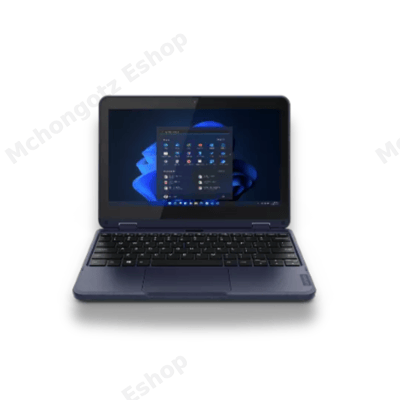
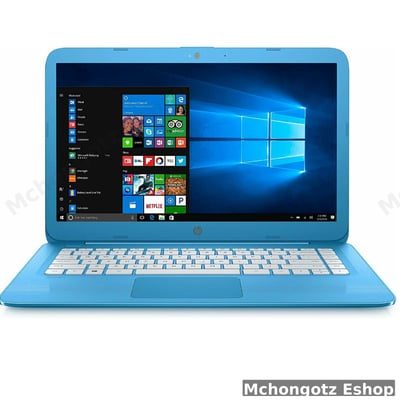
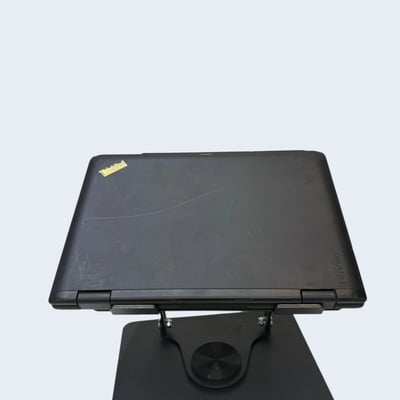
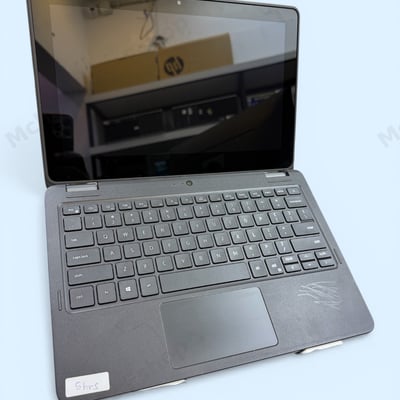
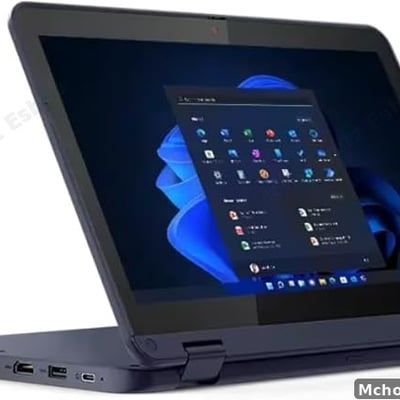
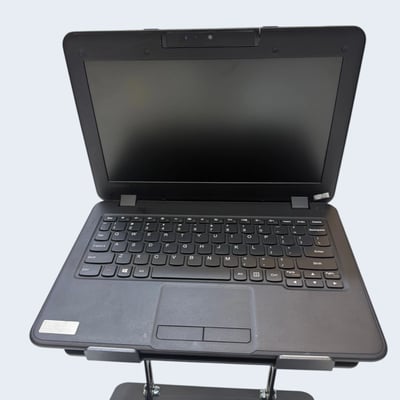
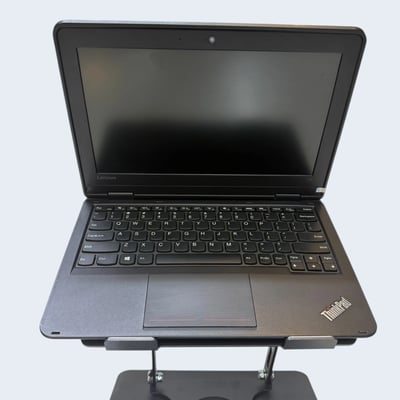
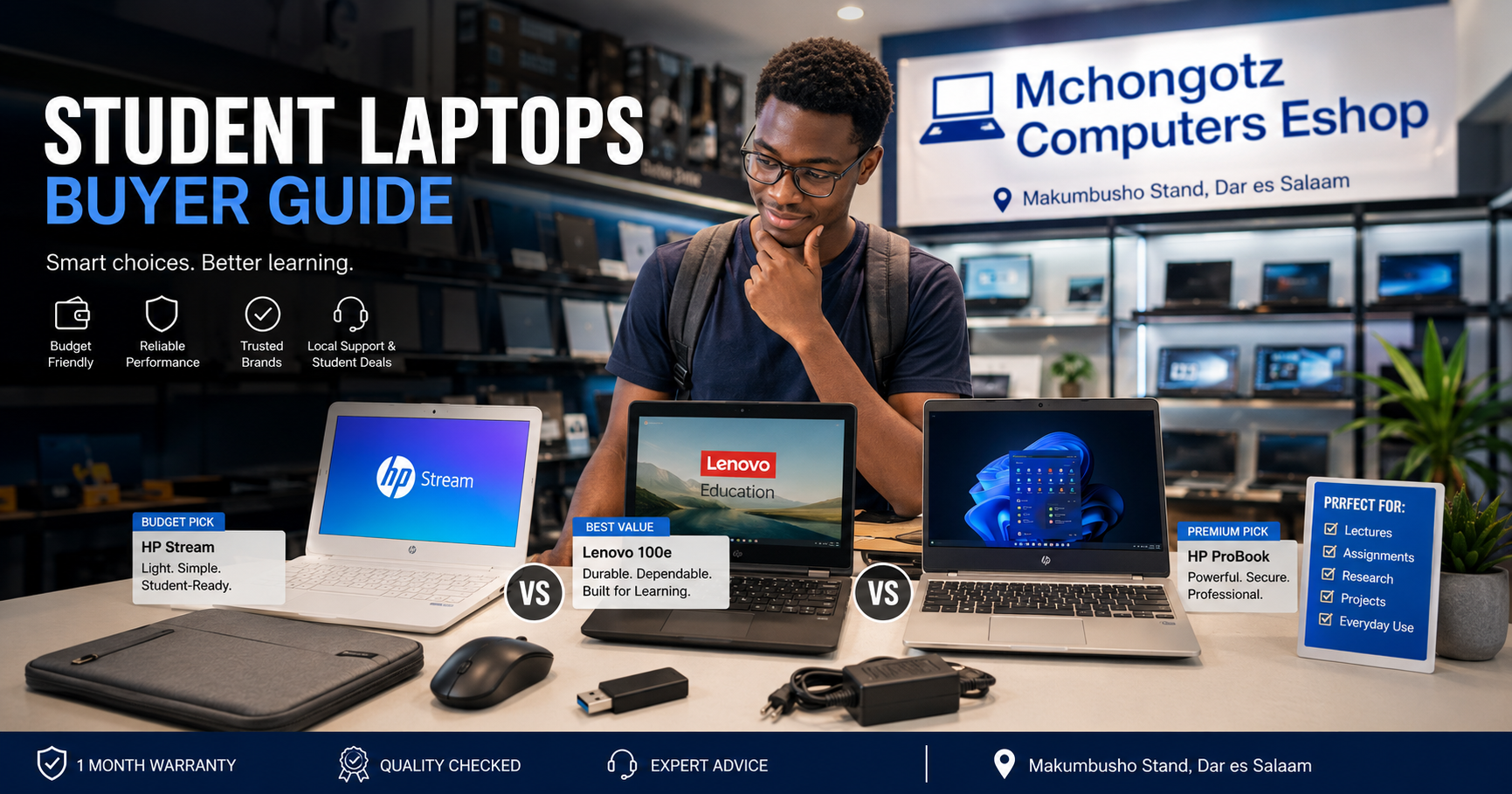
For this kind of student, a budget laptop like HP Stream, Lenovo 100e, Lenovo 300e or similar entry-level models can work. The point is not to pretend Celeron is powerful. It is not. The point is that it can still serve simple student work if expectations are correct.
What to check before buying a basic student laptop
- Battery: It should handle real class or library use, not die after a few minutes.
- Keyboard: Test all important keys before paying.
- Storage: 64GB can work for light use, but 128GB is safer.
- Screen: Avoid cracked, flickering or very dim screens.
- Charger: Make sure it is the correct charger, not a random dangerous adapter.
Best laptop for computing, IT and technical students
If your course involves programming, databases, networking, engineering software, graphics, data analysis or video editing, do not buy a laptop just because it is cheap. Cheap specs can punish you for three years.
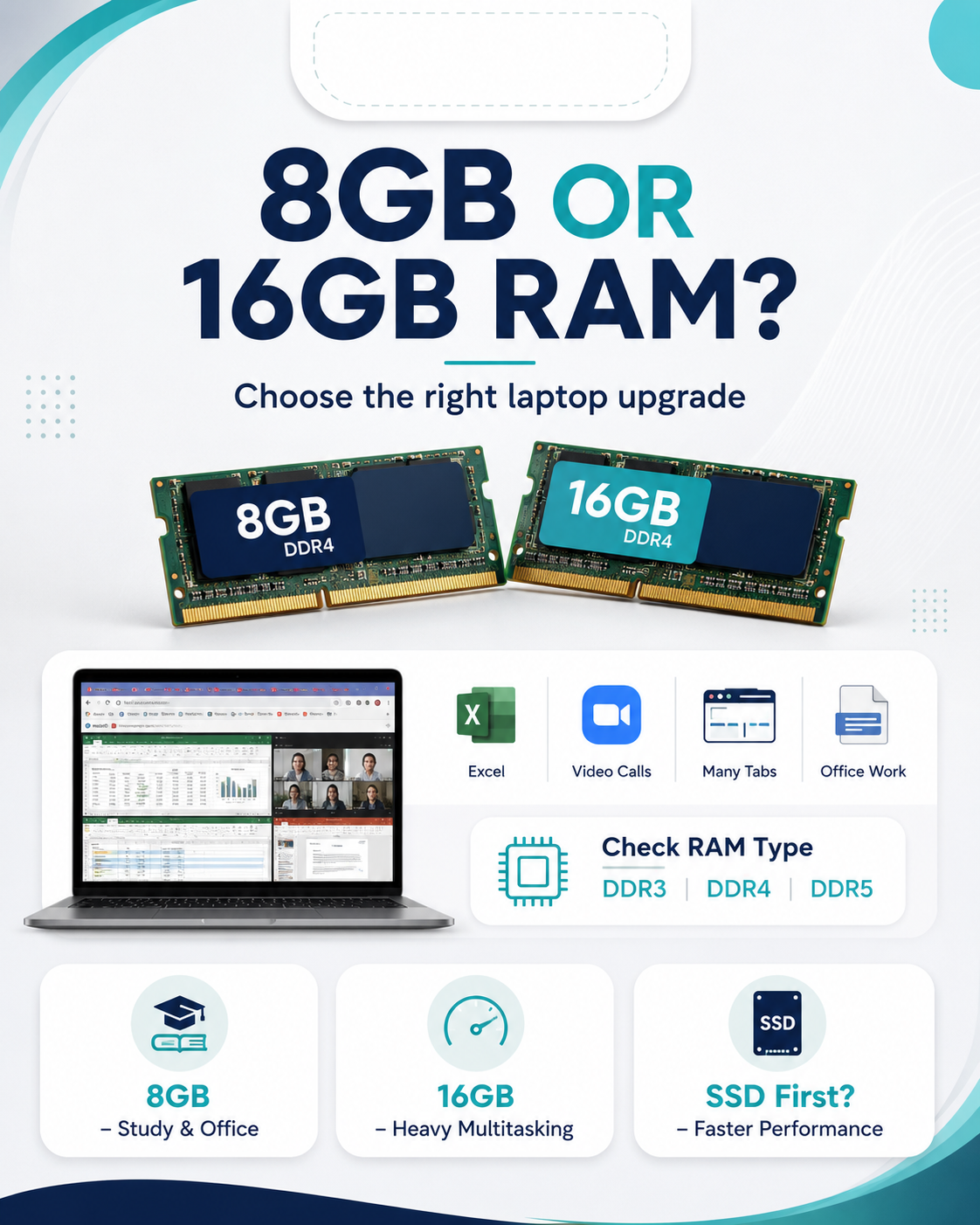
For technical courses, start with Core i5 or Ryzen 5, 8GB RAM minimum, 16GB RAM if possible and SSD storage. SSD is important because it makes the laptop open programs faster, boot faster and feel more responsive.
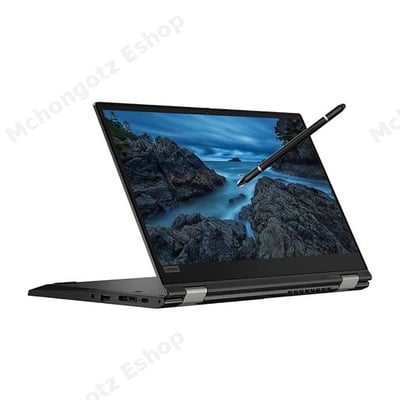
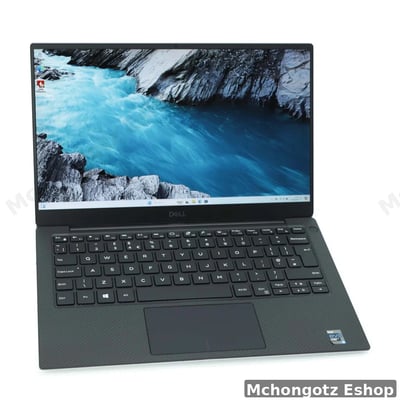
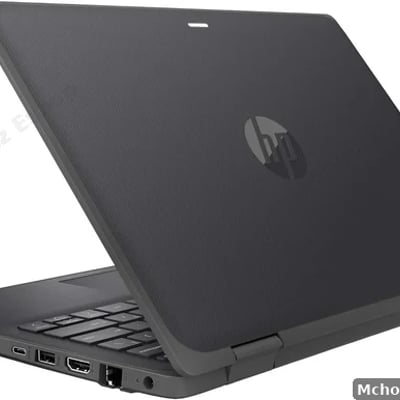
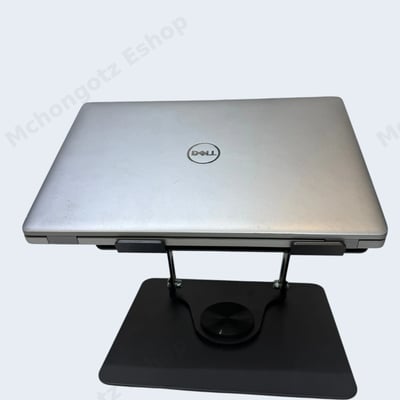
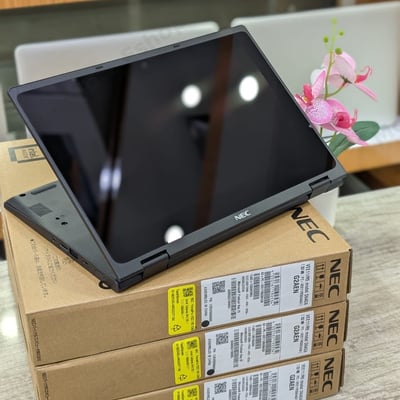
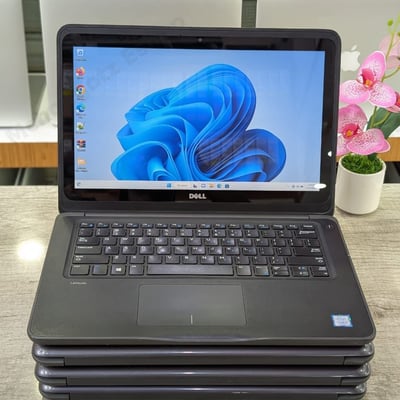
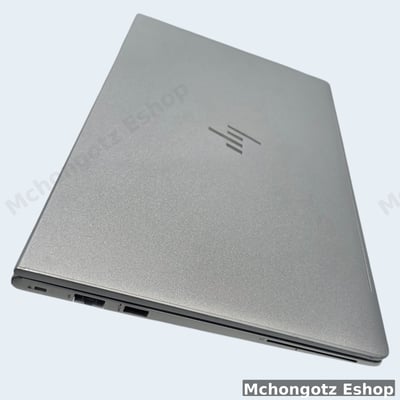
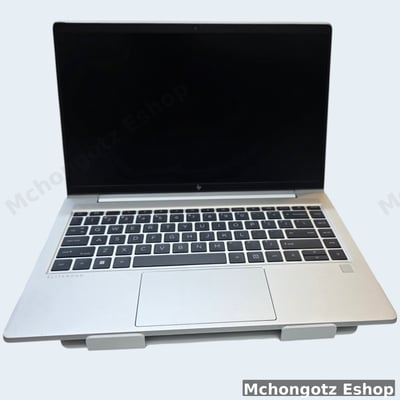
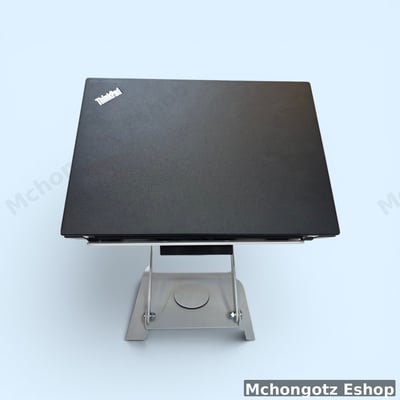
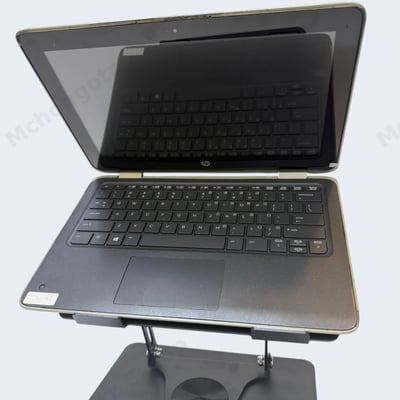
Good options for serious students include Dell Latitude, HP ProBook, HP EliteBook, Lenovo ThinkPad, Dell XPS, Lenovo ThinkPad Yoga and HP ProBook x360 depending on budget and availability.
Refurbished laptop vs used laptop for students
A student with a tight budget can save money by buying a good refurbished laptop. But here is the danger: many buyers confuse “used” with “refurbished.” A used laptop may simply be second-hand. A properly refurbished laptop should be checked, cleaned and tested before resale.
Before buying any refurbished or used laptop, ask these questions:
- Is the battery tested?
- Is the SSD original or recently upgraded?
- Does it have warranty?
- Are the hinges strong?
- Is the screen clean?
- Does the charger match the laptop?
- Can RAM or storage be upgraded later?
The aha moment is this: a clean refurbished Core i5 business laptop can be better than a weak new laptop with poor specs. New is not always better. Better is better.
Student laptop accessories you should not ignore
A laptop alone is not enough for a serious student. The right accessories protect your device and make your work easier.
- Laptop bag or sleeve: Protects the laptop when moving from home to campus.
- Wireless mouse: Makes assignments and browsing easier.
- Flash drive or external storage: Useful for assignments, backup and printing.
- HDMI or Type-C adapter: Helps during presentations.
- Laptop charger: Always use the correct wattage and pin type.
- LAN cable or USB Ethernet adapter: Useful where WiFi is unstable.
You can browse related items through computer accessories, student laptops and our full computer buying guide.
Common student buying mistakes
1. Buying only because the laptop is cheap
Cheap is good only when it solves your problem. If it cannot run your course tools, it is not cheap; it is future stress.
2. Ignoring battery condition
A student laptop with weak battery is annoying. You will keep hunting for sockets instead of studying.
3. Choosing HDD when SSD is available
SSD makes a huge difference. If two laptops are close in price, choose the one with SSD.
4. Forgetting ports
Students need USB, HDMI or Type-C for projectors, flash drives, mouse, external storage and presentations.
FAQ: student laptops in Dar es Salaam
Can a student use an Intel Celeron laptop?
Yes, a student can use Intel Celeron for basic non-computing courses such as typing, browsing, PDFs, assignments and online classes. For IT, programming, engineering or design, choose stronger specs.
What is the best budget laptop for students?
The best budget student laptop depends on course and condition. HP Stream, Lenovo 100e, Lenovo 300e and other entry-level laptops can work for simple use, while Core i3 or Core i5 is better for long-term performance.
Is refurbished laptop good for university students?
Yes, if it is properly tested and comes with clear condition details. A clean refurbished business laptop can be a smart choice for students who want better specs at a lower price.
How much should I spend on a student laptop in Tanzania?
For basic use, students may start from around TZS 300,000 depending on stock and condition. For better performance, prepare a higher budget for Core i3, Core i5, 8GB RAM and SSD storage.
Where can I buy student laptops in Dar es Salaam?
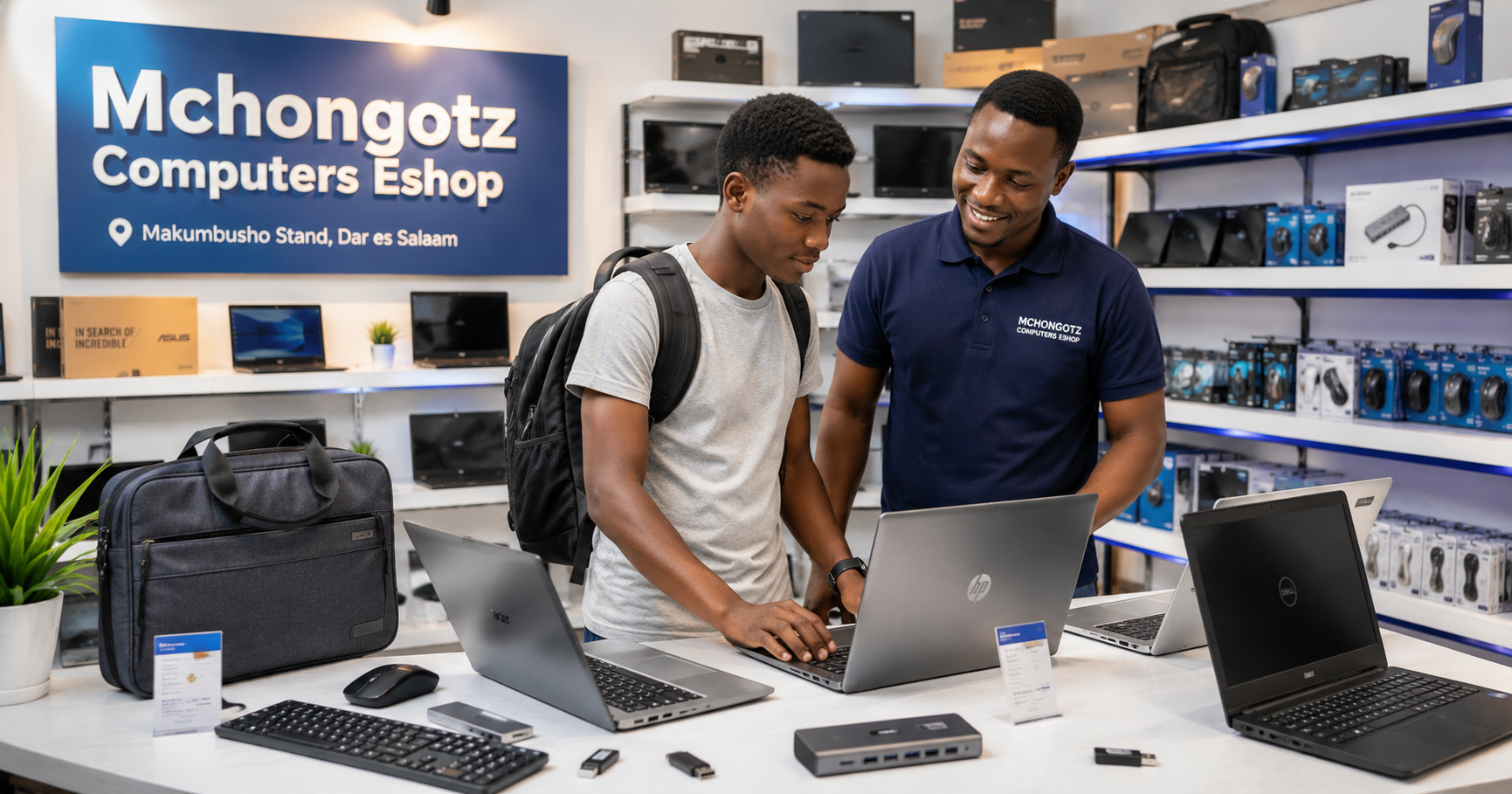
You can visit Mchongotz Computers Eshop at Makumbusho Stand, Dar es Salaam, or shop online through https://mchongotz.co.tz/.
Final advice for students
Do not buy a laptop to impress classmates. Buy a laptop that helps you finish assignments, attend classes, research, present and build your future. If your course is simple, do not overpay. If your course is technical, do not underbuy.
Need help choosing the right laptop for your course and budget? Visit Mchongotz Computers Eshop at Makumbusho Stand, Dar es Salaam, or shop online at https://mchongotz.co.tz/. Tell us your course, budget and preferred use, and we will help you choose wisely.
Ready to buy?
Browse laptops, desktops & accessories — great prices, warranty, Dar es Salaam.
Shop related products from this guide
Categories