Computer Upgrade · Laptop Guide
Why Your Laptop Is Slow in Tanzania 2026: SSD Upgrade Guide Before You Buy a New One
Is your laptop slow? Learn how an SSD upgrade can make it faster before you spend money on a new laptop in Tanzania.
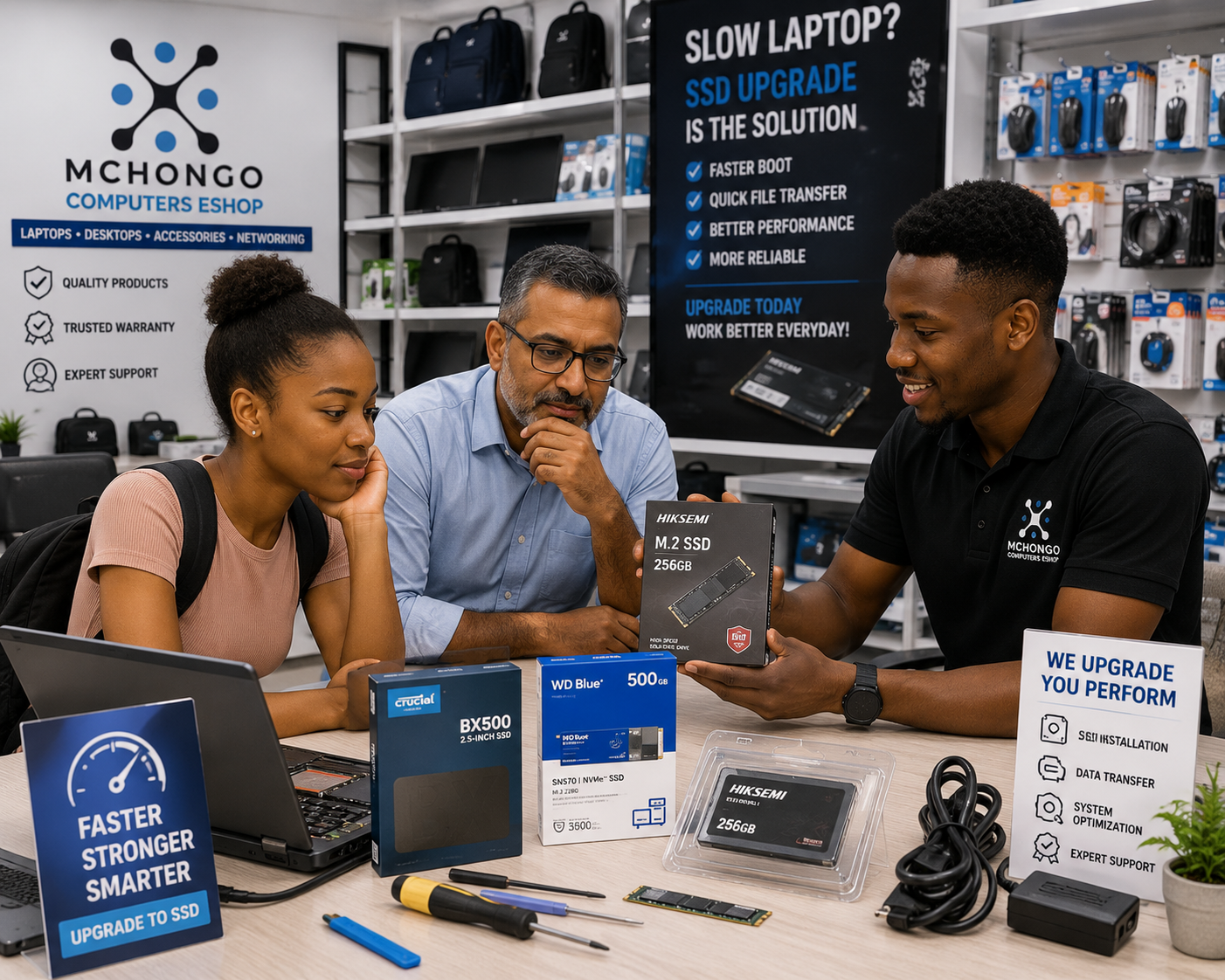
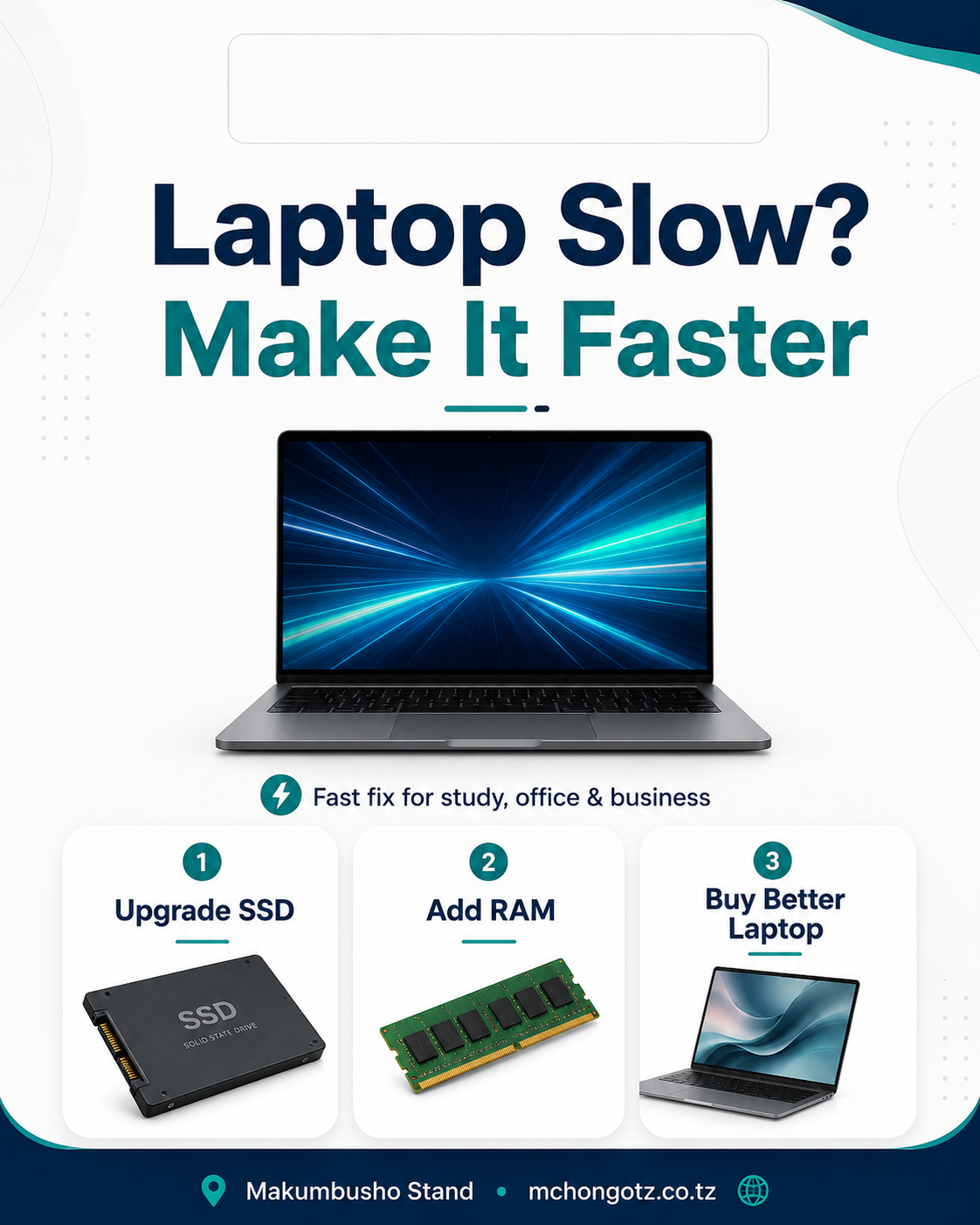
If your laptop takes forever to boot, freezes when you open a few tabs, or acts tired every time you try to work, the problem may not be that you need a new laptop. The problem may be that your storage is slow.
If you are searching for SSD price Tanzania, SSD upgrade Tanzania, how to make laptop faster, laptop slow fix Tanzania or M.2 SSD Tanzania, this guide will help you understand whether an SSD upgrade is the smart move before you spend more money than necessary.
Table of contents
- Why laptops become slow
- What an SSD actually does
- SSD vs HDD explained simply
- SATA SSD vs M.2 SSD vs NVMe
- Who should upgrade to SSD?
- SSD price guide in Tanzania
- What to check before buying an SSD
Why many laptops feel slow
A lot of people assume a slow laptop means the whole machine is finished. Sometimes that is true, but often it is not. A laptop can feel slow because of old storage, low RAM, too many startup programs, or a weak processor. But one of the most common causes is still old-style storage.
If your laptop takes too long to start, opens apps slowly, or hangs when you copy files, there is a good chance the storage is part of the problem. That is why SSD upgrade has become one of the smartest upgrades for students, office users and small businesses.
The aha moment is simple: many people are about to buy a whole new laptop when what they really need is faster storage.
What is an SSD?
SSD means Solid State Drive. It is a storage device used to keep your operating system, applications and files. Compared to older hard drives, SSD is much faster, quieter and more reliable in daily use.
When people say, “Laptop yangu ilikuwa slow sana, sasa inawaka haraka,” many times the hidden hero is SSD.
SSD vs HDD: what is the real difference?
| Feature | SSD | HDD |
|---|---|---|
| Speed | Much faster | Slower |
| Boot time | Shorter | Longer |
| Noise | Silent | Can make mechanical noise |
| Shock resistance | Better | More delicate |
| Daily feel | Smoother and more responsive | Can feel sluggish |
HDD is not useless. It can still be fine for cheap mass storage. But if your priority is speed, SSD wins clearly. For a student doing assignments, an office worker handling reports, or a shop running daily operations, that difference matters a lot.
SATA SSD, M.2 SSD and NVMe: what should you choose?
This is where many buyers get confused, so let us kill the confusion properly.
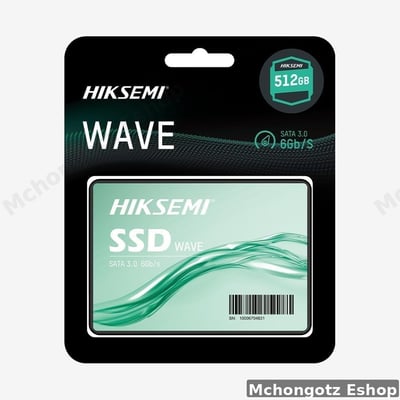
1. SATA SSD
SATA SSD is a common upgrade for older laptops and desktops. It is much faster than HDD and is often a practical choice for budget upgrades.
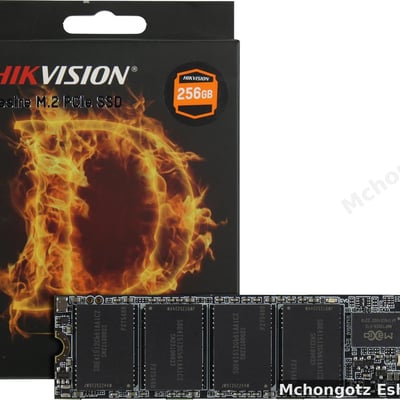
2. M.2 SSD
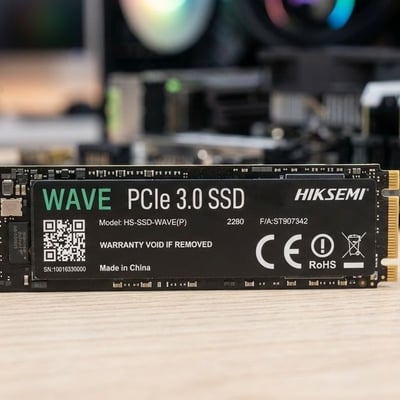
M.2 is a smaller type of SSD that fits into supported laptops and desktops. Some M.2 drives use SATA speed, while others use NVMe speed.
3. NVMe SSD
NVMe is the faster type among the common SSD options. If your laptop supports it, NVMe can give excellent performance for booting, file work and demanding tasks.
The important point is this: not every SSD fits every laptop. Before buying, confirm which storage type your machine supports.
Who should upgrade to SSD?
SSD upgrade is especially useful for:
- University students whose laptops take forever to open documents, Zoom or browsers
- Office workers who need faster reports, Excel work and email tasks
- Business owners running admin software, stock work or POS-related tasks
- Designers and editors who want smoother file handling
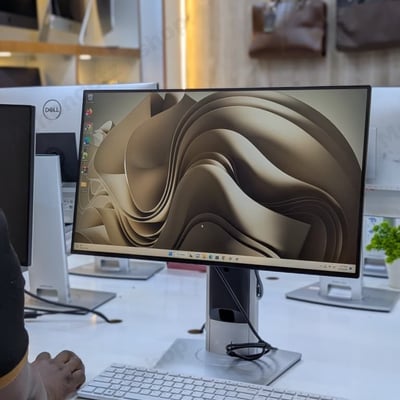
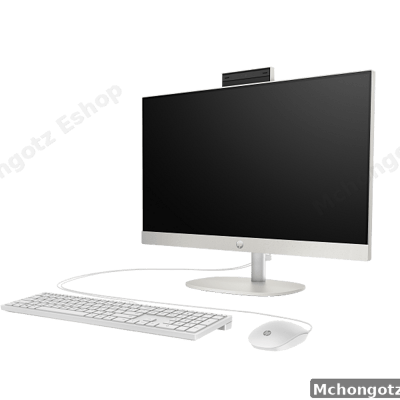
- Desktop users who want a better system feel without buying a new machine
If your processor is still decent but your laptop feels tired, SSD upgrade may give you new life without forcing you into a full replacement.
Signs your laptop may benefit from SSD upgrade
- It takes too long to start Windows
- Apps open slowly
- File transfer feels painful
- The laptop hangs when multitasking
- You hear old hard-drive noise and delays
- The laptop is still usable, but it feels like it is fighting you every day
SSD price guide in Tanzania
SSD prices in Tanzania depend on capacity, brand, speed and form factor. A current example on Mchongotz is the HIKSEMI 256GB M.2 SSD, listed at around TZS 180,000. Larger capacities and faster options usually cost more, while smaller or simpler options may cost less.
| SSD type | Best for | What affects price |
|---|---|---|
| 128GB SSD | Basic upgrade for light users | Brand, form factor and speed |
| 256GB SSD | Students, office users, general daily use | Good balance of value and space |
| 512GB SSD | Heavier users, programmers, designers | Higher capacity and sometimes higher speed |
| 1TB SSD and above | Professionals, editors, power users | Large capacity, brand and performance class |
If you are not sure what size to choose, 256GB is often the sweet spot for many students and office users. It is not tiny, and it is not overkill.
SSD upgrade vs buying a new laptop
Sometimes upgrading is smarter than replacing. If your laptop still has a usable screen, decent battery, working keyboard and acceptable processor, an SSD upgrade can save money and improve real-world performance.
But if the machine has several problems at once — weak battery, cracked screen, broken keyboard, very old processor and poor overall condition — then forcing upgrades into a dying machine may be false economy.
That is why good advice matters. The right answer is not always “buy new,” and it is not always “upgrade.” It depends on the machine you already have.
What to check before buying an SSD
- Confirm whether your laptop supports SATA SSD, M.2 SSD or NVMe
- Check your current storage size and what you actually need
- Choose a realistic brand, not fantasy-quality rubbish
- Ask whether installation help is available
- Ask whether Windows setup or data transfer support is available
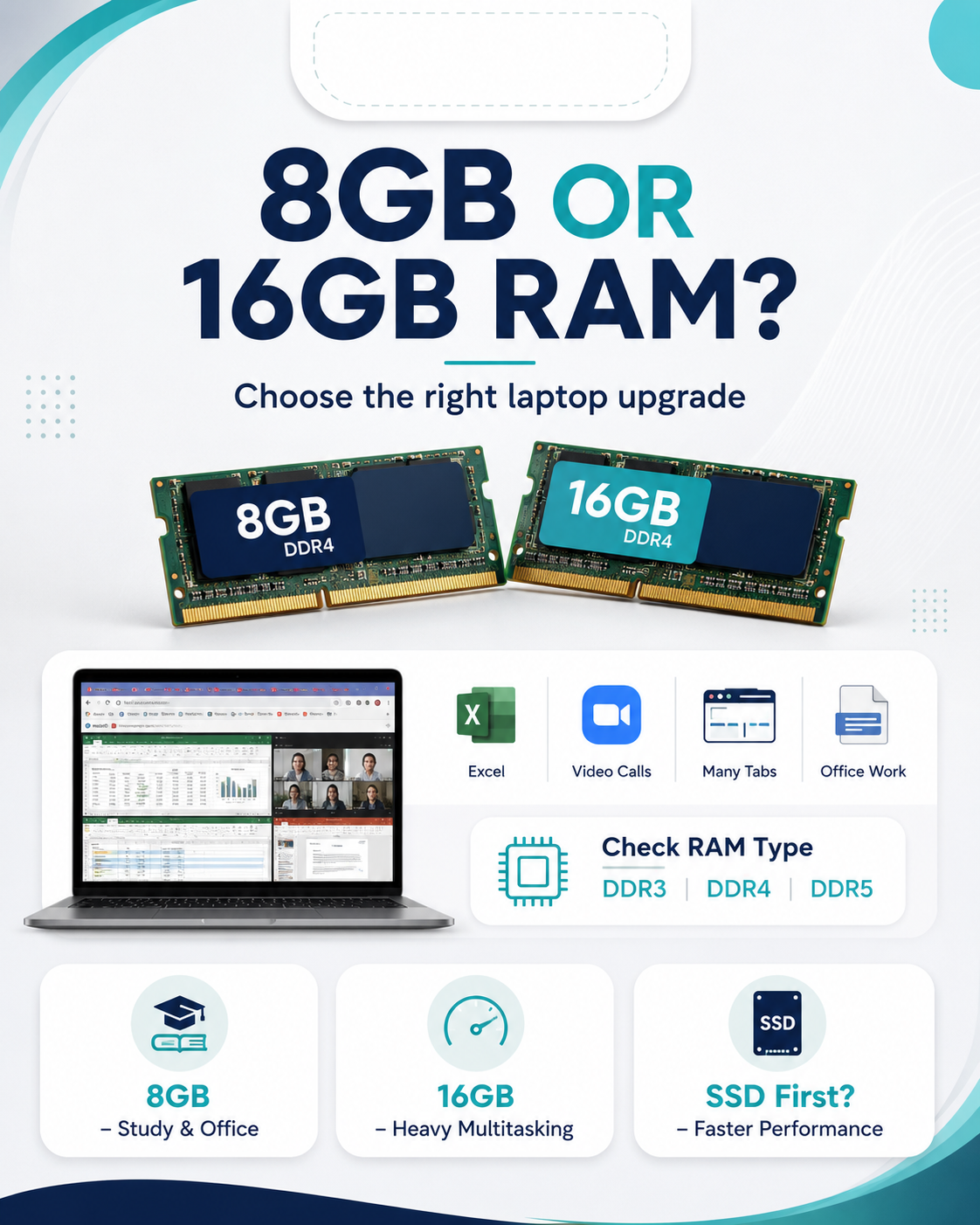
- Think about RAM too, because sometimes SSD + RAM is the real winning combination
Common mistakes people make when upgrading storage
1. Buying the wrong SSD type
The SSD may be good, but if it does not fit your laptop, you bought stress.
2. Focusing only on capacity
People ask, “Ni 1TB?” before they ask whether the drive is compatible or fast enough. Capacity matters, but compatibility comes first.
3. Ignoring backup
Before changing storage, back up important files. Do not cry over lost assignments, photos or office files later.
4. Expecting miracles from a completely dead laptop
SSD helps a lot, but it does not turn a broken laptop into a superhero. If several hardware parts are failing, be realistic.
Related products and categories to check
You can explore related items through computer accessories, laptops, desktop computers and storage devices.
FAQ: SSD upgrade in Tanzania
What does SSD do for a laptop?
SSD makes a laptop boot faster, open apps faster and feel smoother in everyday use.
Is SSD better than HDD?
Yes, SSD is faster and generally gives a better daily experience. HDD is still okay for cheap bulk storage, but it is slower.
Can SSD make an old laptop fast again?
In many cases, yes. If the laptop still has a decent processor and general condition, SSD upgrade can make a big difference.
What is the difference between SATA SSD and M.2 SSD?
SATA SSD is common in many older upgrades. M.2 is a smaller form factor, and some M.2 drives are even faster, especially NVMe types. The correct choice depends on your device.
How much is an SSD in Tanzania?
Prices vary by capacity and type. As an example, a current 256GB M.2 SSD listing at Mchongotz is around TZS 180,000, while other capacities and types may be higher or lower.
Where can I buy SSD in Dar es Salaam?
You can visit Mchongotz Computers Eshop at Makumbusho Stand, Dar es Salaam, or browse online through https://mchongotz.co.tz/.
Final advice
Do not rush to buy a new laptop just because yours feels slow. First ask the smarter question: is the problem the whole computer, or just the storage? In many cases, SSD upgrade is the better answer.
Need help checking whether your laptop can be upgraded? Visit Mchongotz Computers Eshop at Makumbusho Stand, Dar es Salaam, browse online at https://mchongotz.co.tz/, call +255738050165 or chat on WhatsApp: Chat with Mchongotz on WhatsApp.
Ready to buy?
Browse laptops, desktops & accessories — great prices, warranty, Dar es Salaam.
Shop related products from this guide
Categories